Looking for something in particular?
Categories
- AI Builder 3
- Azure 10
- Canvas Power Apps 6
- Custom Pages 6
- Customer Insights - Journeys 20
- Customer Voice 6
- Dataverse 30
- Dynamics 365 43
- Dynamics 365 Marketing 88
- Dynamics 365 Portals 11
- Dynamics 365 for Outlook 3
- JavaScript 10
- Marketing (Non Dynamics 365) 7
- Micro Enterprise Financials 2
- Microsoft Excel 2
- Microsoft Forms 2
- Microsoft PowerPoint 2
- Microsoft Teams 3
- Model-driven Power Apps 38
- Office 365 3
- OneDrive 1
- Outlook 2
- PCF & Custom Controls 14
- Power Automate 84
- Power BI 3
- Power Platform 5
- PowerFX 1
- SharePoint 4
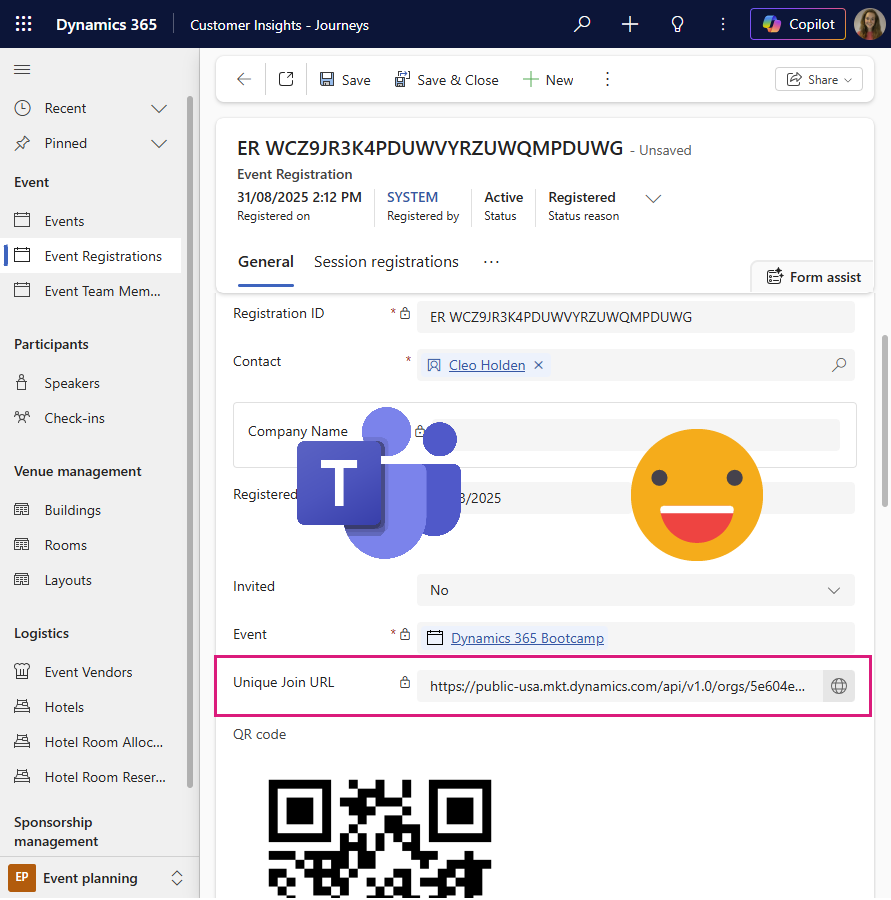
Unique Join Link for Teams Meetings and Webinars in Dynamics 365 Customer Insights - Journeys
Dynamics 365 Customer Insights – Journeys integrates with Microsoft Teams to enable attendee‑level tracking through unique join links for meetings and webinars. While the standard approach uses the built‑in Join in Teams button in journey emails, this isn’t always reliable when emails need to be resent or shared through other channels. This post shows how those unique join links are constructed behind the scenes and how to use a PowerFX calculated column on the Event Registration table to automatically generate a Teams join URL per registrant which works seamlessly across environments and ensures every attendee check‑in is accurately captured in Dynamics—without manual effort or error‑prone processes.