Looking for something in particular?
Categories
- AI Builder 3
- Azure 10
- Canvas Power Apps 6
- Custom Pages 6
- Customer Insights - Journeys 21
- Customer Voice 6
- Dataverse 30
- Dynamics 365 43
- Dynamics 365 Marketing 88
- Dynamics 365 Portals 11
- Dynamics 365 for Outlook 3
- JavaScript 10
- Marketing (Non Dynamics 365) 7
- Micro Enterprise Financials 2
- Microsoft Excel 2
- Microsoft Forms 2
- Microsoft PowerPoint 2
- Microsoft Teams 3
- Model-driven Power Apps 38
- Office 365 3
- OneDrive 1
- Outlook 2
- PCF & Custom Controls 14
- Power Automate 85
- Power BI 3
- Power Platform 5
- PowerFX 1
- SharePoint 4
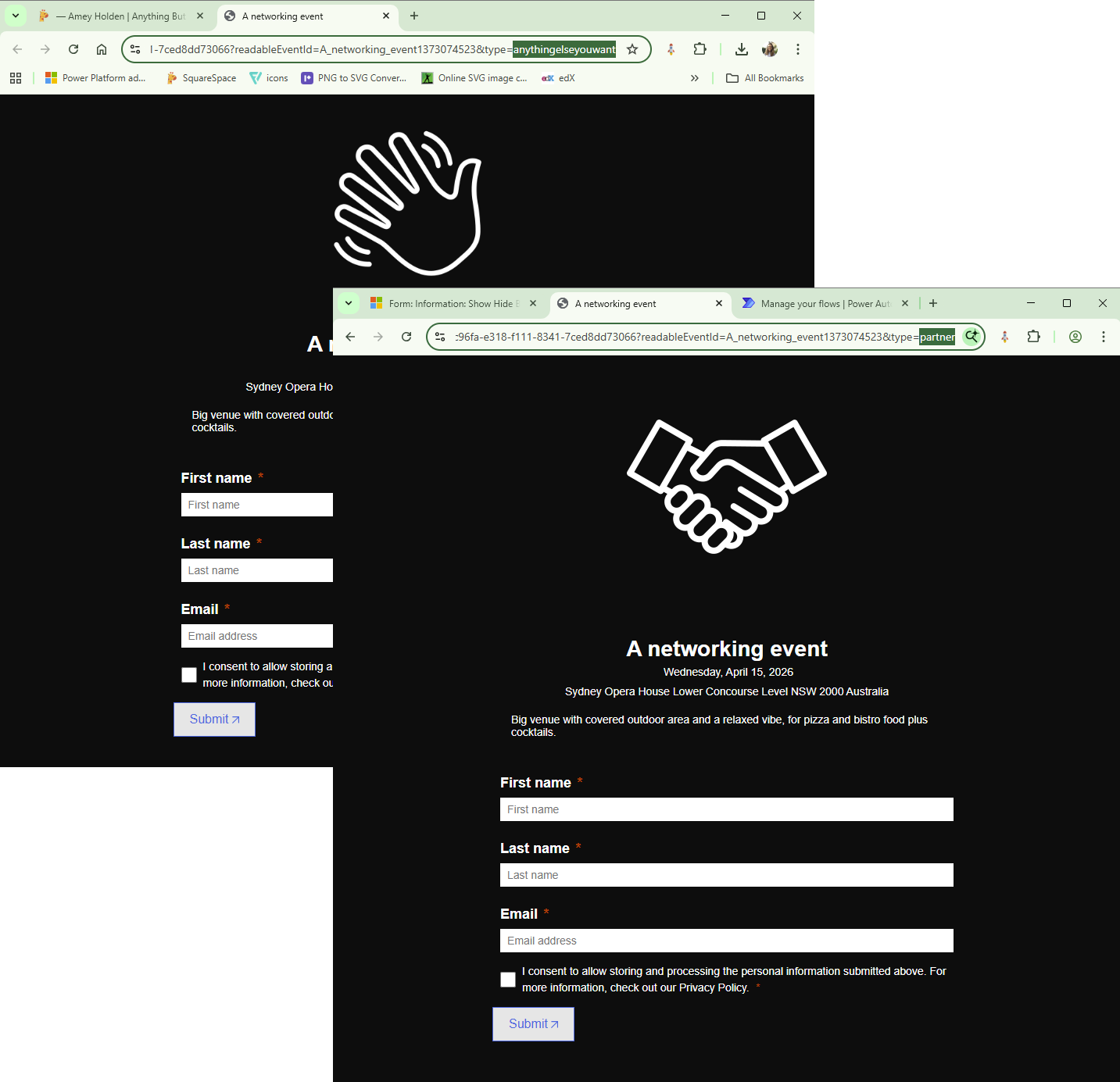
Change the appearance of Marketing and Event forms using URL parameters in Customer Insights - Journeys
How to change the appearance of a Customer Insights - Journeys form based on URL parameters, for when you want to (or have to) use the same form for different personas, brands or behaviours.
For example, an event will only allow you to use one form for taking registrations, but you may want to change the form visuals based on the person invited. Using separate events would make it difficult to manage capacity, impossible to use streaming in teams and some very disjointed reporting. So lets make a single form work for both!
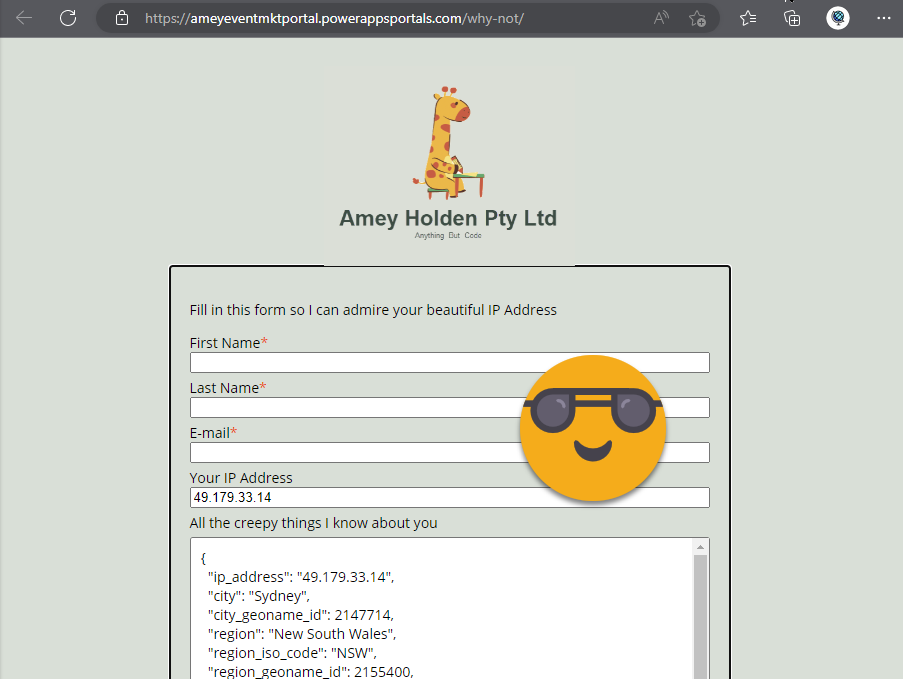
Capture IP Address and Geolocation Data with Dynamics 365 Marketing Forms
How to capture IP address, country, timezone and connection details in Dynamics 365 Marketing forms, so you can know exactly where your web form traffic is coming from!
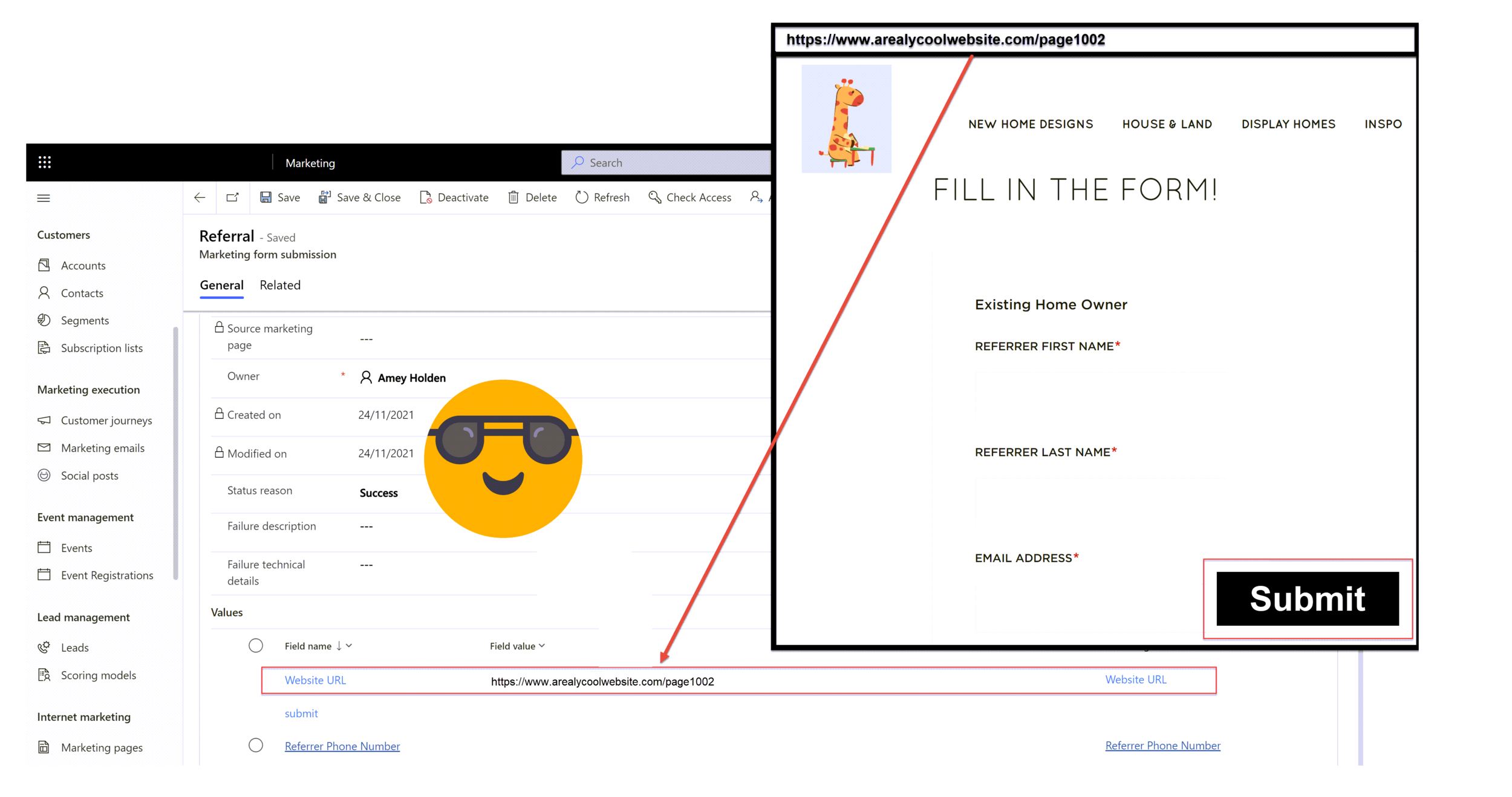
Capture Referrer URL with Dynamics 365 Marketing Forms
How to capture the ‘Referrer URL’ in Dynamics 365 Marketing forms, so you can know exactly what website the lead came from before they landed on your website - nice!
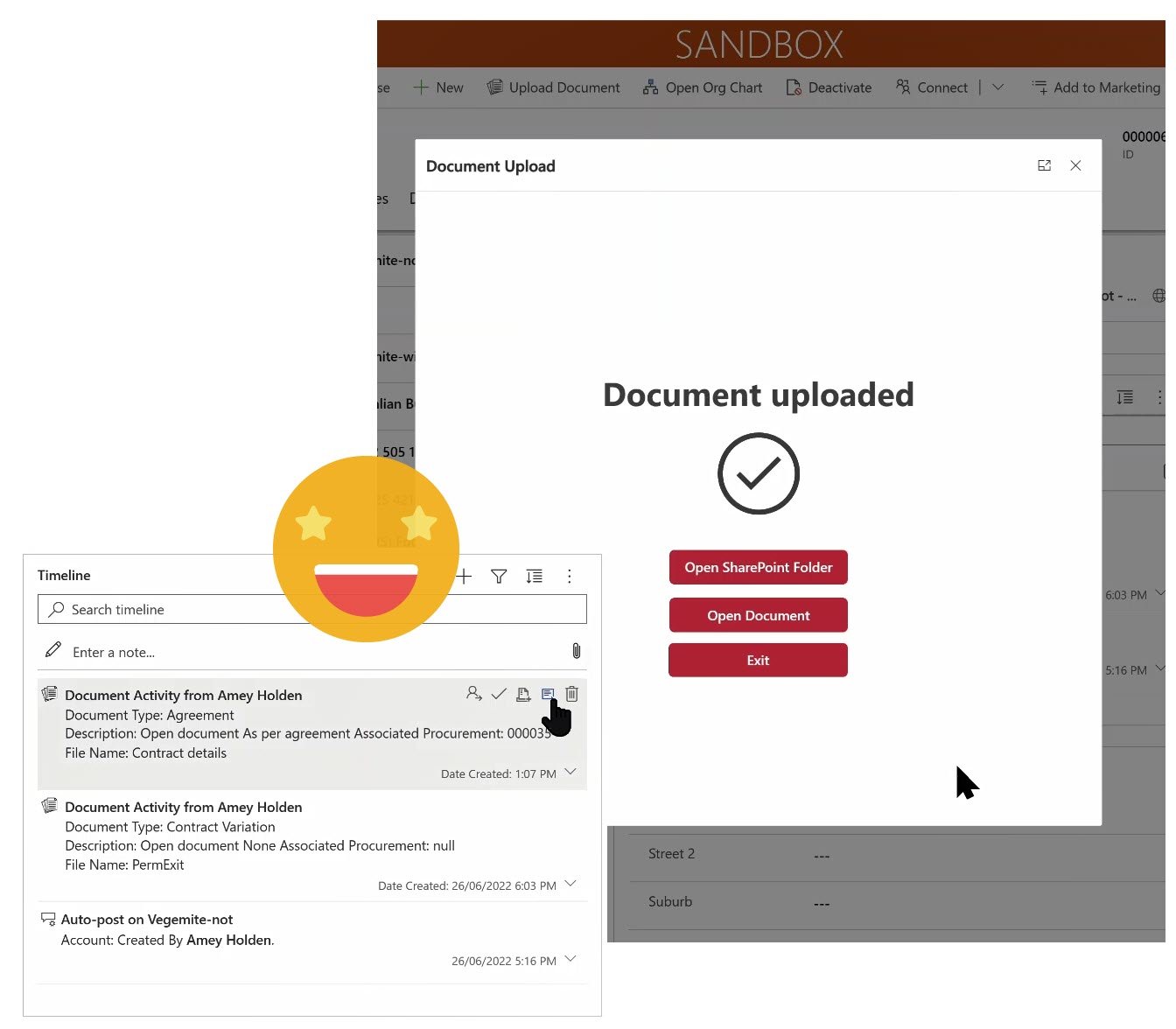
Upload Documents from Model-driven apps or Dynamics 365 to SharePoint - with metadata!
The Dataverse model-driven\Dynamics 365 app to SharePoint ‘integration’ is not the best. Chucking documents into folders, which are stored in folders, within more folders is not ok.
How to use Custom Pages, Power Automate, SharePoint, Power Apps and Dynamics 365 to help make it better. This post will show you how to:
1) Add information or metadata about the document except the record it relates to (by proxy of its location) during the upload
2) Show users when documents were uploaded without delving into each SharePoint folder
3) Significantly improve the document management user experience in model-driven apps
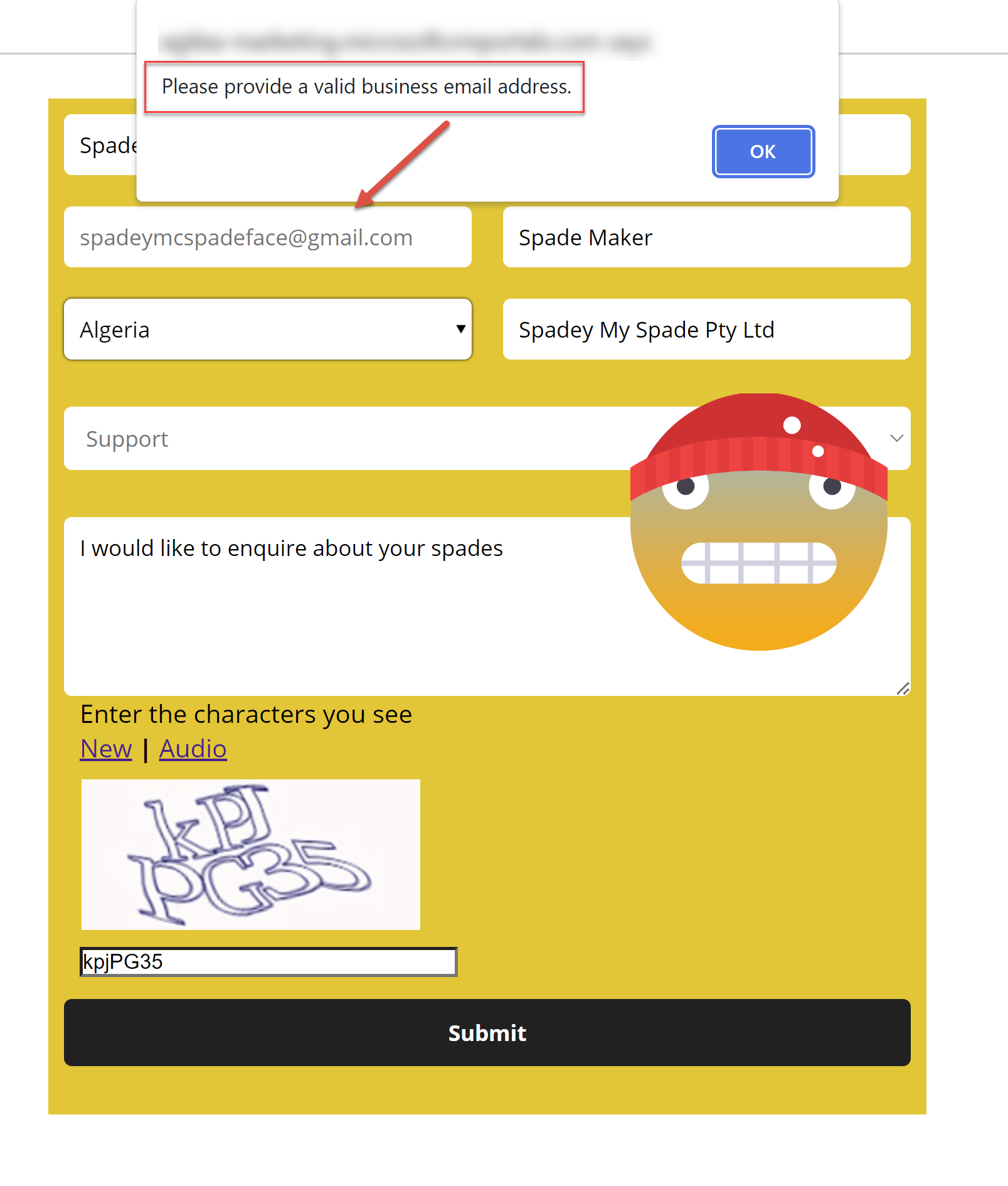
Prevent submission of a non-business email address in Dynamics 365 Marketing forms
How to prevent a Dynamics 365 Marketing form with a non-business email address such as gmail.com or yahoo.com. Perfect for B2B customer and users alike.
Which web page was my Dynamics 365 Marketing form submitted from?
How to use the same dynamics 365 marketing embedded form on multiple pages in your website, and being able to know which web page the form was submitted from.
For example you have a general enquiry form which is a request for more details, you embed this on multiple pages about various services you offer. It is valuable to know which service the enquiry is about, without relying on the customers message to tell you or having to create different forms for each page with a hidden field set to a default value.
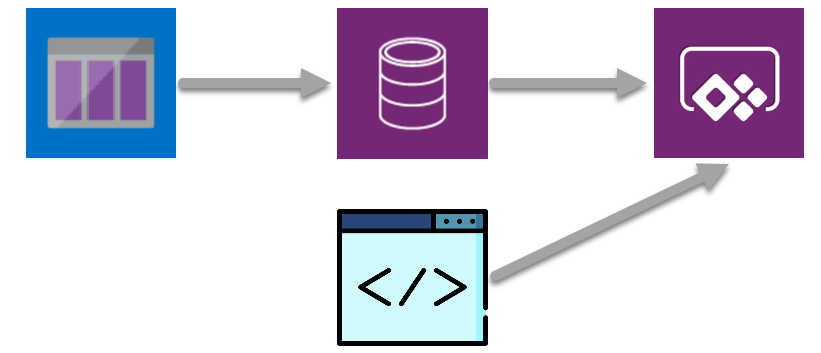
From Azure Queues to model-driven Power Apps for social media analytics
The second step in creating an immersive, AI enriched social media monitoring and analysis model driven app. Retrieving messages from an Azure queue which is full of AI enriched data and displaying it to our users in meaningful and enjoyable ways
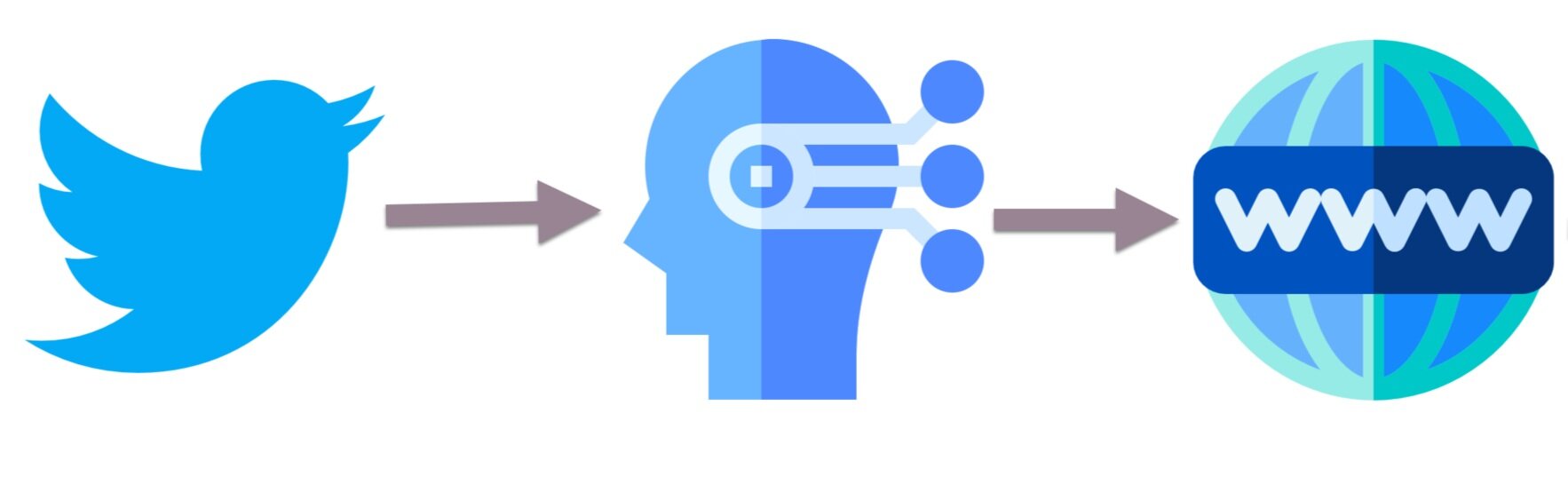
Using Power Automate with Azure Queues & Cognitive Services for AI fuelled social media analytics
A technical deep dive into how we leveraged Power Automate to integrate Twitter with a range of Azure services. The first step in creating an immersive, AI enriched social media monitoring and analysis model driven app.
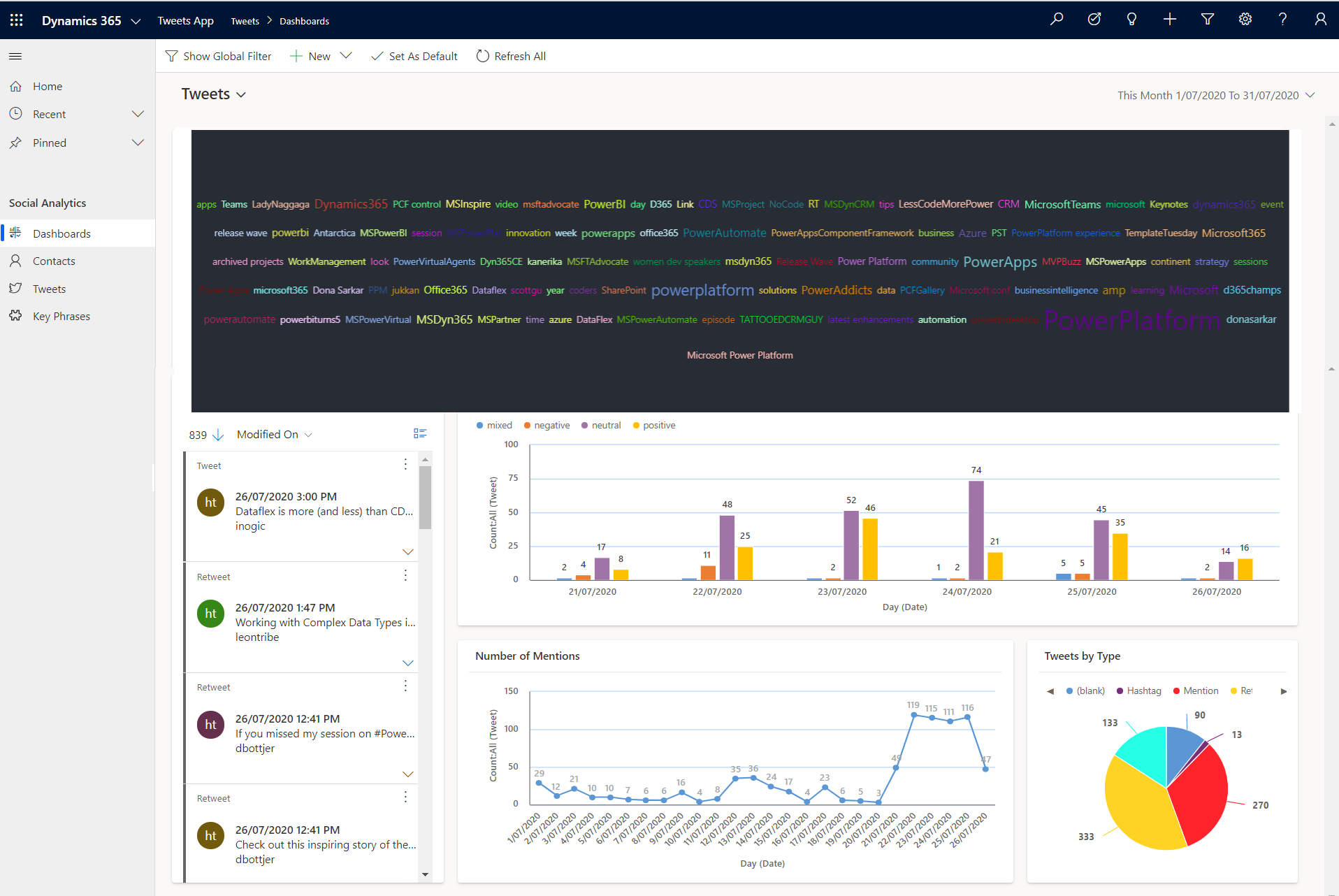
Azure, JavaScript & PCF: Level Up Social Media Monitoring & Analysis
An immersive, AI enriched social media monitoring and analysis model driven app to monitor any Twitter hashtags or mentions of your choice! Built on the Power Platform, integrated with Azure, leveraging JavaScript & Power Apps Component Framework (PCF), visualised in a Power App!

Social Post Approvals in Dynamics Marketing Option 1: Custom Button
Exploring the use of a custm button to call a Power Automate flow as part of a process to approve social posts in Dynamics Marketing. Including a step by step ABC guide on how to do it.