Looking for something in particular?
Categories
- AI Builder 3
- Azure 10
- Canvas Power Apps 6
- Custom Pages 6
- Customer Insights - Journeys 20
- Customer Voice 6
- Dataverse 30
- Dynamics 365 43
- Dynamics 365 Marketing 88
- Dynamics 365 Portals 11
- Dynamics 365 for Outlook 3
- JavaScript 10
- Marketing (Non Dynamics 365) 7
- Micro Enterprise Financials 2
- Microsoft Excel 2
- Microsoft Forms 2
- Microsoft PowerPoint 2
- Microsoft Teams 3
- Model-driven Power Apps 38
- Office 365 3
- OneDrive 1
- Outlook 2
- PCF & Custom Controls 14
- Power Automate 84
- Power BI 3
- Power Platform 5
- PowerFX 1
- SharePoint 4
Customise Double Opt-In Confirmation Email {{OptedInPurposeTopic}} - Customer Insights - Journeys
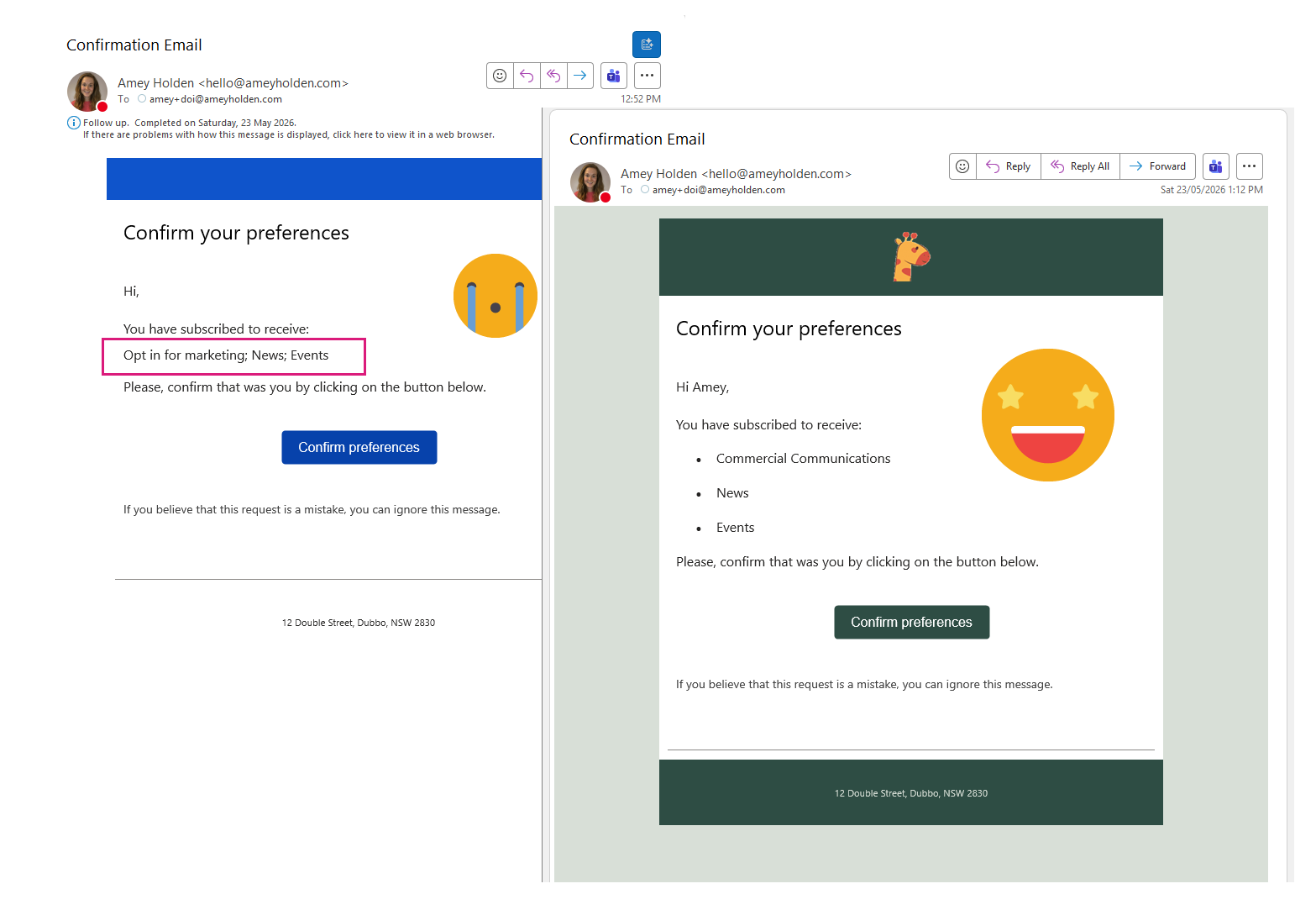
If you are struggling with the unformatted, semicolon-separated list of selected topics and purposes from {{OptedInPurposeTopic}} in your double opt-in emails, this guide shows how to present them as a clean, bulleted list instead.
By extending the Field Submission table with additional columns, using Power Automate to extract field values, and some minor updates to the DOI Email and Journey, you can create a clear, structured, and professional double opt-in confirmation email experience.
‘Compliance made easier’ in Dynamics Marketing: Consolidated Double Opt-in
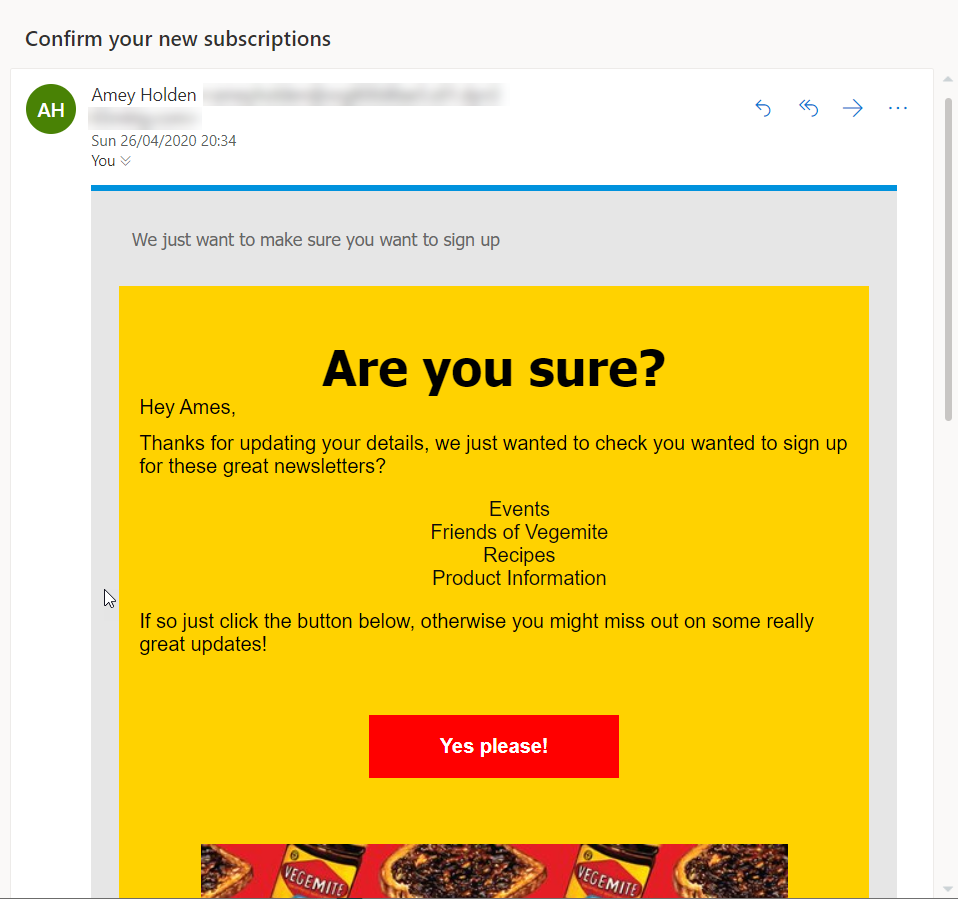
One of the new features of release wave 1 2020 was a very humbly titled ‘Compliance made easier’. In my mind compliance = boring but actually it’s got some really cool stuff that is not so boring and deserves to be talked about. Lets take a look at how we can now consolidate double opt-in requests for an enjoyable and compliant customer experience.