Looking for something in particular?
Categories
- AI Builder 3
- Azure 10
- Canvas Power Apps 6
- Custom Pages 6
- Customer Insights - Journeys 20
- Customer Voice 6
- Dataverse 30
- Dynamics 365 43
- Dynamics 365 Marketing 88
- Dynamics 365 Portals 11
- Dynamics 365 for Outlook 3
- JavaScript 10
- Marketing (Non Dynamics 365) 7
- Micro Enterprise Financials 2
- Microsoft Excel 2
- Microsoft Forms 2
- Microsoft PowerPoint 2
- Microsoft Teams 3
- Model-driven Power Apps 38
- Office 365 3
- OneDrive 1
- Outlook 2
- PCF & Custom Controls 14
- Power Automate 84
- Power BI 3
- Power Platform 5
- PowerFX 1
- SharePoint 4
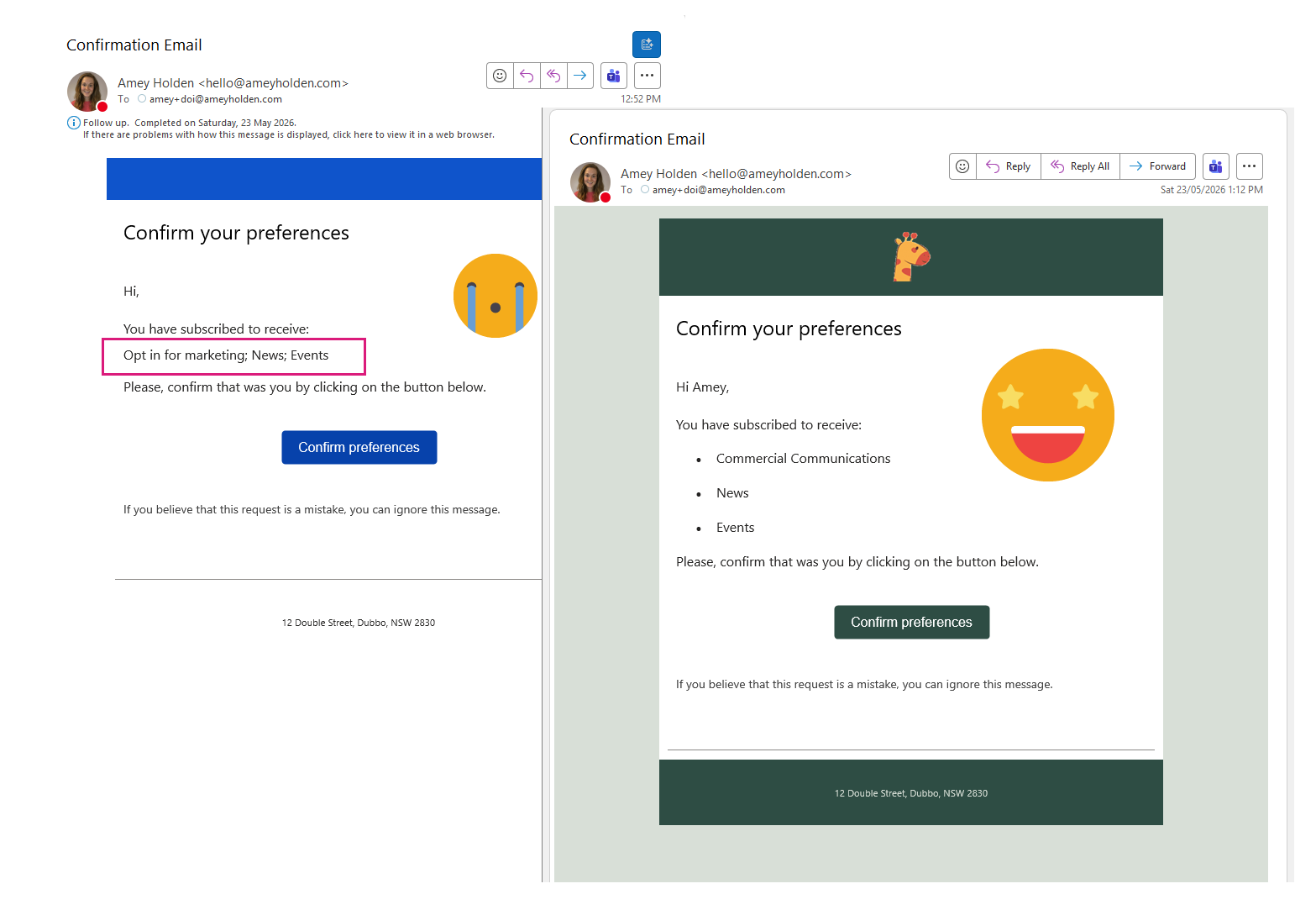
Customise Double Opt-In Confirmation Email {{OptedInPurposeTopic}} - Customer Insights - Journeys
If you are struggling with the unformatted, semicolon-separated list of selected topics and purposes from {{OptedInPurposeTopic}} in your double opt-in emails, this guide shows how to present them as a clean, bulleted list instead.
By extending the Field Submission table with additional columns, using Power Automate to extract field values, and some minor updates to the DOI Email and Journey, you can create a clear, structured, and professional double opt-in confirmation email experience.
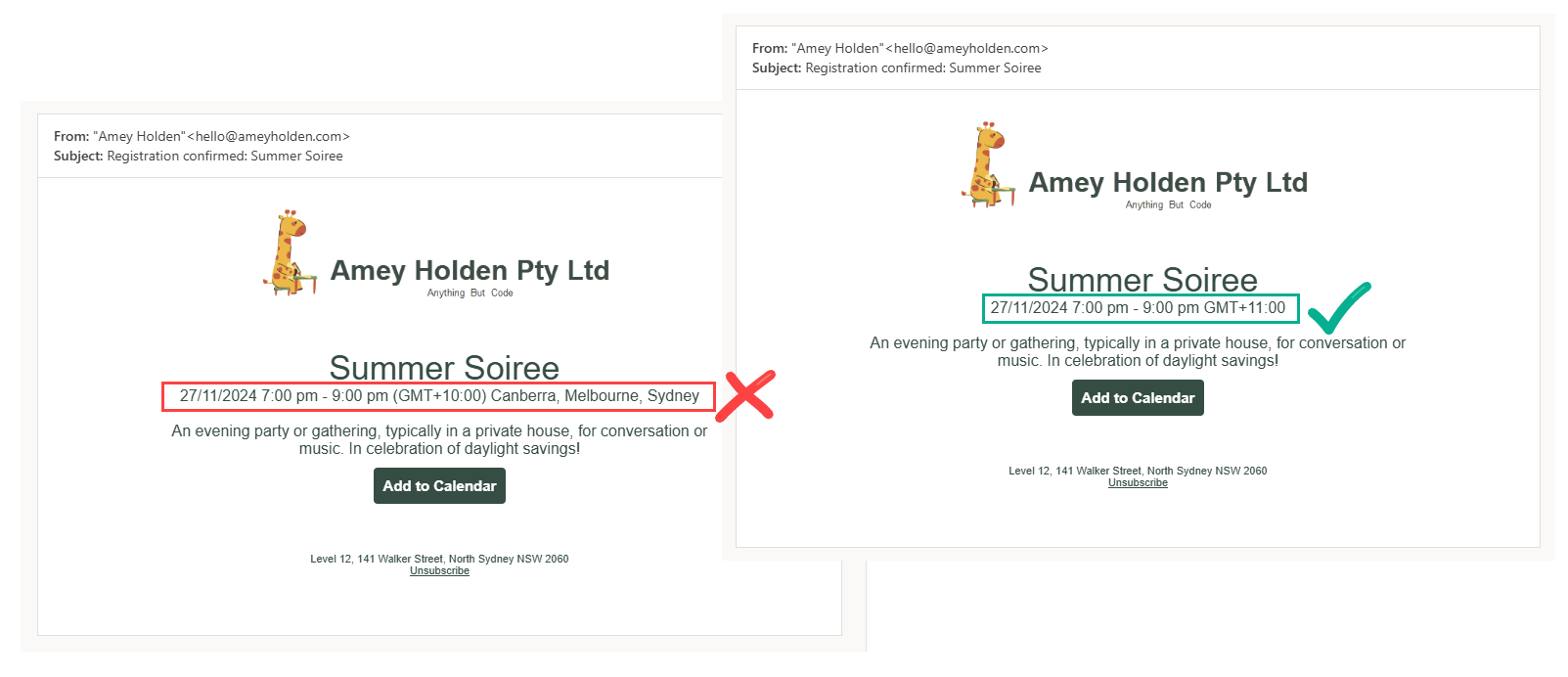
Time Zone Labels in Dynamics 365 Customer Insights - Journeys Events
There is a magical The ‘Event time zone’ field in Dynamics 365 which is used for Events in Customer Insights - Journeys. Technically speaking in the background it all works great, the time is correctly converted to UTC and shows as expected for calendar invite timings etc BUT the actual name of the GMT offset time zone e.g. ’(GMT+10:00) Canberra, Melbourne, Sydney’ is hellishly wordy and it’s only correct for half the year in any region that uses daylight savings… doh!
Why do I care?
When you include this in your email to show the event time zone of the event, it doesn’t look too smart! This post will show you how to create a simple Power Automate flow to generate a correct and neater time zone label for all your events that can be used in event communications, with style.