Looking for something in particular?
Categories
- AI Builder 3
- Azure 10
- Canvas Power Apps 6
- Custom Pages 6
- Customer Insights - Journeys 20
- Customer Voice 6
- Dataverse 30
- Dynamics 365 43
- Dynamics 365 Marketing 88
- Dynamics 365 Portals 11
- Dynamics 365 for Outlook 3
- JavaScript 10
- Marketing (Non Dynamics 365) 7
- Micro Enterprise Financials 2
- Microsoft Excel 2
- Microsoft Forms 2
- Microsoft PowerPoint 2
- Microsoft Teams 3
- Model-driven Power Apps 38
- Office 365 3
- OneDrive 1
- Outlook 2
- PCF & Custom Controls 14
- Power Automate 84
- Power BI 3
- Power Platform 5
- PowerFX 1
- SharePoint 4
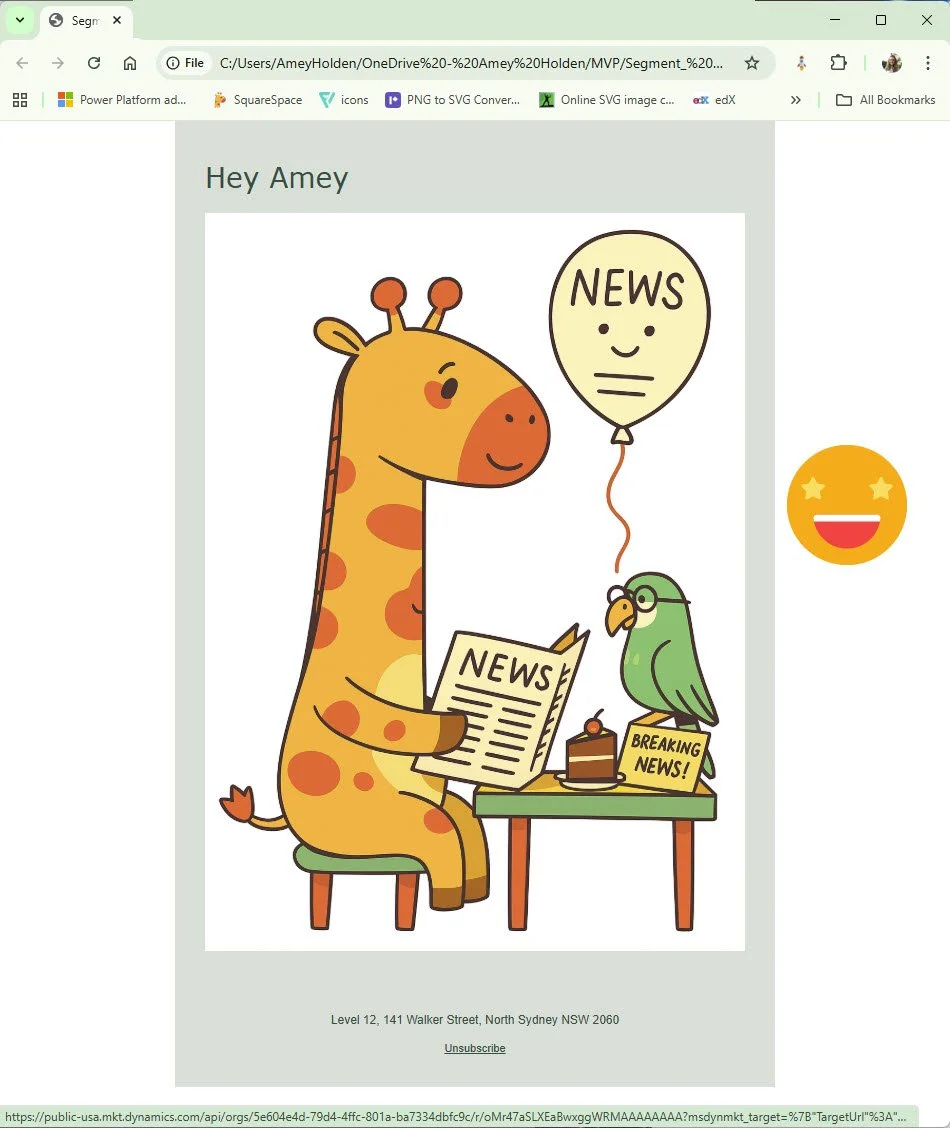
Export exact copies of emails sent, including personalisation and conditional content, from Customer Insights - Journeys
This post will show you how to export the exact copies of emails from Dynamics 365 Customer Insights - Journeys using Power Automate with the new marketing email API. It takes the feature switch ‘Show exact copy of sent emails’ to the next level!
Why you might want to do this? Well I’m not here to sell it to you, but here are some suggestions as per the release notes:
Maintaining accurate records of customer communications
Legal compliance
Resolving disputes
Managing customer relationships
Quality assurance
Operational efficiency
Data analysis
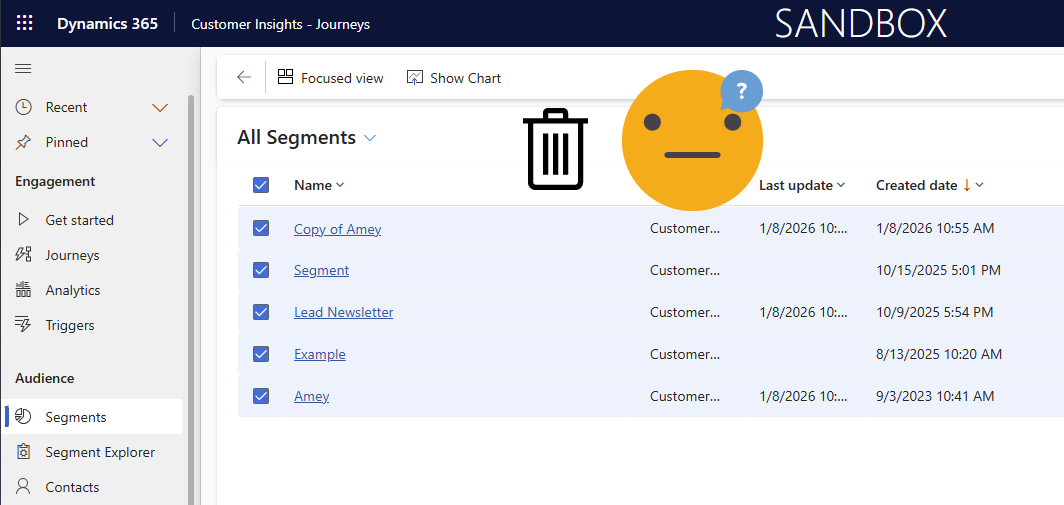
Segments in Customer Insights - Journeys: Bulk delete with Power Automate
Currently its not possible to delete segments more than one at a time from the view in Dynamics 365 Customer Insights - Journeys. Why? I don’t know. Why do you need to? That’s up to you, but it’s a question I have been asked often. And I love an excuse to go digging into these things. There is no way via the UI or bulk delete, but you can use a flow (or other automation tool that makes API calls) to do this.
P.S With great power comes great responsibility and don’t blame me if you delete the wrong things!