Looking for something in particular?
Categories
- AI Builder 3
- Azure 10
- Canvas Power Apps 6
- Custom Pages 6
- Customer Insights - Journeys 20
- Customer Voice 6
- Dataverse 30
- Dynamics 365 43
- Dynamics 365 Marketing 88
- Dynamics 365 Portals 11
- Dynamics 365 for Outlook 3
- JavaScript 10
- Marketing (Non Dynamics 365) 7
- Micro Enterprise Financials 2
- Microsoft Excel 2
- Microsoft Forms 2
- Microsoft PowerPoint 2
- Microsoft Teams 3
- Model-driven Power Apps 38
- Office 365 3
- OneDrive 1
- Outlook 2
- PCF & Custom Controls 14
- Power Automate 84
- Power BI 3
- Power Platform 5
- PowerFX 1
- SharePoint 4
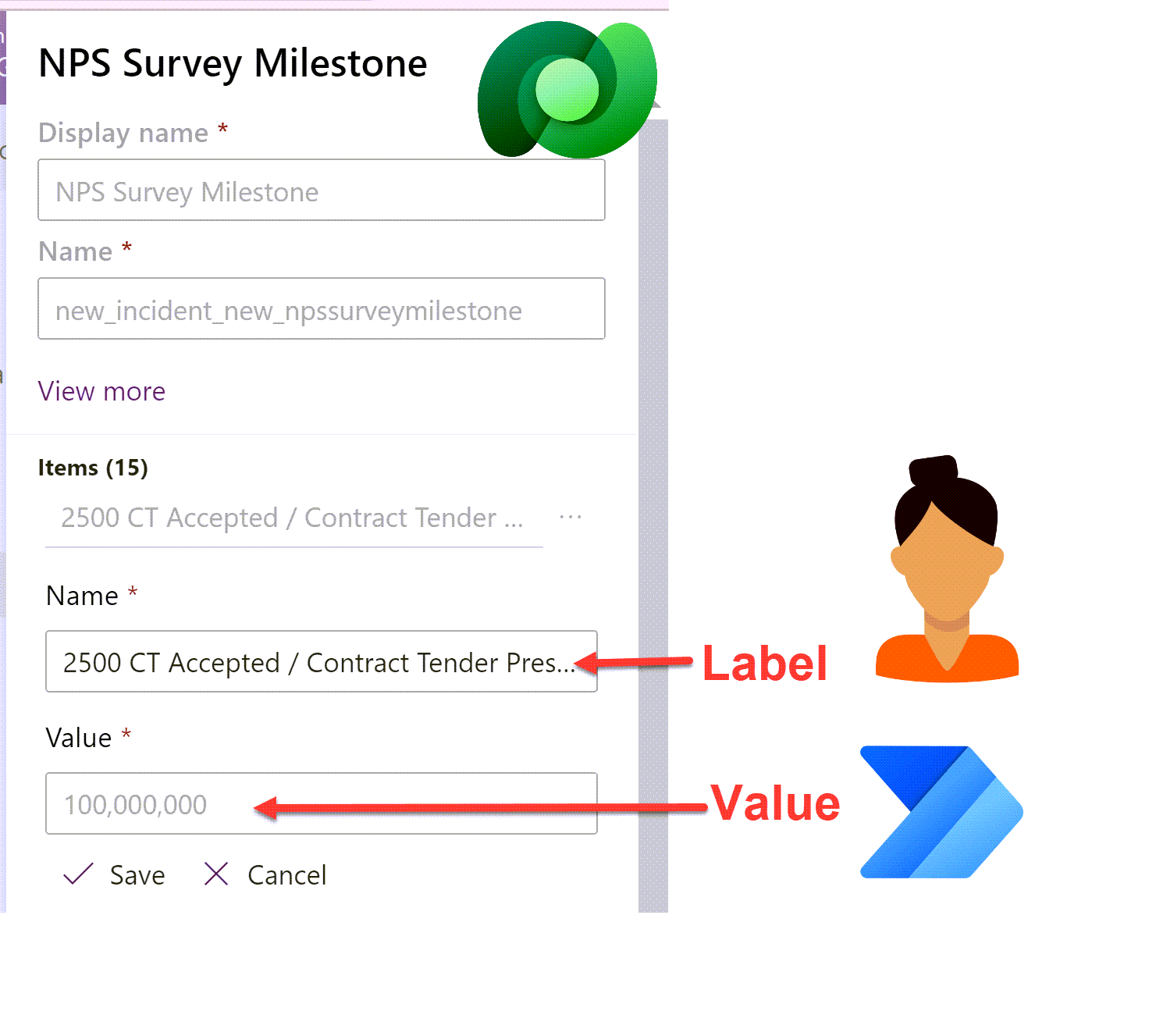
Set Dataverse Choices in Power Automate dynamically - without a switch statement!
Setting the value of a Dataverse choice option set or choices multi-select option set column field in Power Automate can be a little tricky. Flow expects either a static choice or the choice ‘Value’ rather than the ‘Label’. Smaller choices work ok with a switch statement but what about when your choice has 10+ choices? Here is a way to avoid cumbersome switch statements to handle larger choice lists.
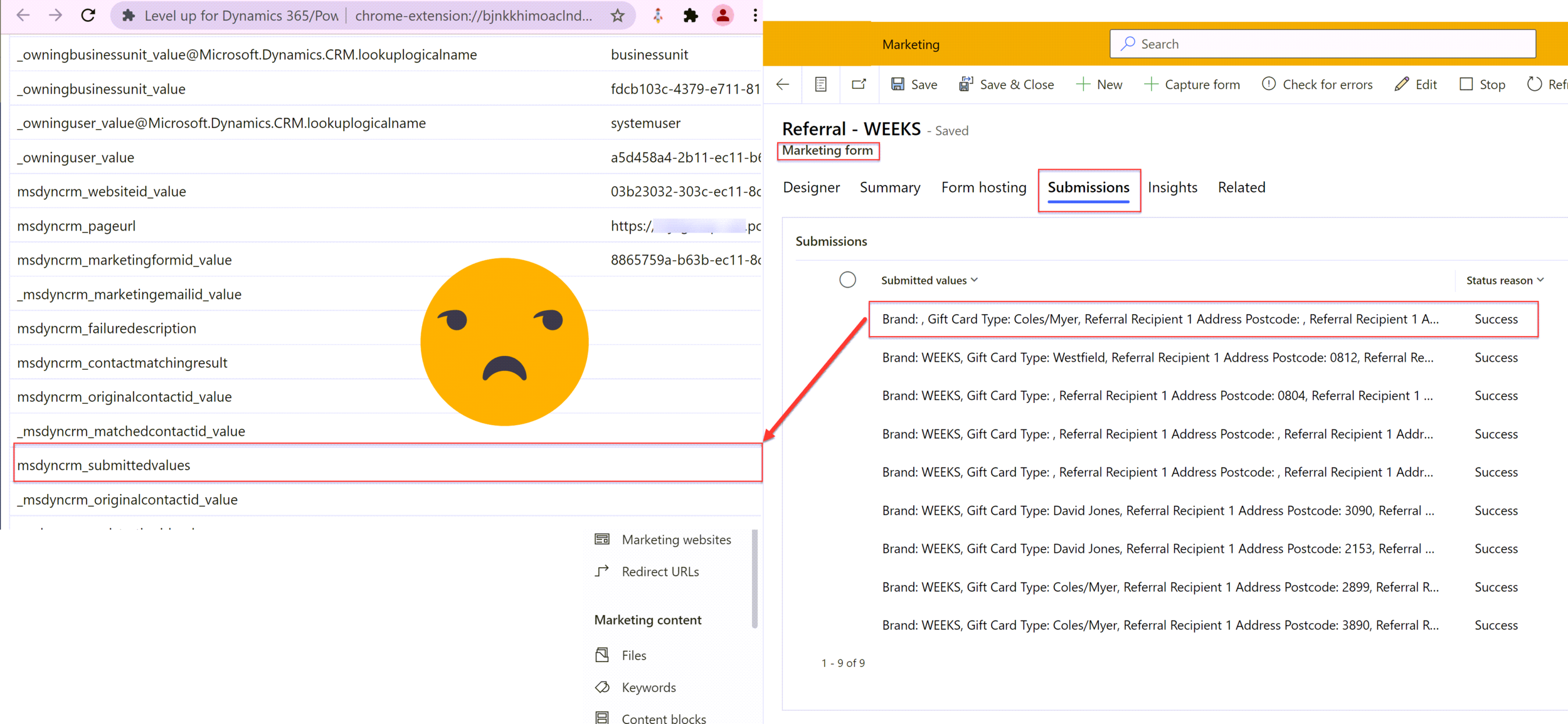
Mapping Dynamics 365 Marketing Form Submissions to Custom Tables with Power Automate
Marketing forms in Dynamics 365 are great for creating and updating contact and/or lead records, but not much else. The documented way to handle form submissions beyond lead or contact is to build a classic workflow but that in itself is very restrictive. By moving the automation into a Power Automate flow it opens up many more doors in terms of generation submission reports, notifications and sophisticated record manipulation that cannot be achieved with classic workflows alone.
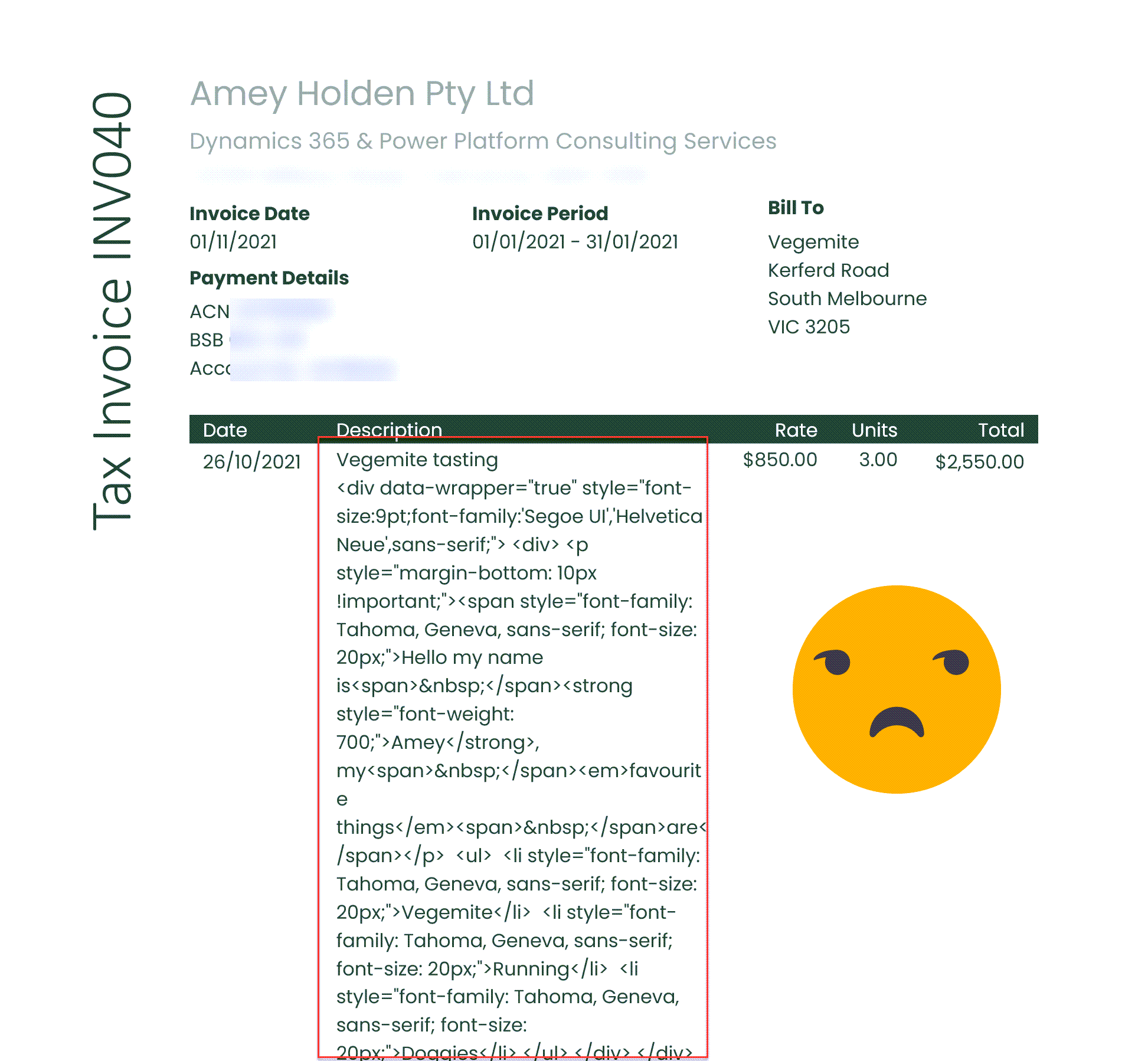
Document Templates and Rich Text Controls
Document Templates and Rich Text Component Controls are both excellent features of Dynamics 365/Model-Driven Power Apps, but they do not work well together at all. The solution isn’t perfect but by combining some Power Automate flow magic and a simple Word Document setting you can restore some slight harmony between the features.
PS. don’t waste your time trying to add/remove line breaks in Power Automate
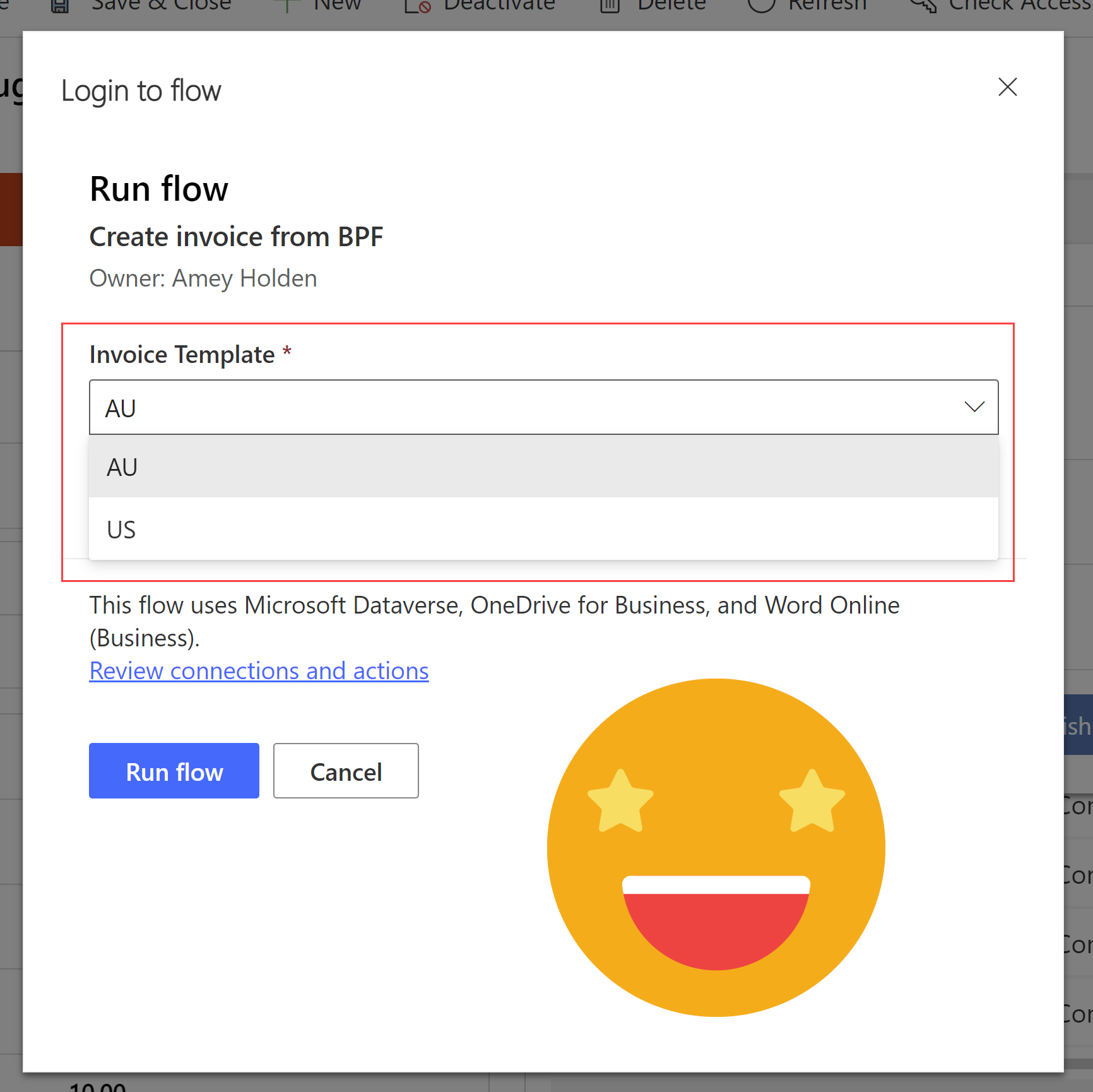
Drop down list of options when a flow step is executed
Calling Power Automate flows from the Business Process Flow of a Model-Driven Power App or Dynamics 365 is nothing new but did you know you can also ask for inputs with a very well hidden a drop down list/option set/choice control
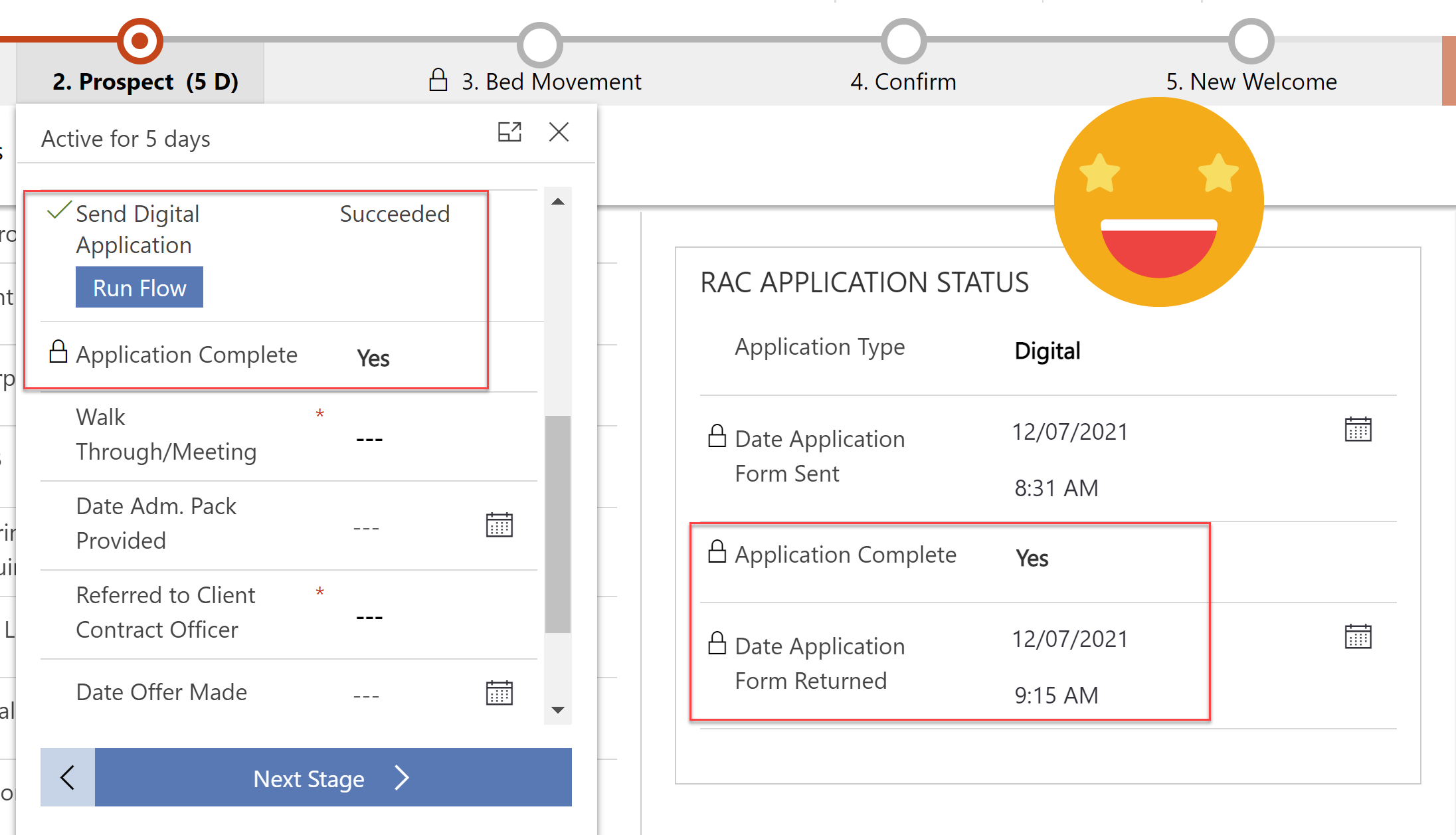
Track and Process Digital Applications with Customer Voice & Power Automate
Every customer application is unique, the additional evidence & supporting documents they need to provide depends on how they answer the questions. We can use Power Automate to send specific and personalised directions on what they need to do next after submitting an application.
Linking a customer voice response back to its originating invitation and related enquiry so that we can track all activities in one place. Ensuring any user can clearly see what is/was required and help move the application process along.
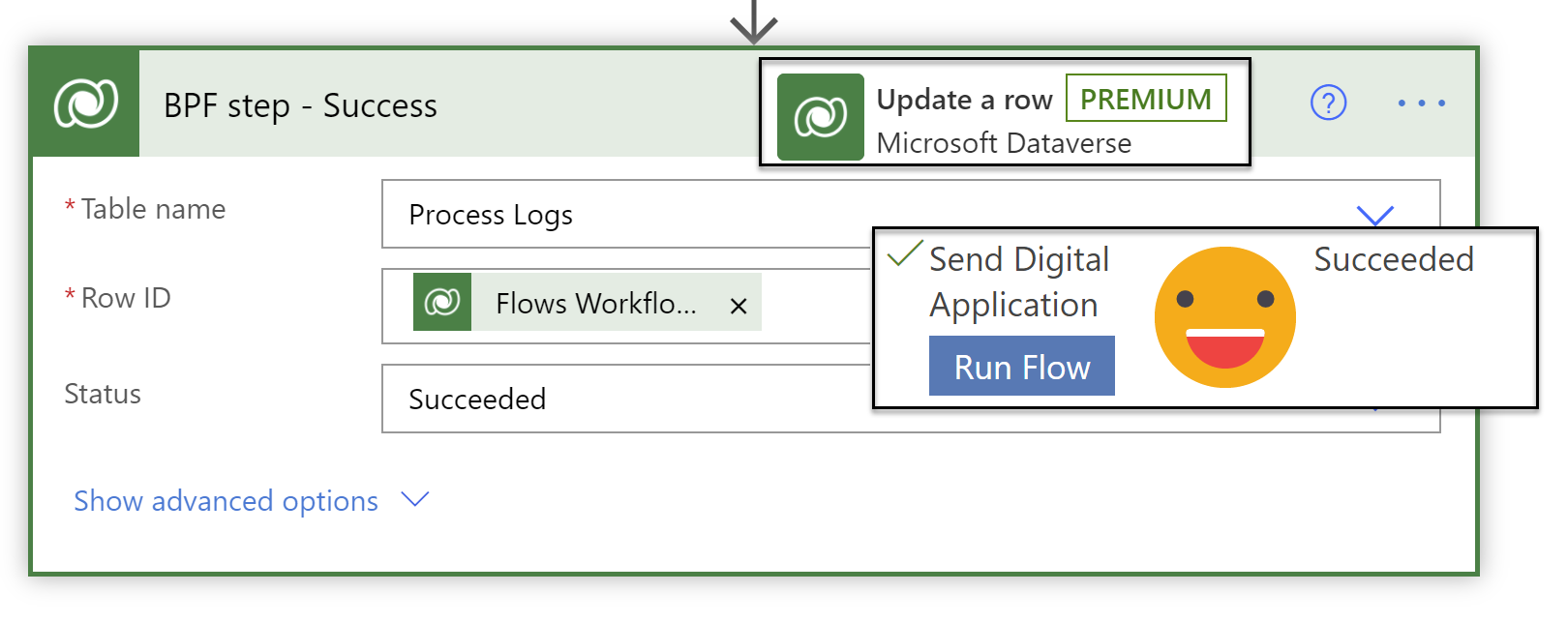
Sending Digital Applications with Customer Voice & Power Automate
This post will focus on sending a personalised, uniquely identifiable application form to a potential customer with dynamically generated email content from the simple click of a button of a business process flow. Customer Voice and Power Automate are a serious work force when combined!
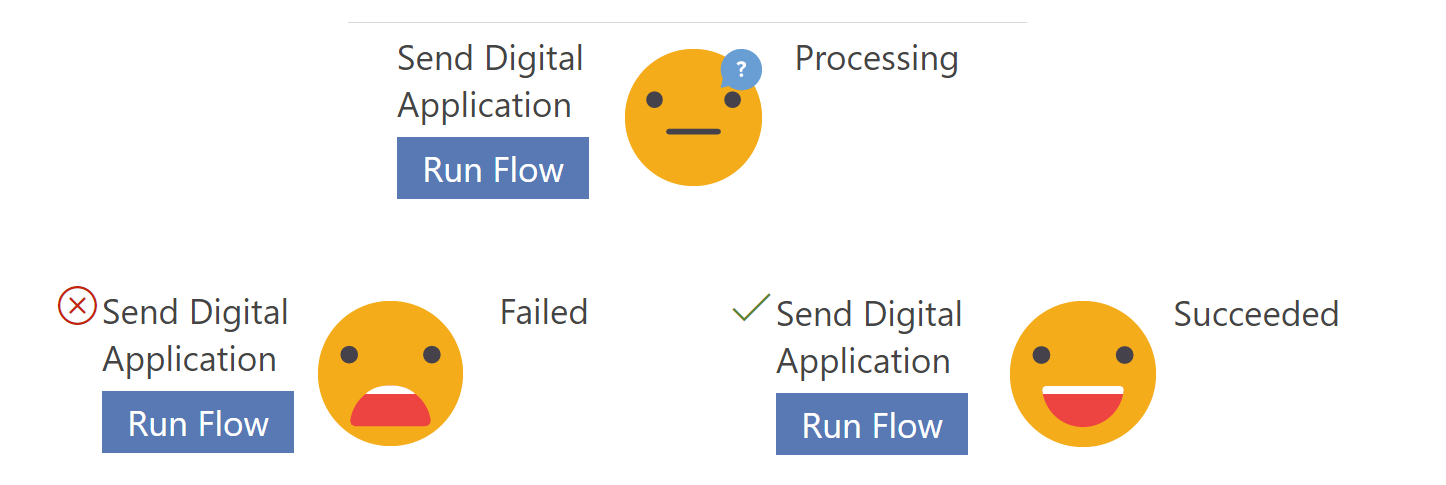
Handling ‘Run Flow’ failures from a business process flow
Current limitations mean you cannot use business rules on the ‘Run Flow’ button on the business process flow, so its entirely possible for a user to run the flow when the scenario is going to cause silent failure in the background. Lets look at how to mark a business process flow step as failed, so you can handle flow run failures - gracefully and informatively, in a user friendly manner!
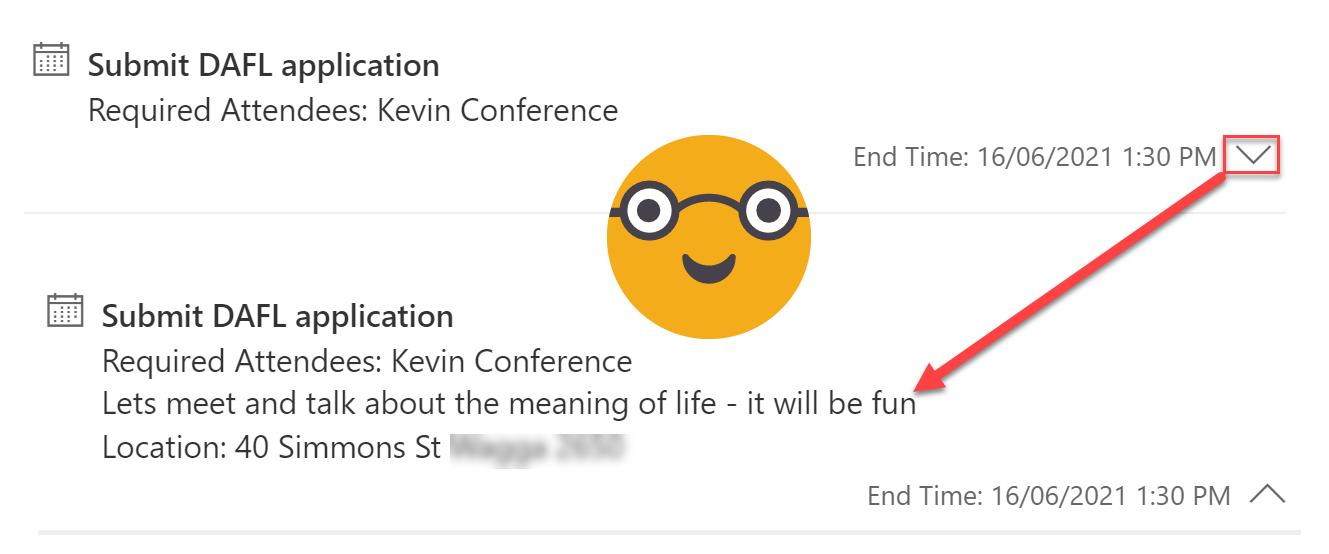
Make the Activity Timeline Control Useful in Model-Driven Power Apps
The Activity Timeline you see in Model-driven Power Apps & Dynamics 365 is actually a huge awesome PCF control called ‘Timeline Control’. It has a massive range of configurable options available now from the new solution explorer. These are my top four highlights - Customising activity cards, Hiding the blobby things (aka ‘Persona with Initials’), cleaning up the timeline to speed up the load time and allowing/preventing creation from the timeline.
Digitising paper-based application forms with Customer Voice - it’s not just a survey tool!
You read that right - I used customer voice for an application process. Well ok not just customer voice, my good friend Power Automate got pretty involved too. There are so many new features in Customer voice which make it so much more than just a survey tool!
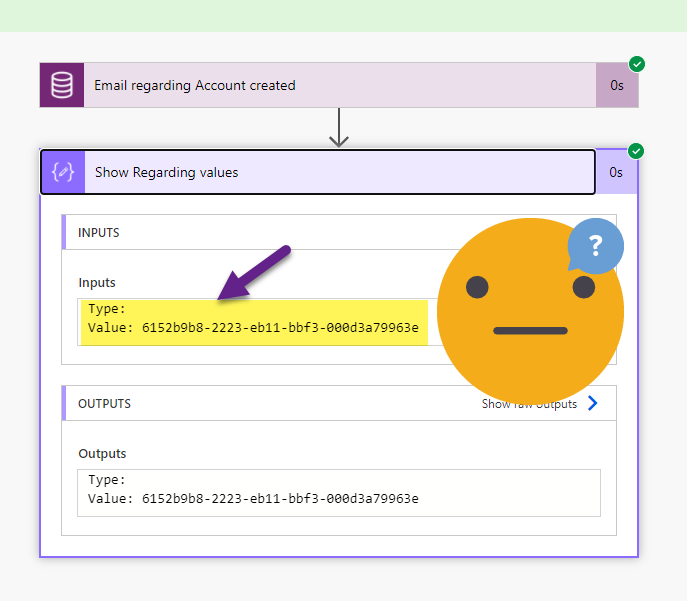
Filtering the ‘Regarding’ column in Power Automate
Triggering a Cloud Flow in Power Automate when an email is tracked ‘Regarding’ an Account record in Dynamics (or Dataverse) should be simple - but when your filter is throwing an error and Regarding (Type) is blank. You need to ask not once, but twice for the values you need!
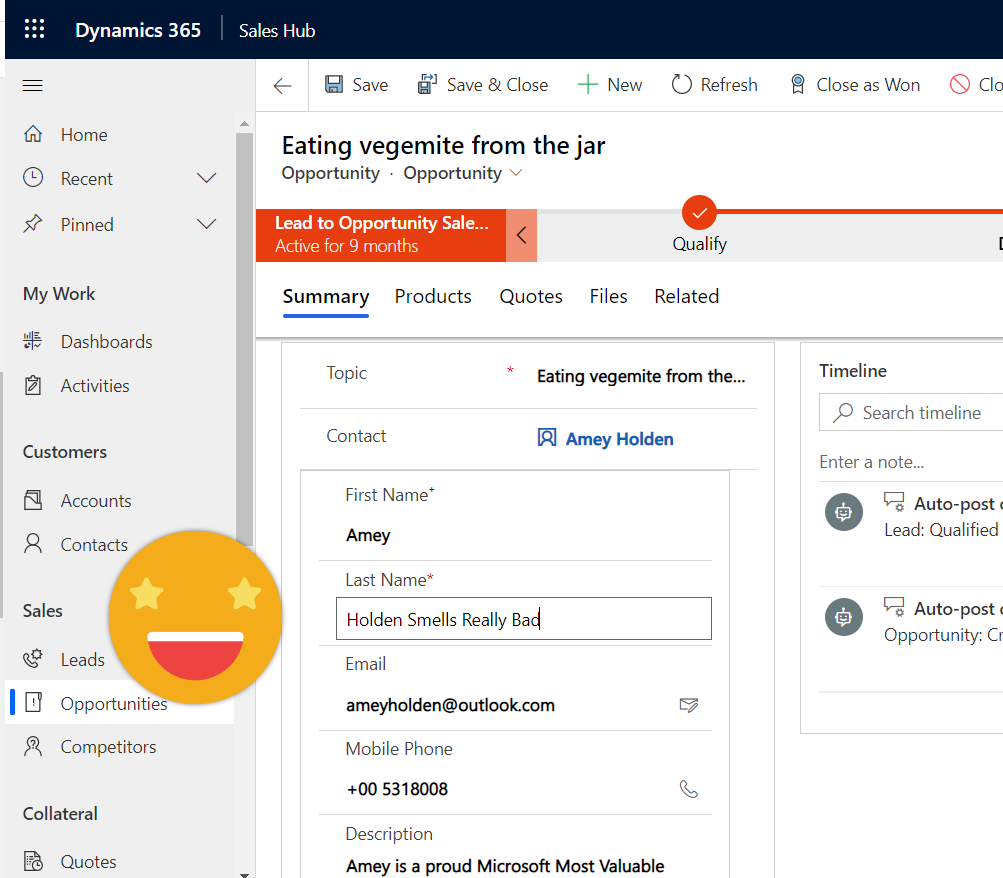
Quick View forms with edit permissions - introducing the Form Component Control
Quick View forms have been disappointingly average since CRM 2013. I’m excited to be introducing the better sibling of the Quick View form that lets you see and edit data from other tables from a single form - it’s called ‘Form Component Control’. *catchy name pending*
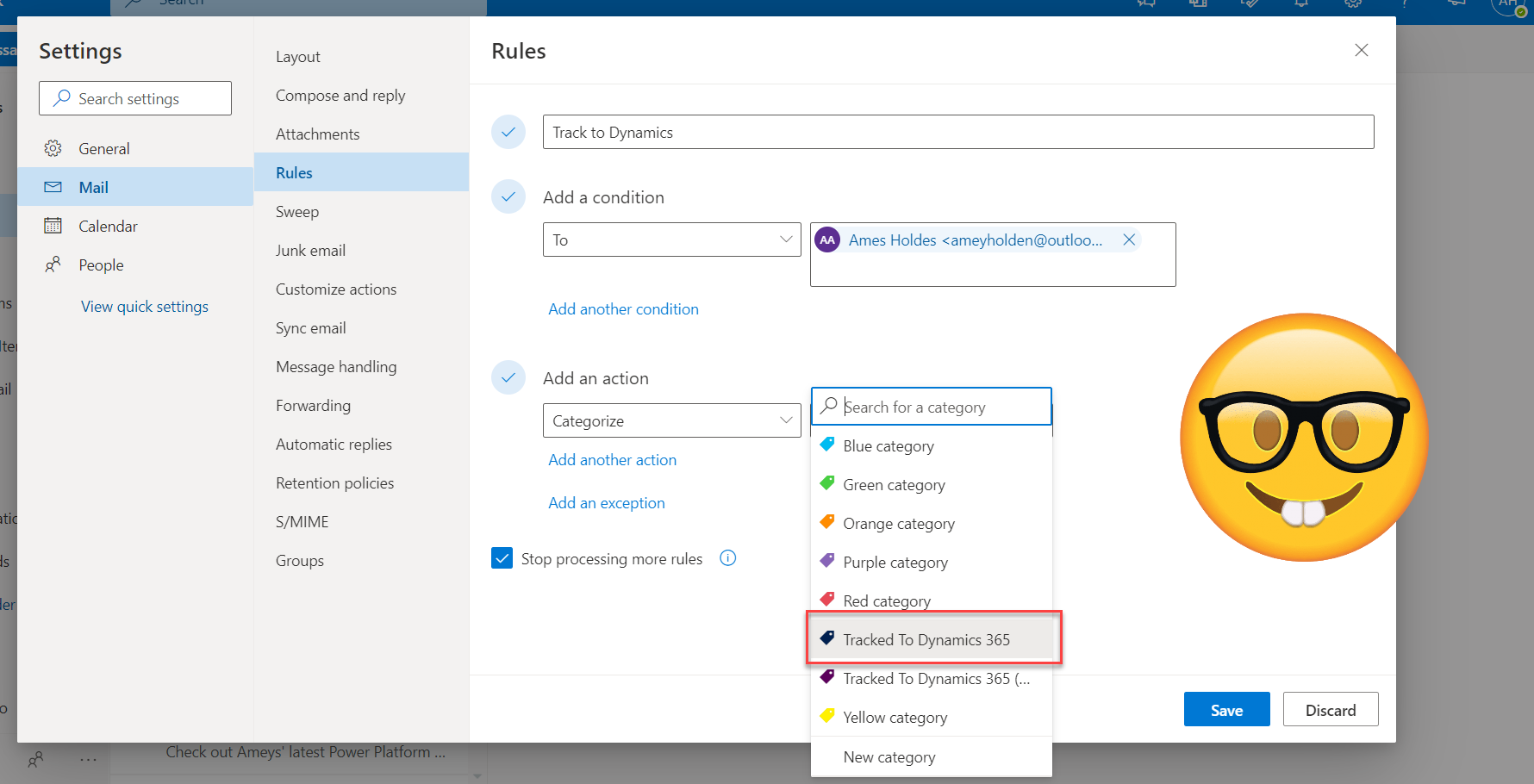
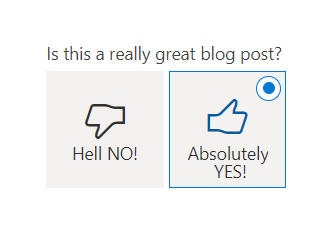
Flip the switch: two option (yes/no) fields in model-driven Power Apps
Lets look at how the humble two option field can be better visualised and used in more creative ways in your model-driven Power Apps. We do this by using Custom Controls out of the box and PCF components. Plus a bonus feature (although technically not a two option field behind the scenes) shows a really smart example of how you can you a flip switch to set a timestamp, two visual benefits in one field!
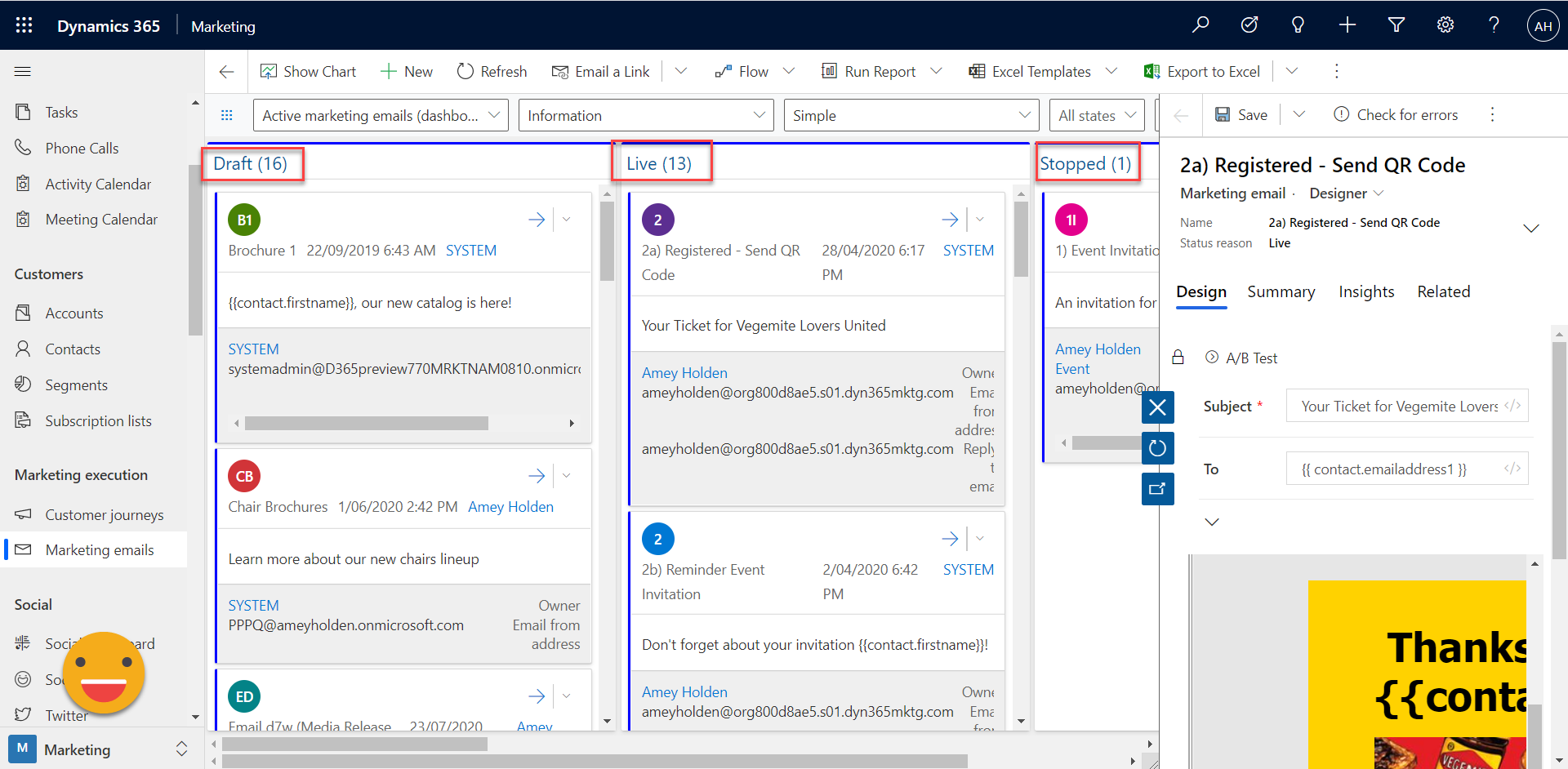
Sticky notes are dead: digital Kanban boards for Dynamics and Power Apps
Unfortunately the 21st century world of co-located, socially distanced teams the traditional Kanban board in all its post-it note glory is a thing of the past. Lets look at how we can use custom controls and Power Apps Component Framework (PCF) for model-driven Power Apps to help our users and teams to better manage their workloads.
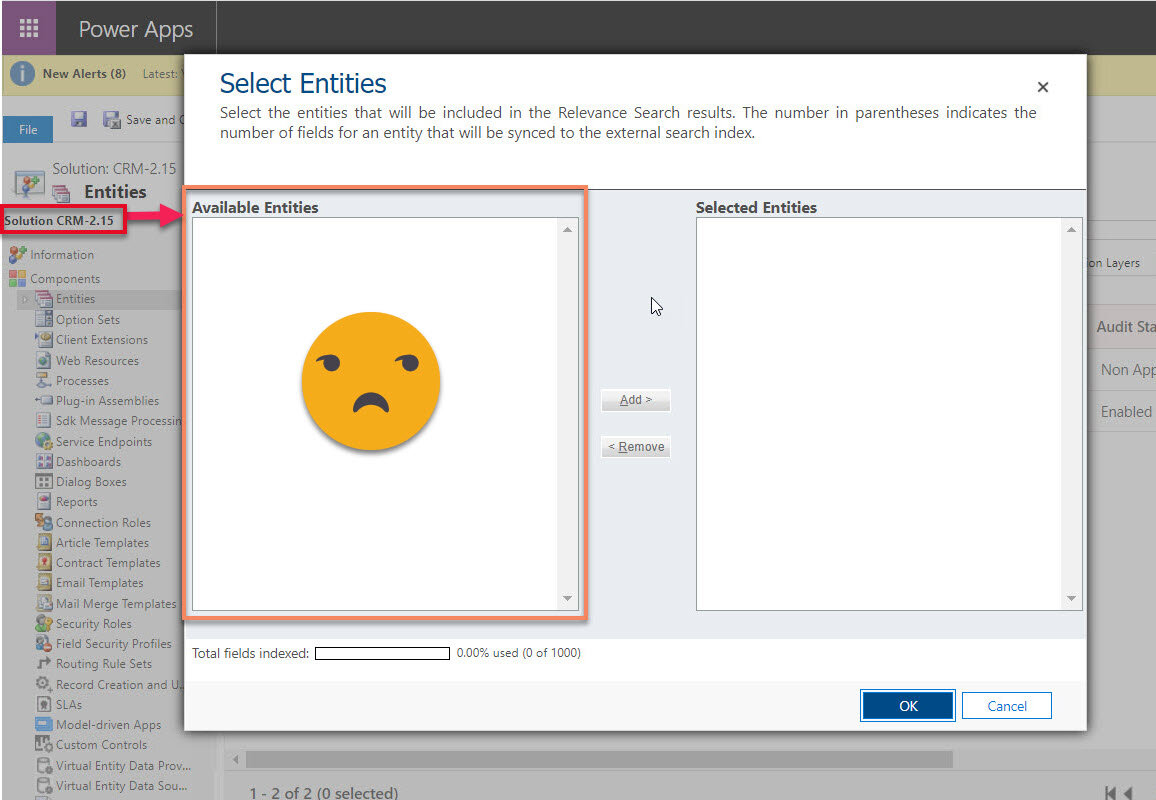
Configuring Relevance Search: where are my entities?
This article shares a little lesson I learnt from a troublesome situation I had when trying to enable & configure Relevance Search, but no entities were ‘available’ to include in the search configuration. Relevance Search for Dynamics 365 is awesome - you should definitely turn it on in your organisation.

The story so far: An ABC Consultant
A story of the power of believing in yourself and the beaut of the Microsoft community - my journey from a lost graduate to a newly fledged Microsoft Business Applications MVP
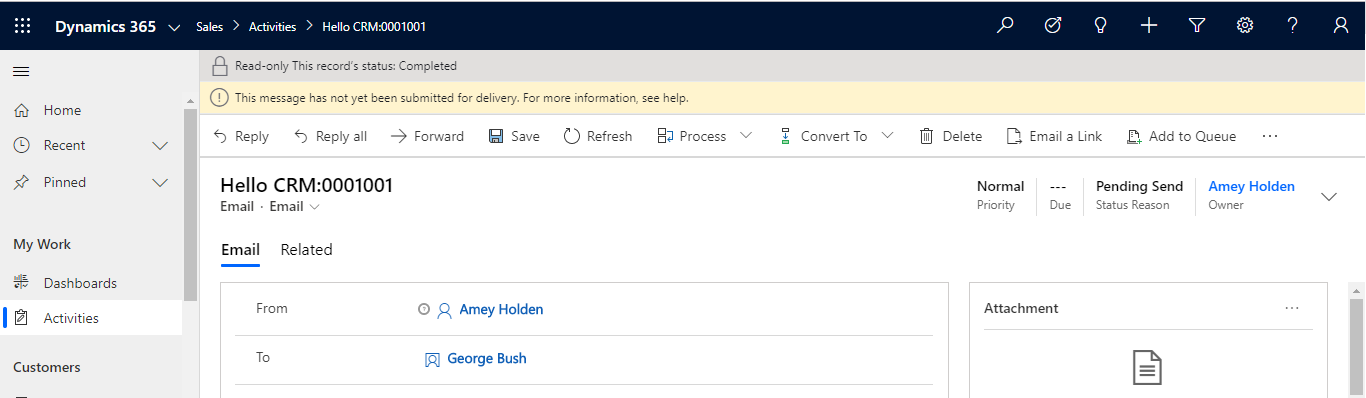
Those emergency Flows you hope you never need - Pending Send Emails
A delightful and simple flow to automate sending emails sat in 'Pending Send' in Dynamics, via outlook instead. Then very importantly marking the email as 'Sent' so it doesn't get sent again once the email router is up and running, plus providing reassurance to users that their mail is being sent. This impressed my colleagues no end that a no code rookie like me could build, test and provide a plan B in under 30 minutes.

Part Two - The Market of Marketing with Dynamics 365
Welcome to part two of The Market of Marketing with Dynamics 365. In this section we will take a deep dive to compare the following features across D365 for Marketing, ClickDimensions, Adobe Campaign & Marketo
Cost
Data Storage
Segmentation

Portal issues? Just turn it off and back on again
We might be in the cloud, but Dynamics Portals still sometimes require a good old traditional 'turn it off and back on again' approach. There are three ways this can be done but choose your approach wisely!

Delivering Redundancy – how to design yourself out of a job
In this article we explore how to nurture empowered users through each stage of the project engagement, learnt from my experiences, successes and failures in reaching redundancy.