Looking for something in particular?
Categories
- AI Builder 3
- Azure 10
- Canvas Power Apps 6
- Custom Pages 6
- Customer Insights - Journeys 20
- Customer Voice 6
- Dataverse 30
- Dynamics 365 43
- Dynamics 365 Marketing 88
- Dynamics 365 Portals 11
- Dynamics 365 for Outlook 3
- JavaScript 10
- Marketing (Non Dynamics 365) 7
- Micro Enterprise Financials 2
- Microsoft Excel 2
- Microsoft Forms 2
- Microsoft PowerPoint 2
- Microsoft Teams 3
- Model-driven Power Apps 38
- Office 365 3
- OneDrive 1
- Outlook 2
- PCF & Custom Controls 14
- Power Automate 84
- Power BI 3
- Power Platform 5
- PowerFX 1
- SharePoint 4
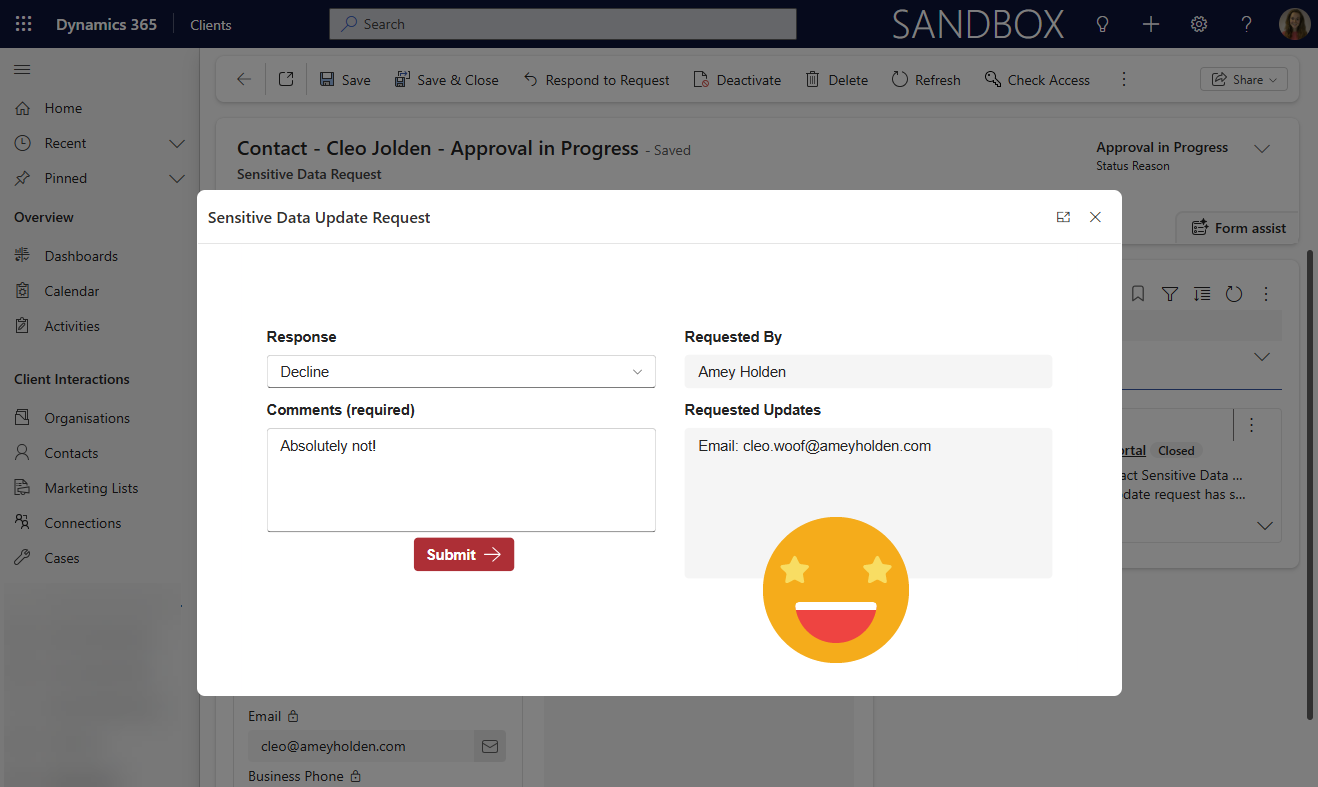
Respond to a Power Automate Flow Approval in a Power Apps Custom Page or Canvas App
How to respond to Power Automate approval requests directly within a Power Apps custom page or canvas app, rather than email buttons or in Microsoft Teams. By capturing the Approval ID when creating an approval and storing it in Dataverse, you can retrieve, display, and act on approval requests inside your app experience.
This app-driven method gives you much greater control over the user experience, enabling custom UI, validation (like mandatory comments), and tighter integration with Dynamics 365. It also opens the door to richer scenarios such as surfacing approval history, triggering downstream automations, and embedding approvals seamlessly into model-driven or canvas app workflows.
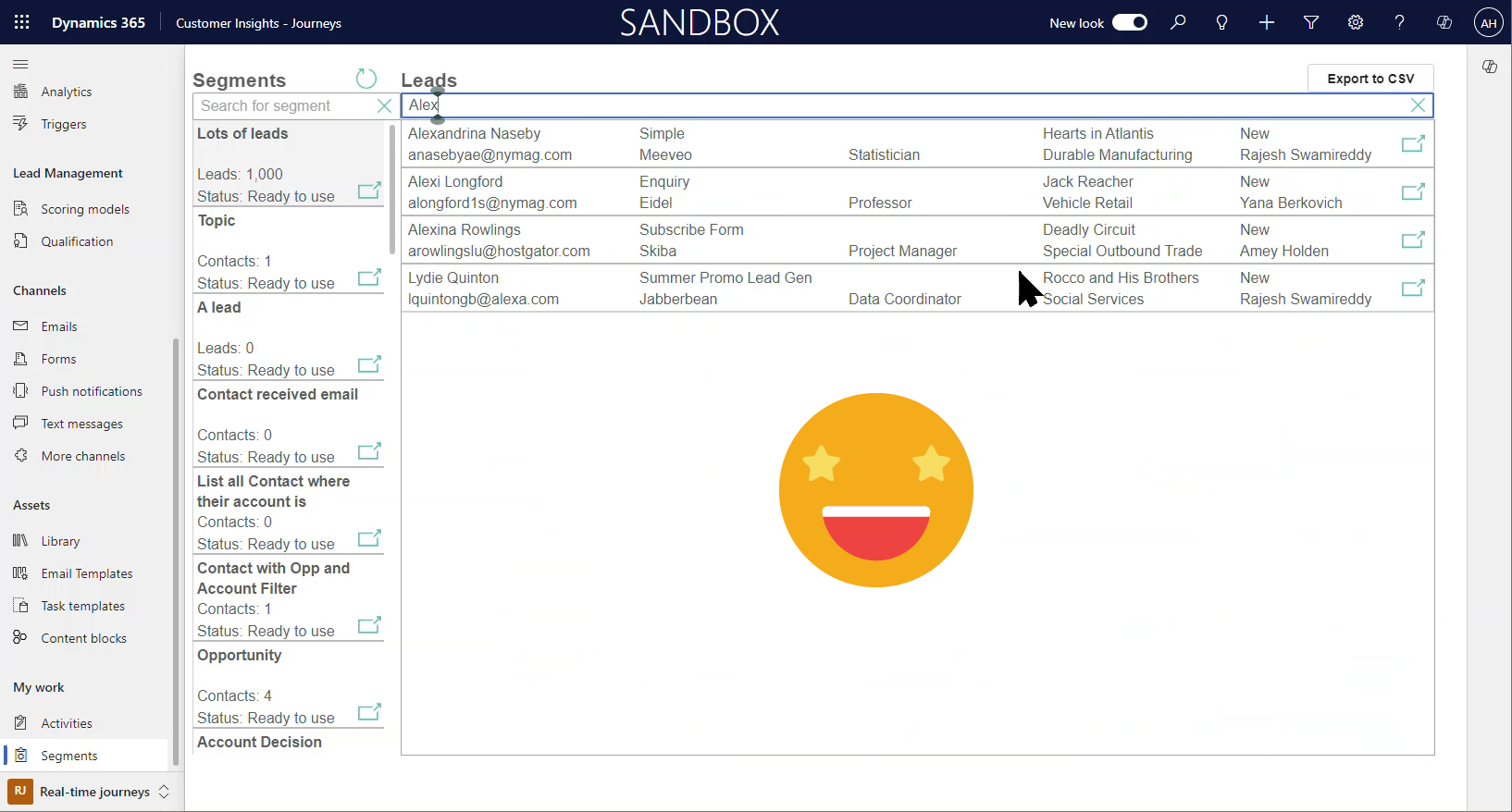
Browse and Search Segment Membership in Customer Insights - Journeys
A really cool custom page to browse and search segments in Customer Insights - Journeys real-time marketing!
This post will show you how to build the essential pieces to retrieve the segment member details into a custom page in Dynamics 365, and also how to create the browse and search experience.
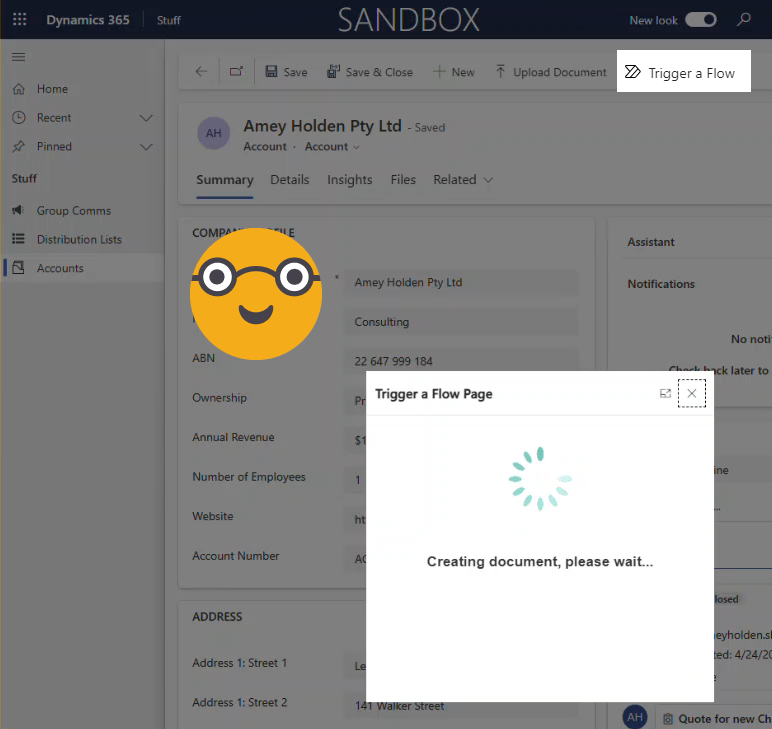
Trigger a Power Automate Flow from a Custom Button in Dynamics 365 or Dataverse
There are few solutions out there already for triggering a Power Automate flow from a custom buttons/commands, each has its pros/cons but none of them are great. I think I found a nicer way. This method uses a custom page that opens as a modal when a command button is selected from a row in Dynamics 365 or Dataverse. The custom page ‘OnStart’ property triggers the flow and responds to the user when complete.
BONUS: you can build a really nice UX that handles errors and conditional logic for the flows functionality which is so much better than hiding command buttons with no explanation or reason!
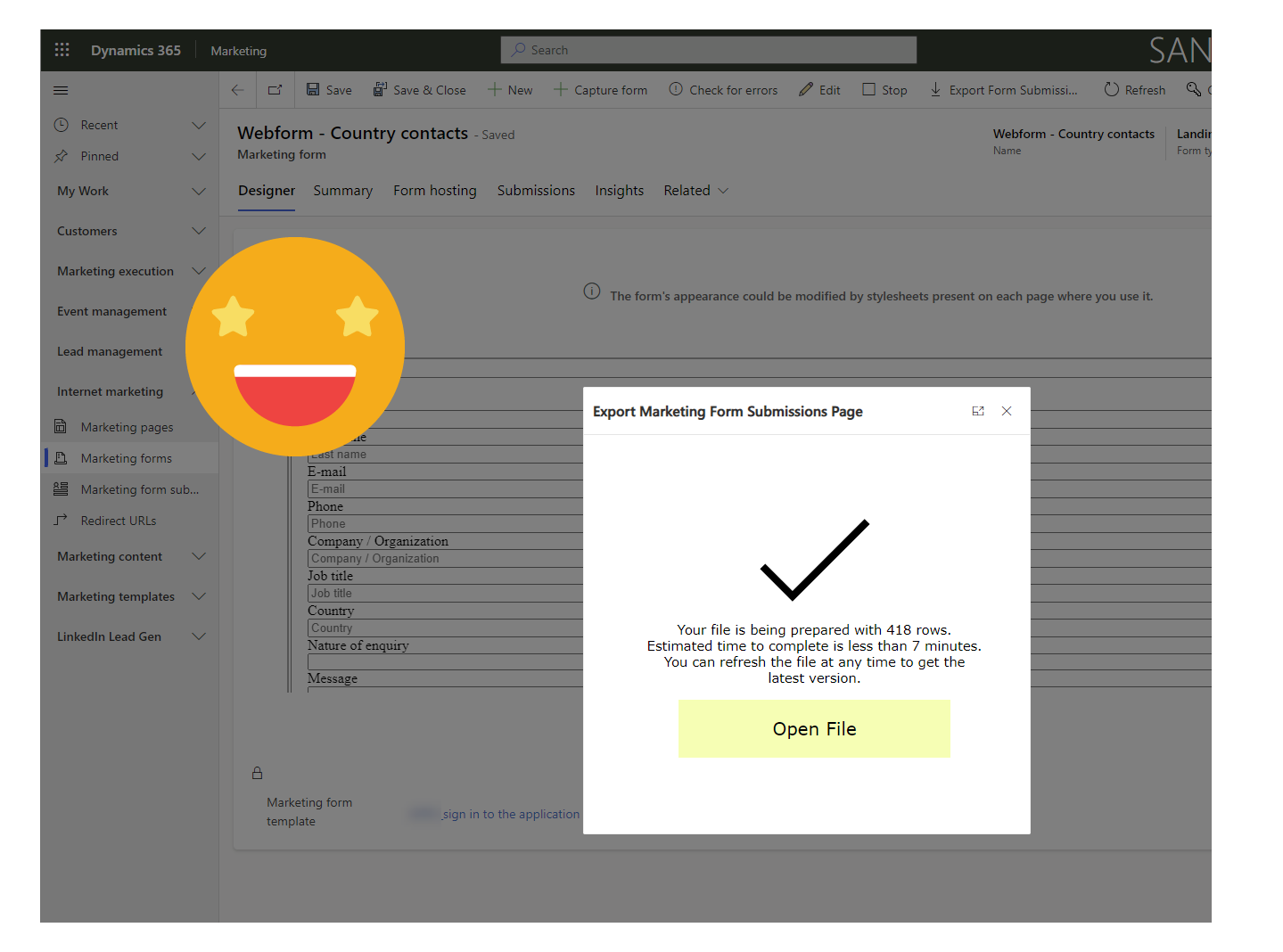
Export Marketing Form Submissions in Dynamics 365 Marketing
How to enable the power of exporting marketing form submissions in Dynamics 365 Marketing. This blog will show you how we can use a custom page, custom button and some power automate magic to be able to export marketing form submissions into a lovely excel spreadsheet.