Looking for something in particular?
Categories
- AI Builder 3
- Azure 10
- Canvas Power Apps 6
- Custom Pages 6
- Customer Insights - Journeys 21
- Customer Voice 6
- Dataverse 30
- Dynamics 365 43
- Dynamics 365 Marketing 88
- Dynamics 365 Portals 11
- Dynamics 365 for Outlook 3
- JavaScript 10
- Marketing (Non Dynamics 365) 7
- Micro Enterprise Financials 2
- Microsoft Excel 2
- Microsoft Forms 2
- Microsoft PowerPoint 2
- Microsoft Teams 3
- Model-driven Power Apps 38
- Office 365 3
- OneDrive 1
- Outlook 2
- PCF & Custom Controls 14
- Power Automate 85
- Power BI 3
- Power Platform 5
- PowerFX 1
- SharePoint 4
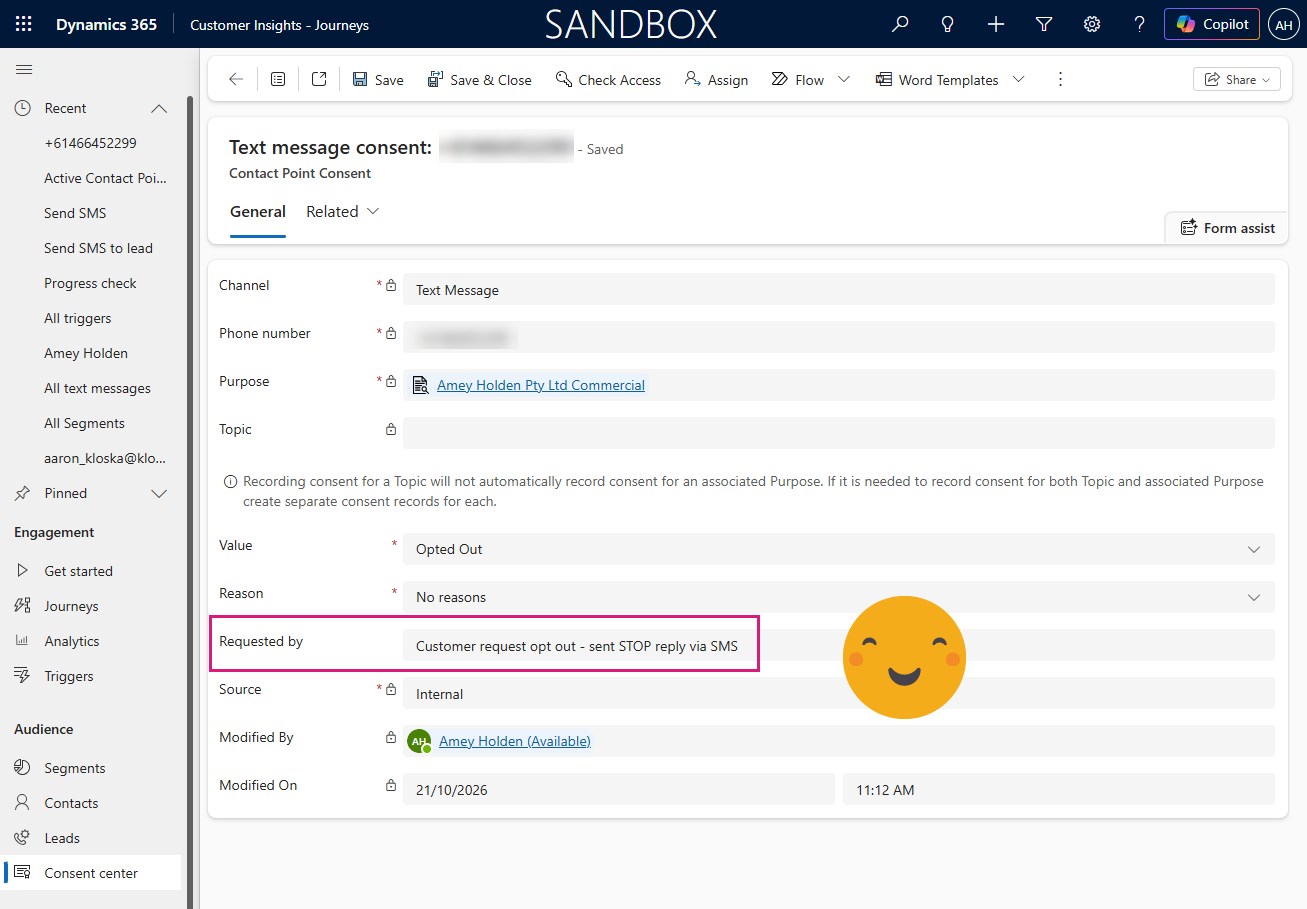
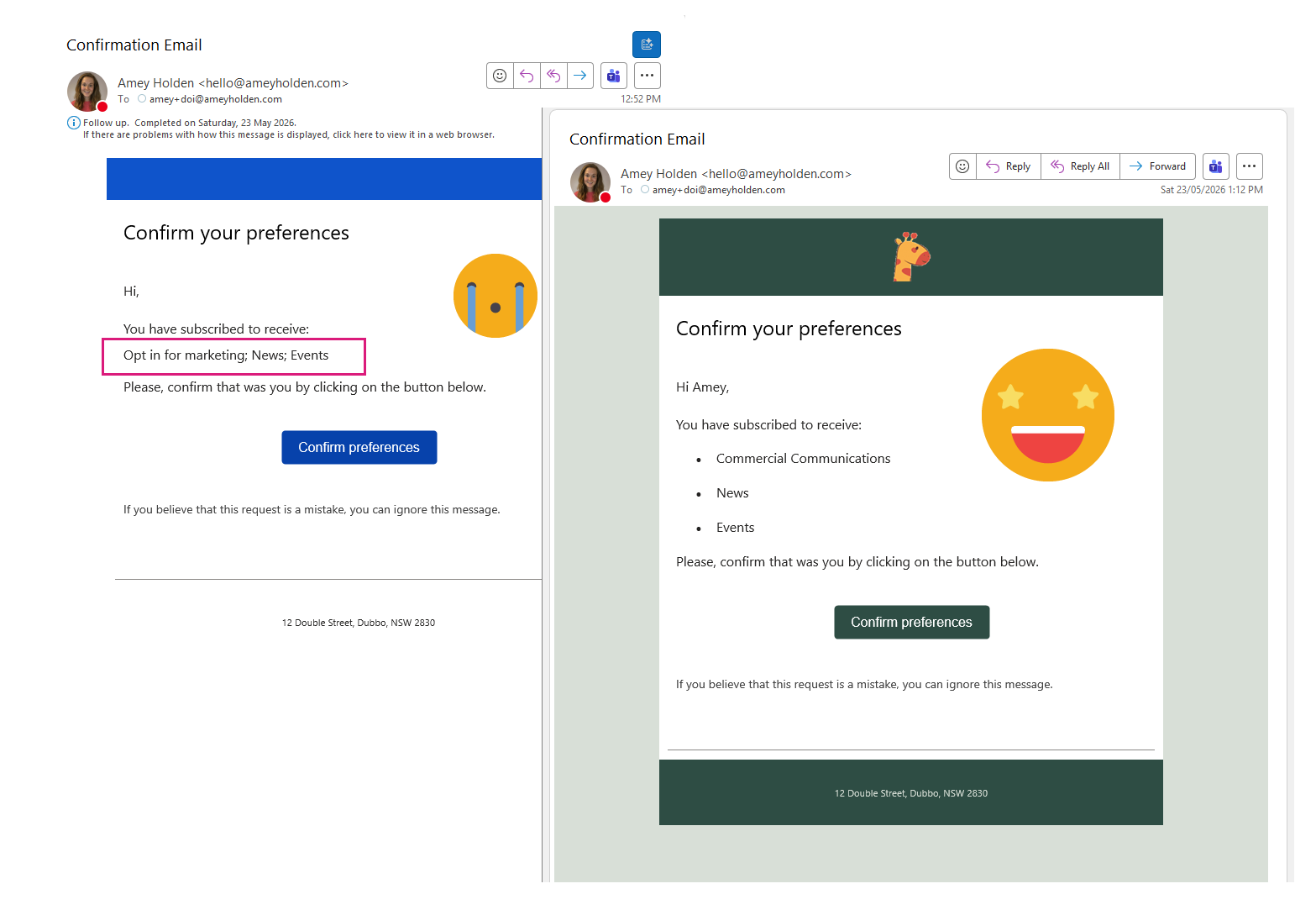
Customise Double Opt-In Confirmation Email {{OptedInPurposeTopic}} - Customer Insights - Journeys
If you are struggling with the unformatted, semicolon-separated list of selected topics and purposes from {{OptedInPurposeTopic}} in your double opt-in emails, this guide shows how to present them as a clean, bulleted list instead.
By extending the Field Submission table with additional columns, using Power Automate to extract field values, and some minor updates to the DOI Email and Journey, you can create a clear, structured, and professional double opt-in confirmation email experience.
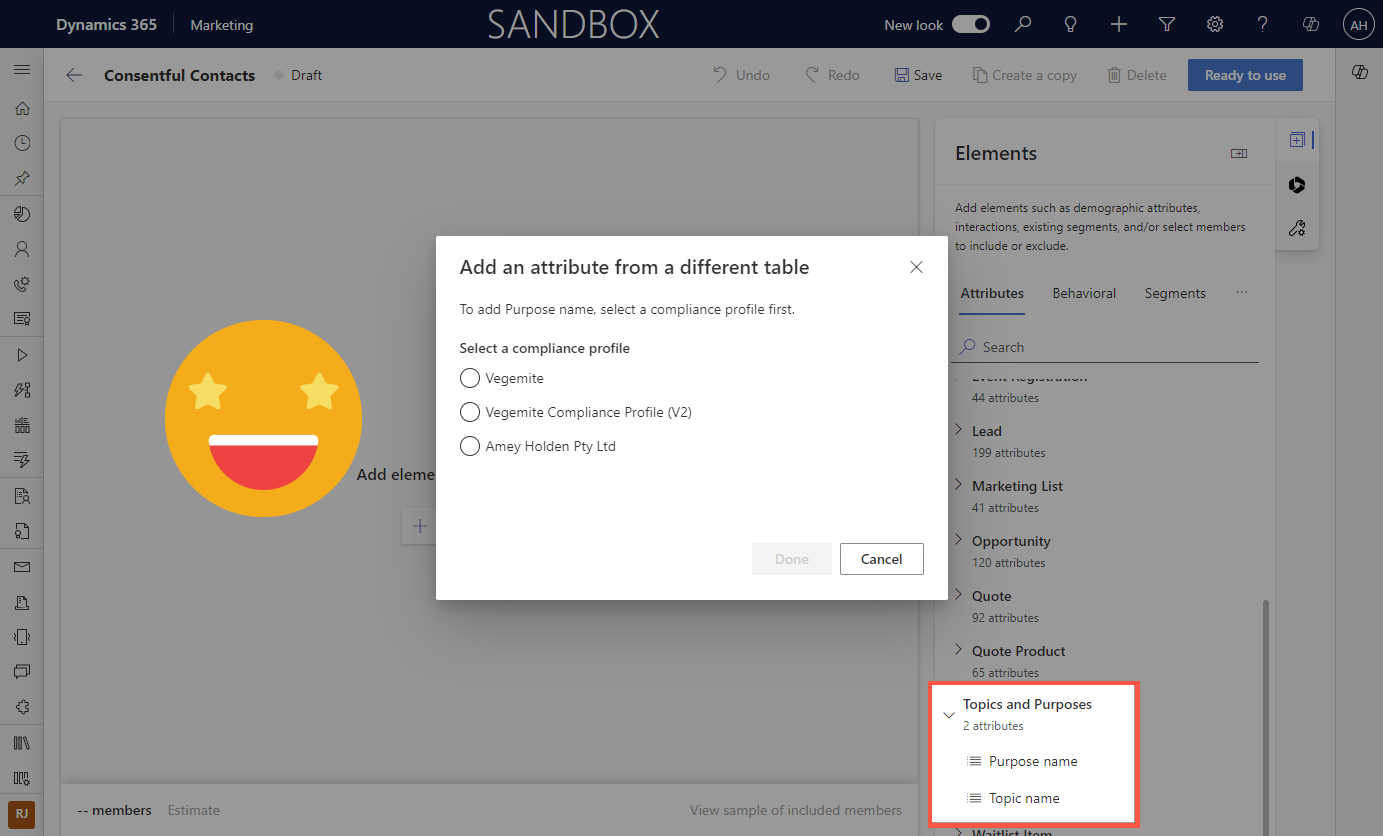
Segments in Customer Insights - Journeys: Consent, Purposes and Topics
A quick tip on how to create real-time segments in Customer Insights - Journeys based on marketing consent Opt In or Opt Out for a Contact or Lead.
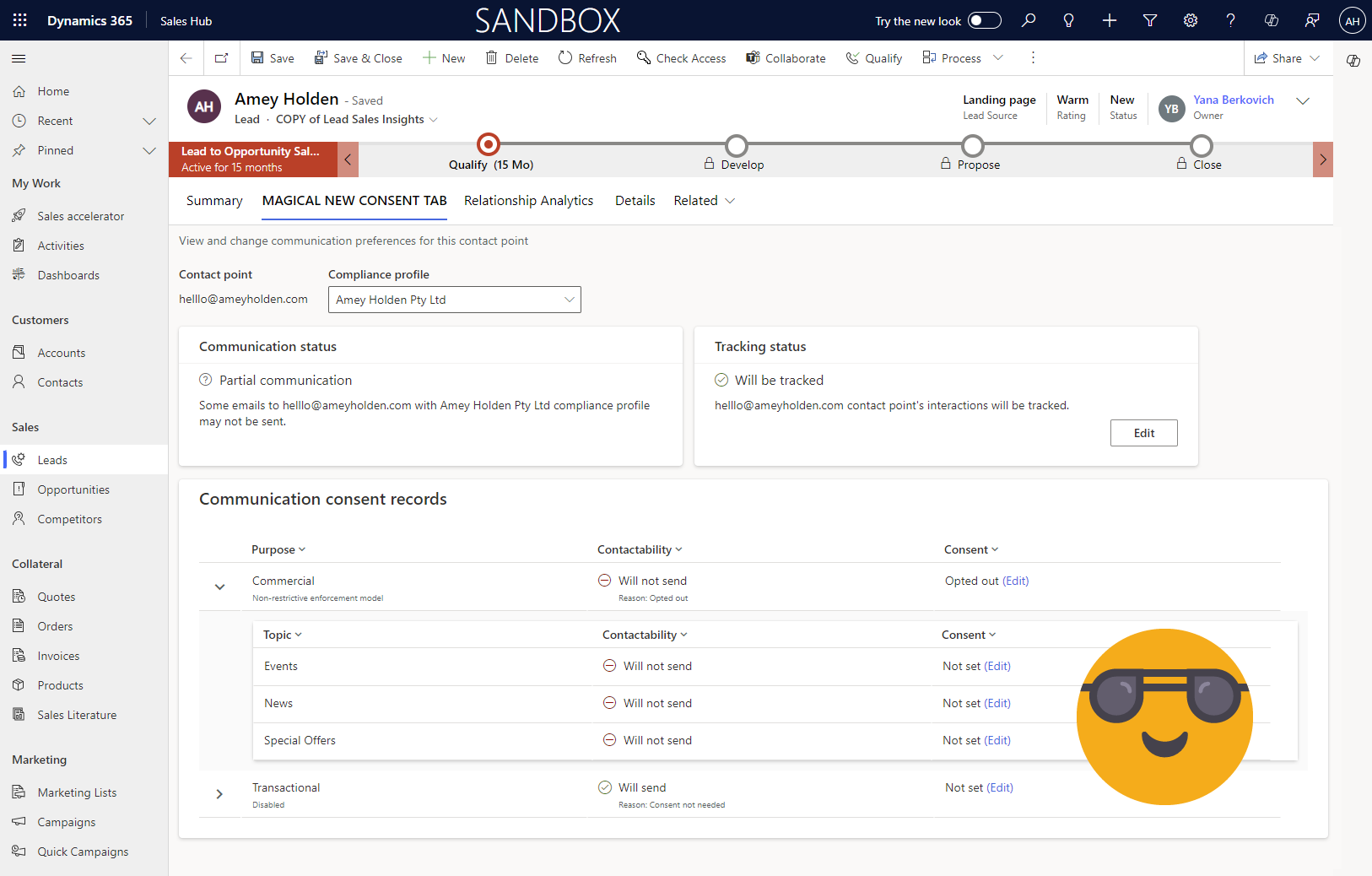
Add the Communication Preferences tab for Customer Insights - Journeys to Lead Forms
Contact point consent is used to manage consent in Customer Insights - Journeys. This post shows you how to add the ‘Communication’ tab onto a custom Lead form, so that you can manage topics and consent from any Lead form in your system across all Compliance Profiles.
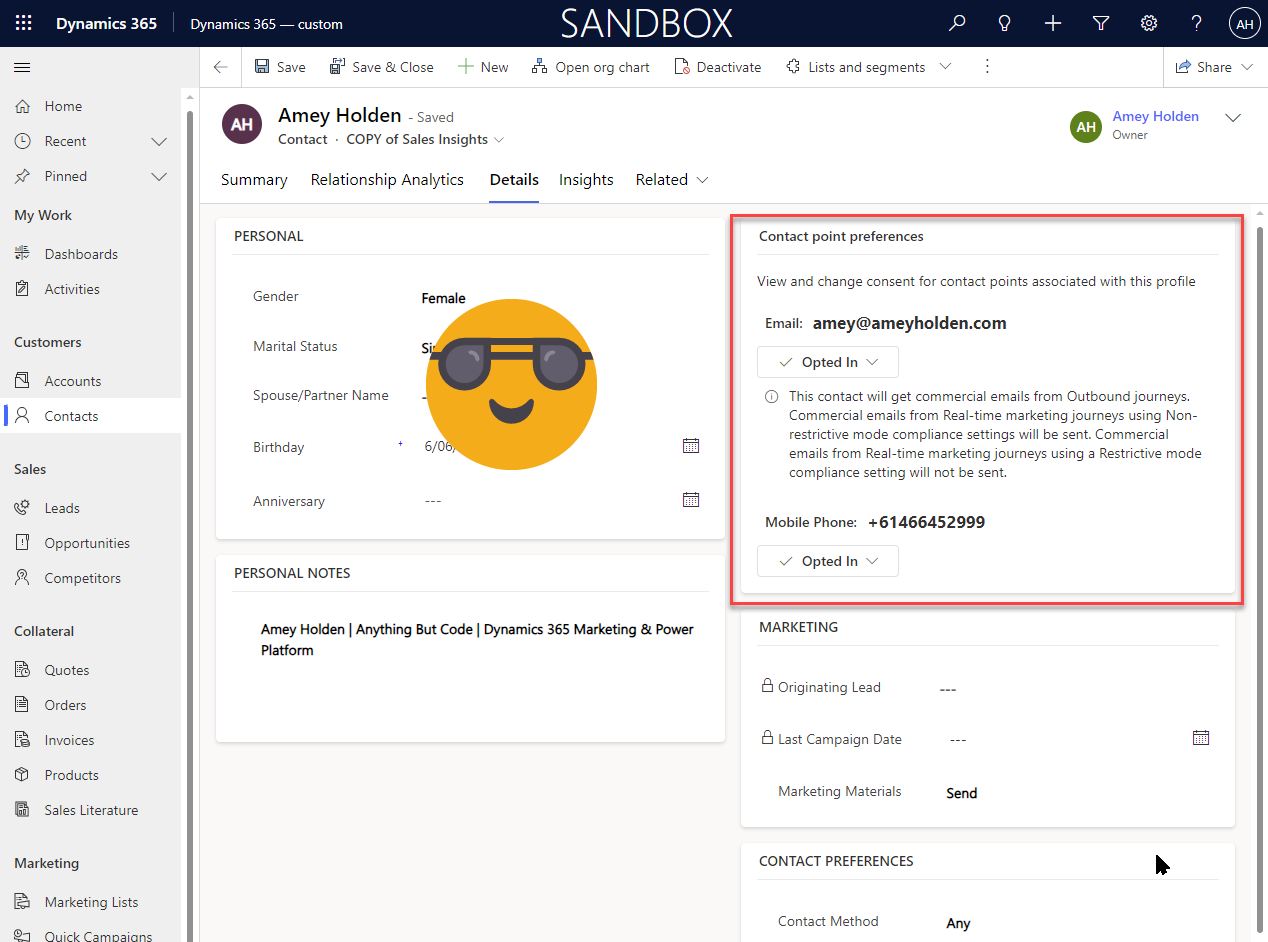
Add the Contact Point Preferences control for Dynamics 365 Marketing to Contact forms
Contact point consent is the new way to manage consent in Dynamics 365 real-time marketing. This post shows you how to add the contact point preferences control onto a custom contact form, so that you can manage consent from any Contact form.
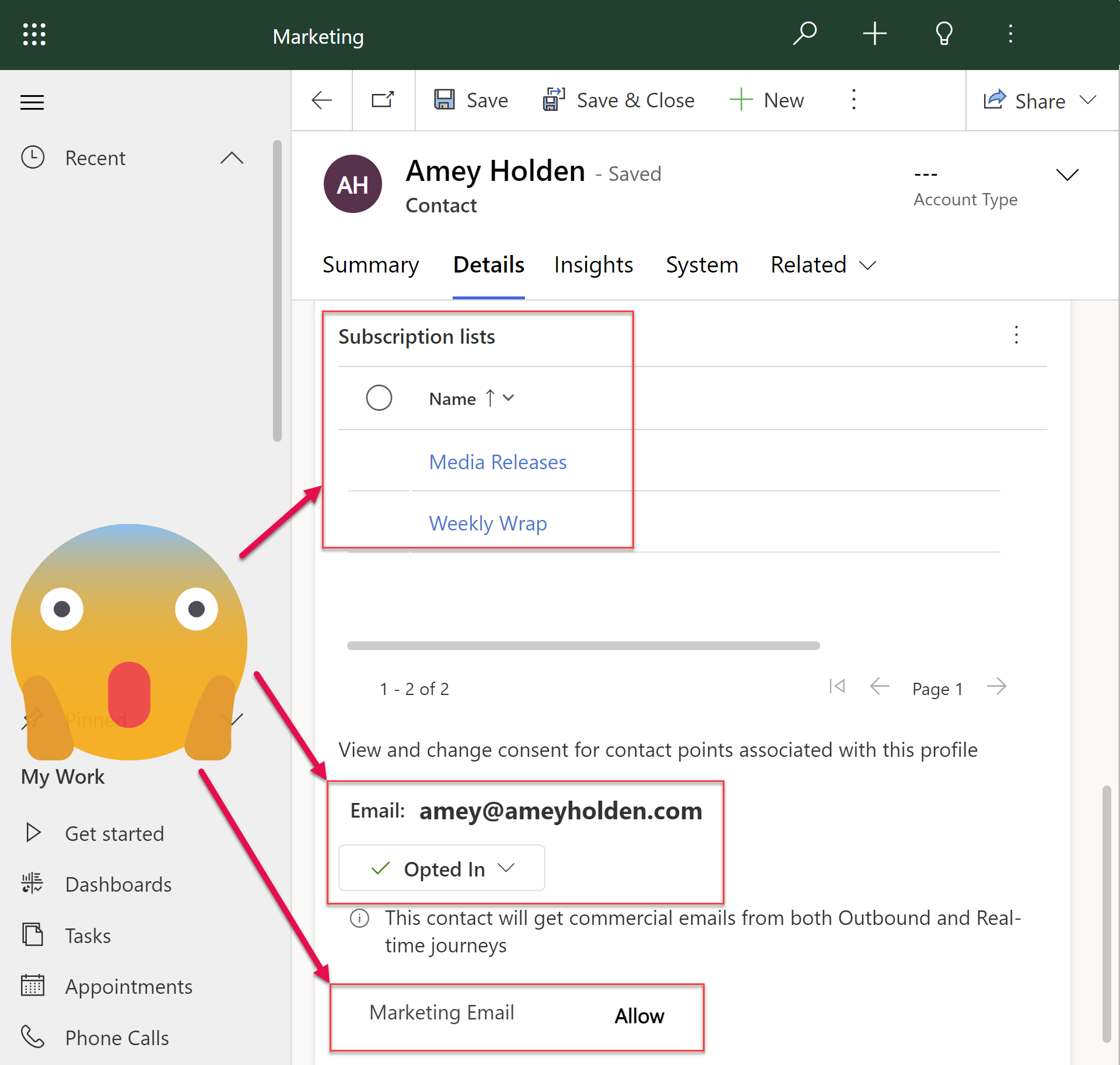
Managing Preferences, Consent and Subscriptions with Dynamics 365 Realtime Marketing
Use Dynamics Marketing subscriptions, with your nicely branded and styled subscription centre form with the amazing new features of Realtime Marketing. Whilst ensuring the Contact Point Consent and Compliance is kept up to date too. Not very ‘exciting’ but also very important!
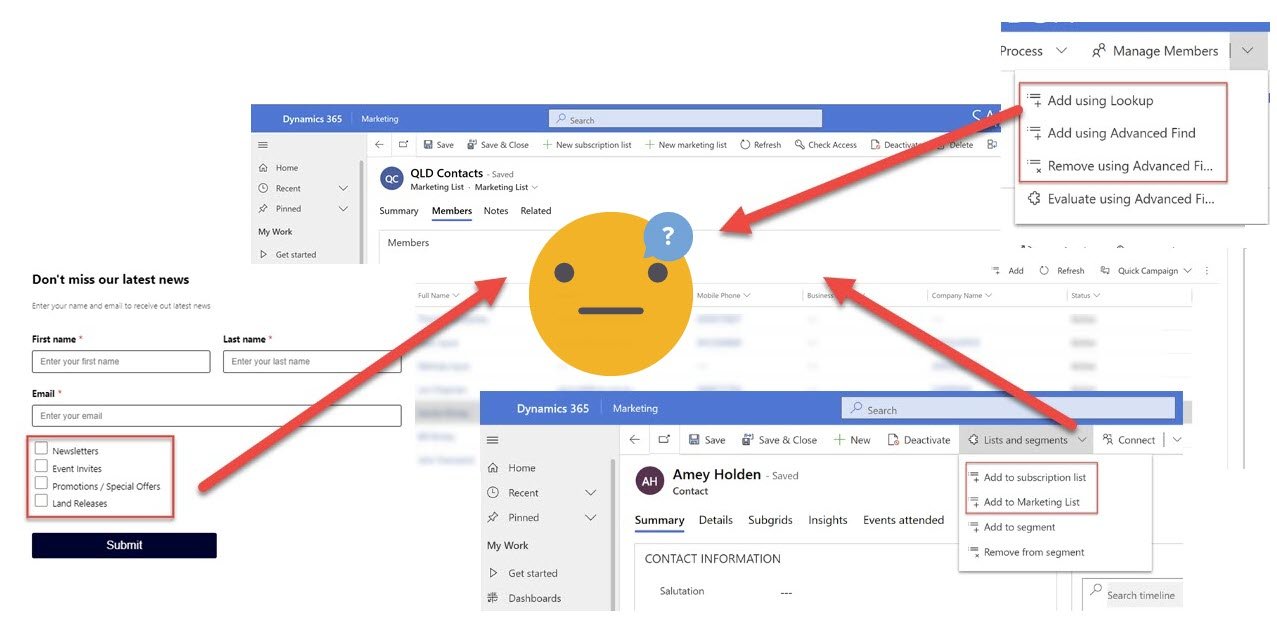
Trigger flow when a Marketing or Subscription List is updated
How to trigger a flow when a Marketing or Subscription list is updated in Dynamics 365, understand what kind of update just happened, then get the GUIDs you need to do your next steps whatever that might be.
I want to update the Marketing Preferences and Consents in response to a subscription list update!