Looking for something in particular?
Categories
- AI Builder 3
- Azure 10
- Canvas Power Apps 6
- Custom Pages 6
- Customer Insights - Journeys 20
- Customer Voice 6
- Dataverse 30
- Dynamics 365 43
- Dynamics 365 Marketing 88
- Dynamics 365 Portals 11
- Dynamics 365 for Outlook 3
- JavaScript 10
- Marketing (Non Dynamics 365) 7
- Micro Enterprise Financials 2
- Microsoft Excel 2
- Microsoft Forms 2
- Microsoft PowerPoint 2
- Microsoft Teams 3
- Model-driven Power Apps 38
- Office 365 3
- OneDrive 1
- Outlook 2
- PCF & Custom Controls 14
- Power Automate 84
- Power BI 3
- Power Platform 5
- PowerFX 1
- SharePoint 4
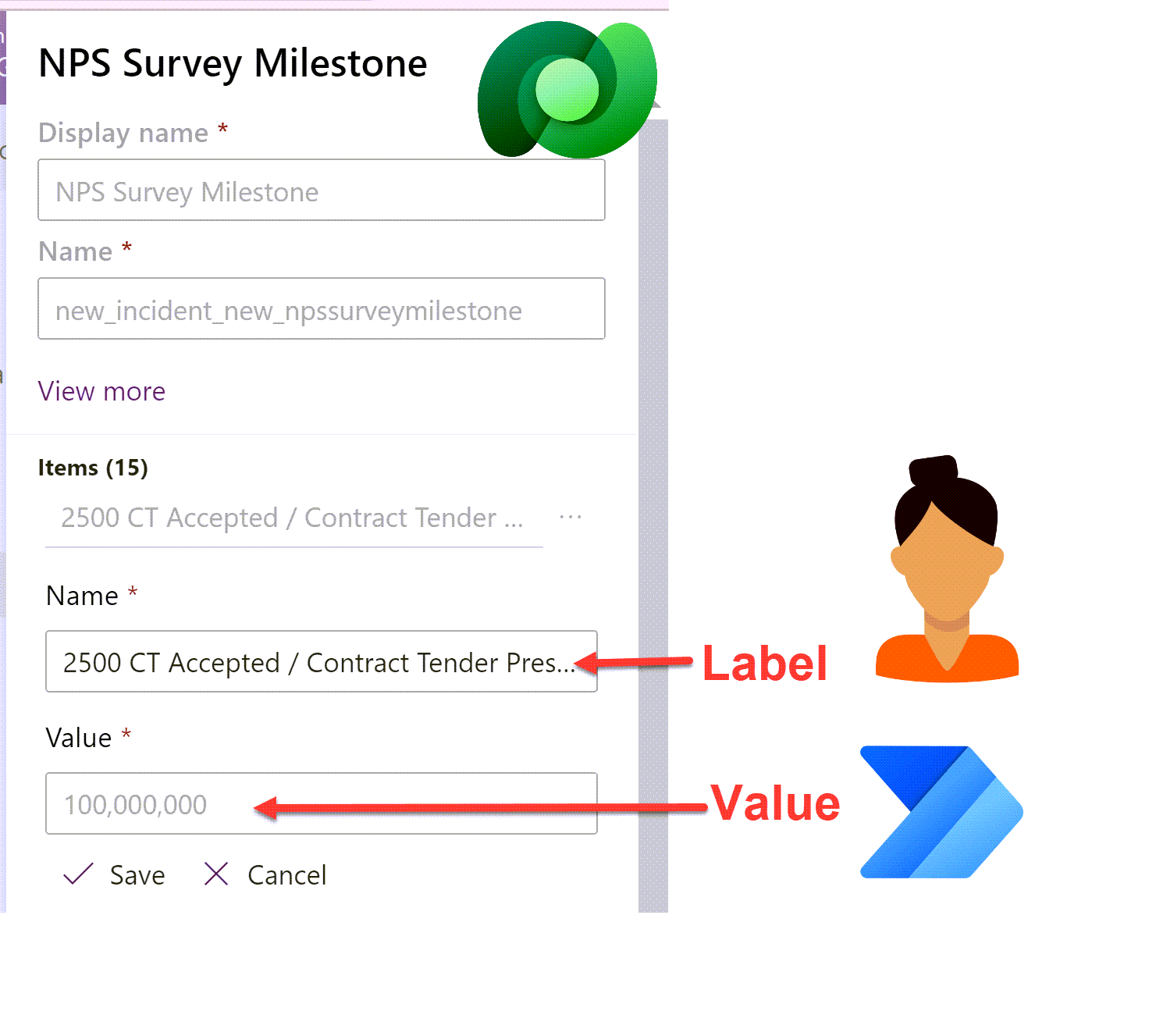
Set Dataverse Choices in Power Automate dynamically - without a switch statement!
Setting the value of a Dataverse choice option set or choices multi-select option set column field in Power Automate can be a little tricky. Flow expects either a static choice or the choice ‘Value’ rather than the ‘Label’. Smaller choices work ok with a switch statement but what about when your choice has 10+ choices? Here is a way to avoid cumbersome switch statements to handle larger choice lists.
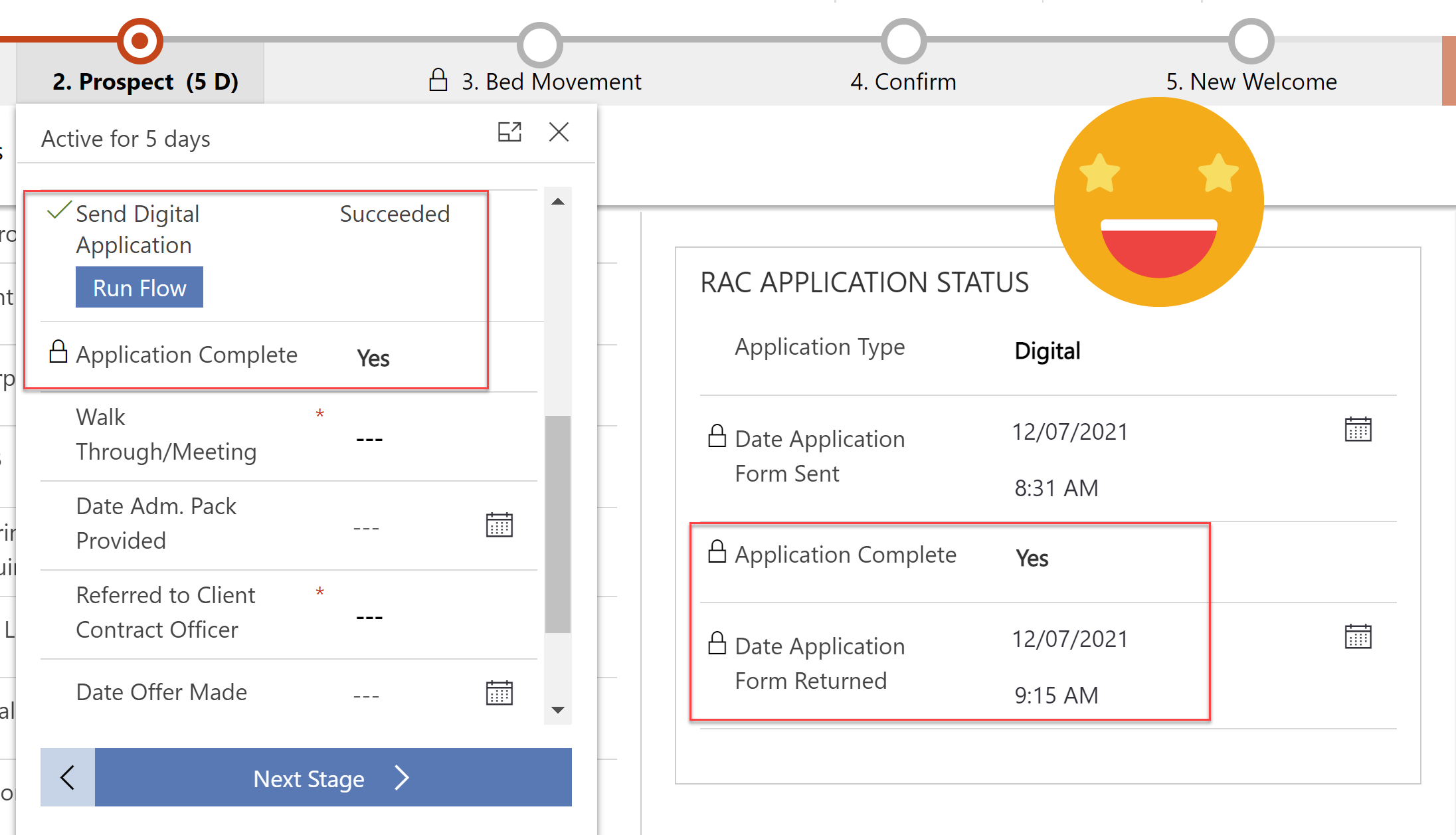
Track and Process Digital Applications with Customer Voice & Power Automate
Every customer application is unique, the additional evidence & supporting documents they need to provide depends on how they answer the questions. We can use Power Automate to send specific and personalised directions on what they need to do next after submitting an application.
Linking a customer voice response back to its originating invitation and related enquiry so that we can track all activities in one place. Ensuring any user can clearly see what is/was required and help move the application process along.
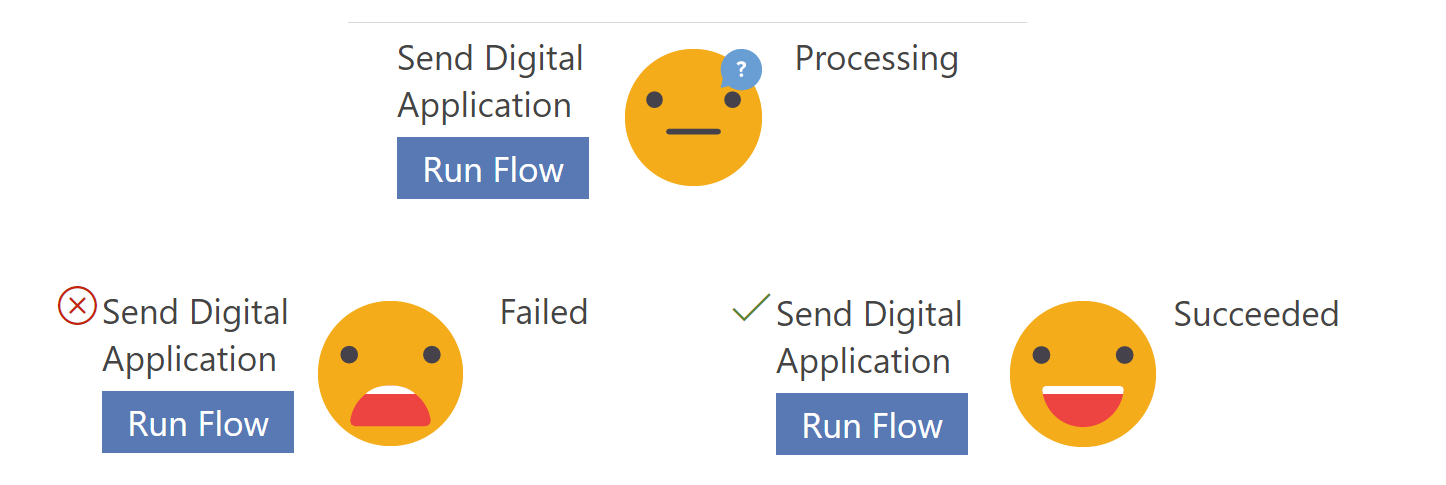
Handling ‘Run Flow’ failures from a business process flow
Current limitations mean you cannot use business rules on the ‘Run Flow’ button on the business process flow, so its entirely possible for a user to run the flow when the scenario is going to cause silent failure in the background. Lets look at how to mark a business process flow step as failed, so you can handle flow run failures - gracefully and informatively, in a user friendly manner!
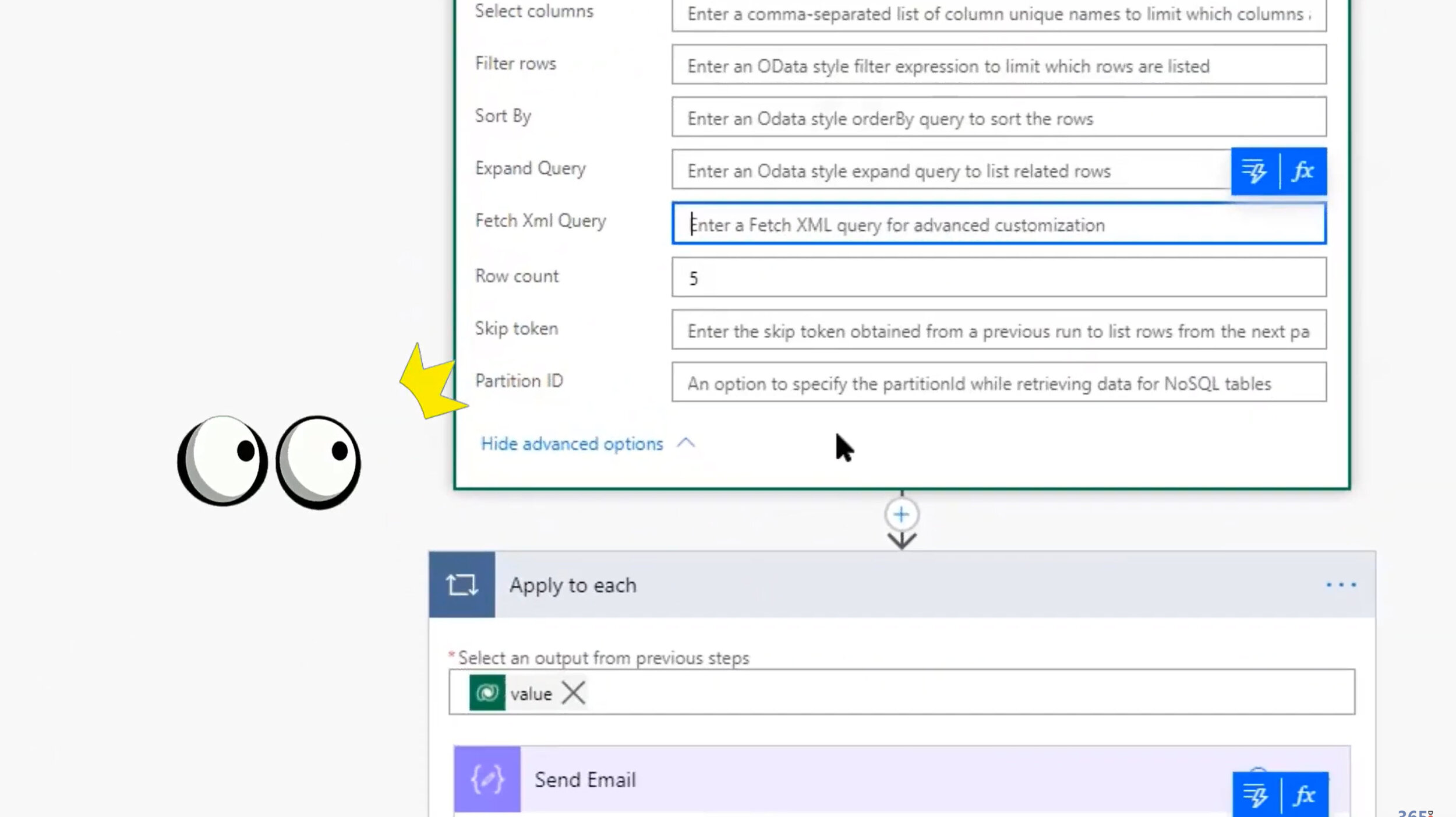
Citizen Can: Mastering Power Automate and Dataverse with George Doubinski
One ‘Citizen’ Developer and one ‘Real’ Developer combine forces to educate and empower the less technical among us with the simplified knowledge to unleash awesomely powerful functions in Power Automate without needing to be a ‘Real’ Developer.
Expand to save on thousands API calls; Relationships are complicated; Expand expanded no matter how deep; Call classic workflows from Power Automate; Pass parameters between classic and flow; Select like a boss; Row count and page.
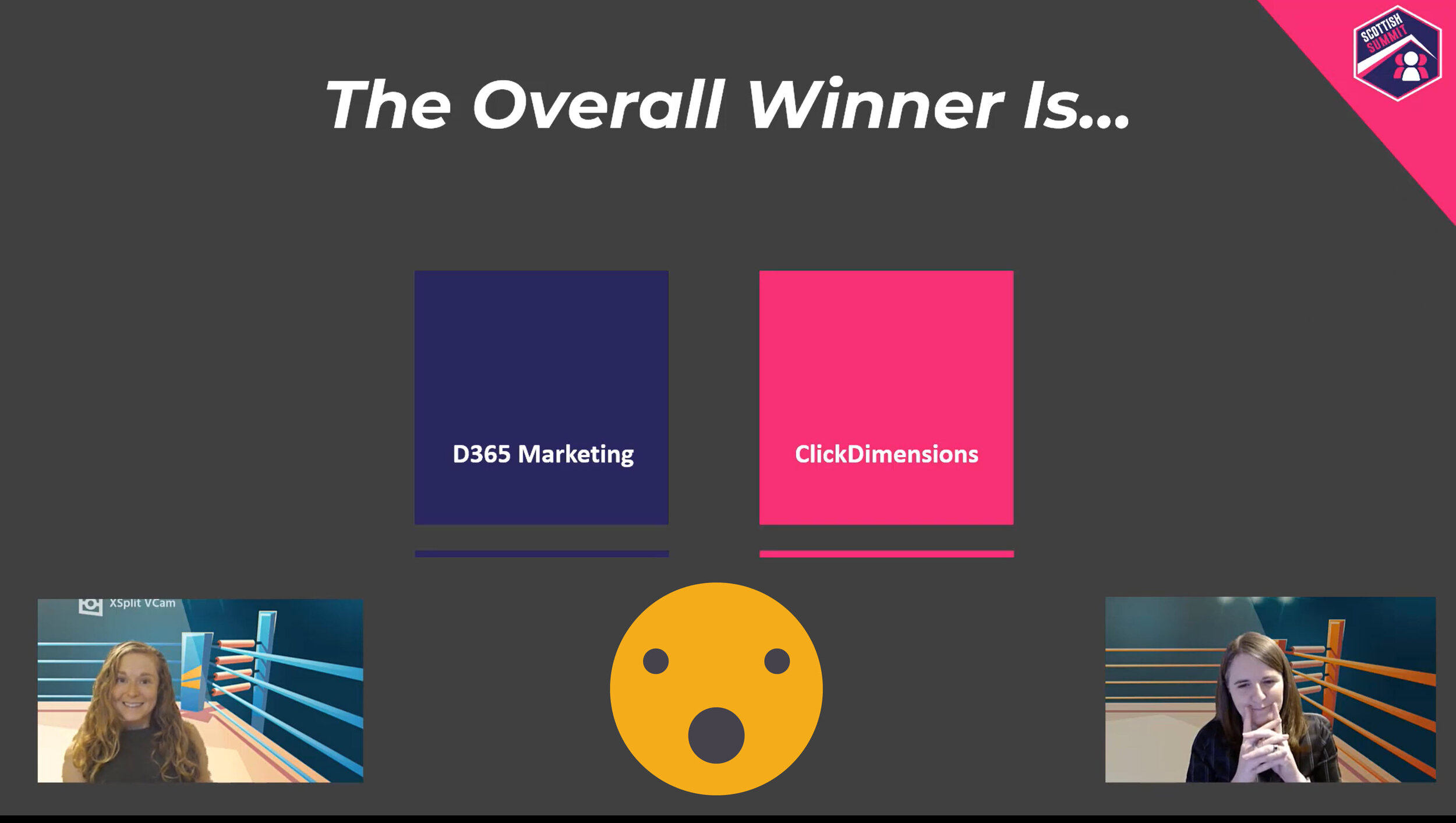
VIDEO: The Ultimate Marketing Showdown
Dynamics 365 Marketing VS ClickDimensions go head to head in the ultimate battle. Watch as they endure the Clash of the Campaigns, as they Wrestle with Web Forms, they Sock It to Social Media, and they put on an Email Extravaganza. Let’s settle this once and for all!
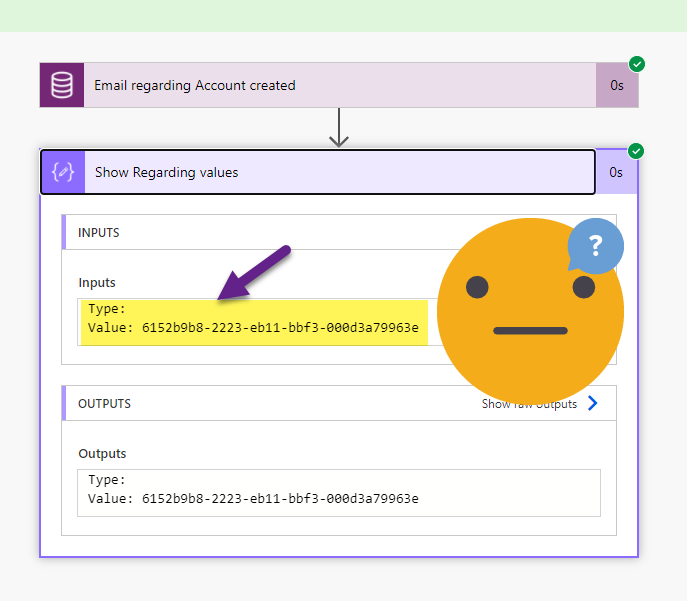
Filtering the ‘Regarding’ column in Power Automate
Triggering a Cloud Flow in Power Automate when an email is tracked ‘Regarding’ an Account record in Dynamics (or Dataverse) should be simple - but when your filter is throwing an error and Regarding (Type) is blank. You need to ask not once, but twice for the values you need!

Power Apps & PCF for social media analytics
The final part of our deep dive into the social media monitoring model-driven app we will focus on how we display the data to our users in meaningful and enjoyable ways. Plus how we can extend the visual experience with Power Apps Component Framework
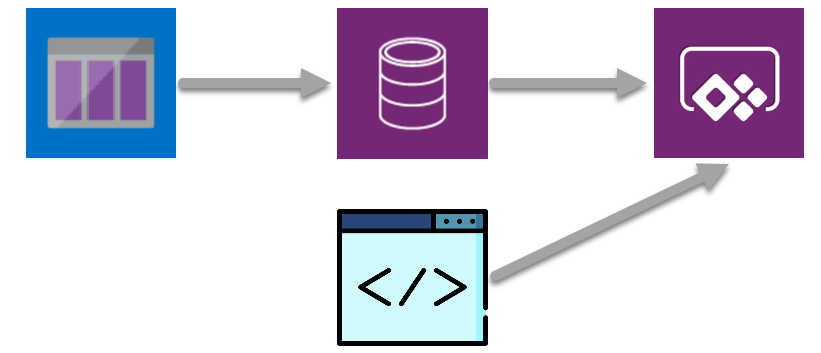
From Azure Queues to model-driven Power Apps for social media analytics
The second step in creating an immersive, AI enriched social media monitoring and analysis model driven app. Retrieving messages from an Azure queue which is full of AI enriched data and displaying it to our users in meaningful and enjoyable ways
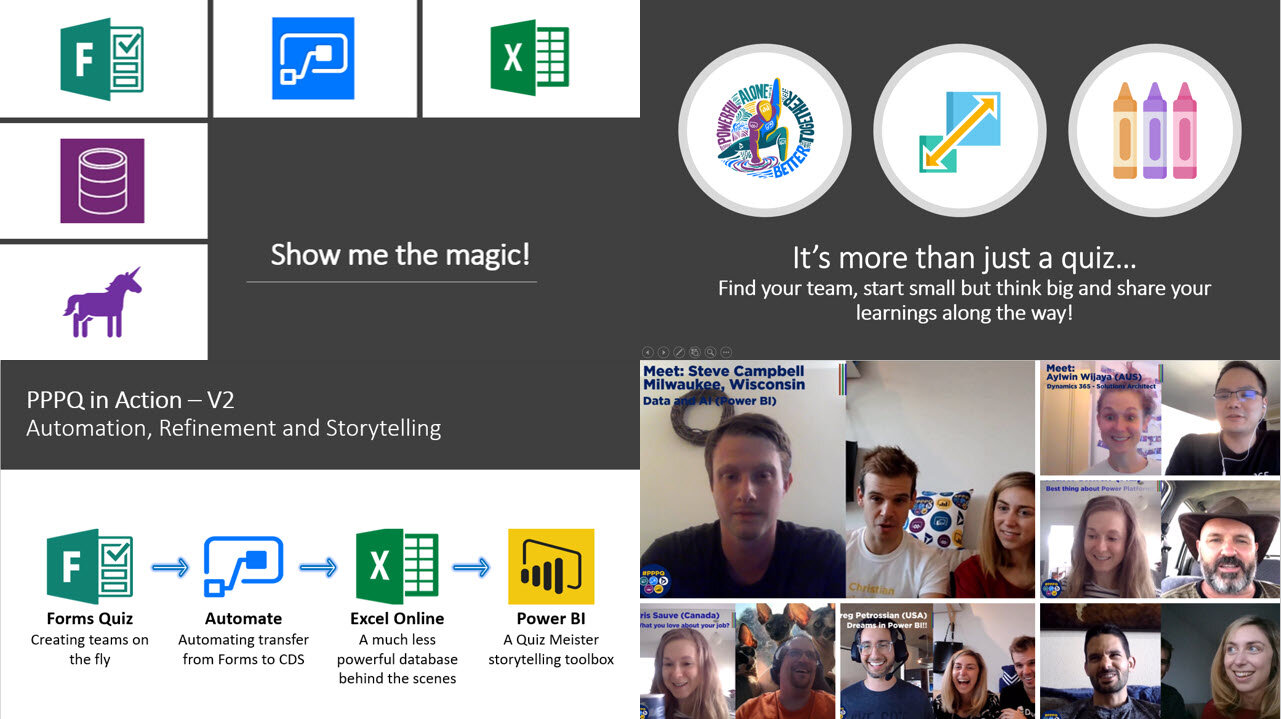
VIDEO: Virtual Quizzes (#PPPQ) and Community Engagement with Power Platform
The story so far on how the virtual Power Platform Pub Quiz initiative #PPPQ is leveraging the power of the platform to run live virtual quiz events featuring trivia questions across the power platform stack. t’s a true showcase of how the Microsoft Community & Power Platform come together to help us learn, engage and connect with each other despite being physically apart.
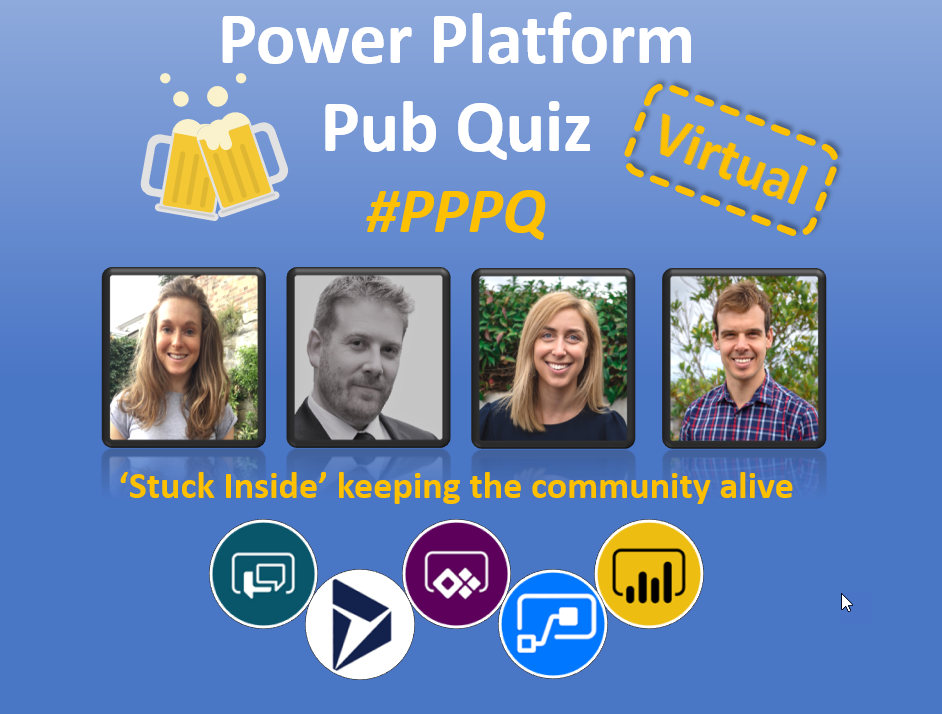
Virtual Quizzes with the Power Platform
The basic premise of a pub quiz is pretty simple. You have some teams, you ask some questions, you calculate their scores and you have a winner. All translates pretty easy to a virtual world except two bits: Calculating score & Teams collaborating to agree an answer. There are many ways to overcome this but the focus was to keep it as low cost, simple and reliable as possible.