Looking for something in particular?
Categories
- AI Builder 3
- Azure 10
- Canvas Power Apps 4
- Custom Pages 5
- Customer Insights - Journeys 11
- Customer Voice 6
- Dataverse 26
- Dynamics 365 40
- Dynamics 365 Marketing 88
- Dynamics 365 Portals 11
- Dynamics 365 for Outlook 3
- JavaScript 9
- Marketing (Non Dynamics 365) 7
- Micro Enterprise Financials 2
- Microsoft Excel 2
- Microsoft Forms 2
- Microsoft PowerPoint 2
- Microsoft Teams 2
- Model-driven Power Apps 38
- Office 365 3
- OneDrive 1
- Outlook 2
- PCF & Custom Controls 14
- Power Automate 79
- Power BI 3
- Power Platform 5
- SharePoint 4
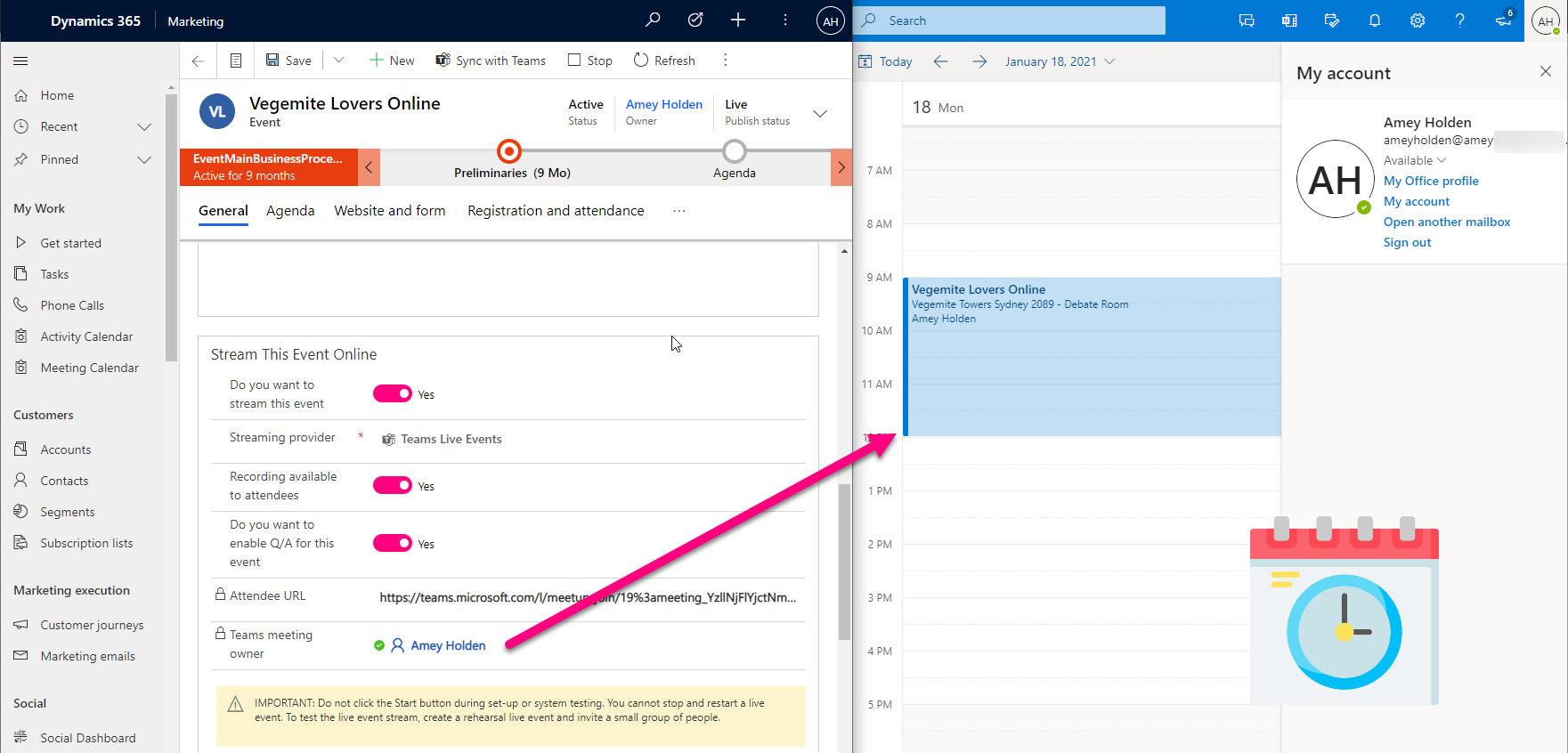
Dynamics 365 Marketing + Teams Events + Calendar Invites
Marketing Events as teams meetings came into the world somewhat unfinished, the actual event didn’t show in your email or personal calendar, or any of the producers or speakers calendars.
Good news - no more workarounds required! You simply create the event in Dynamics Marketing then you, your speakers and producers will all have an invite straight to their inbox with the right permissions, to do what they need to do for your online event.
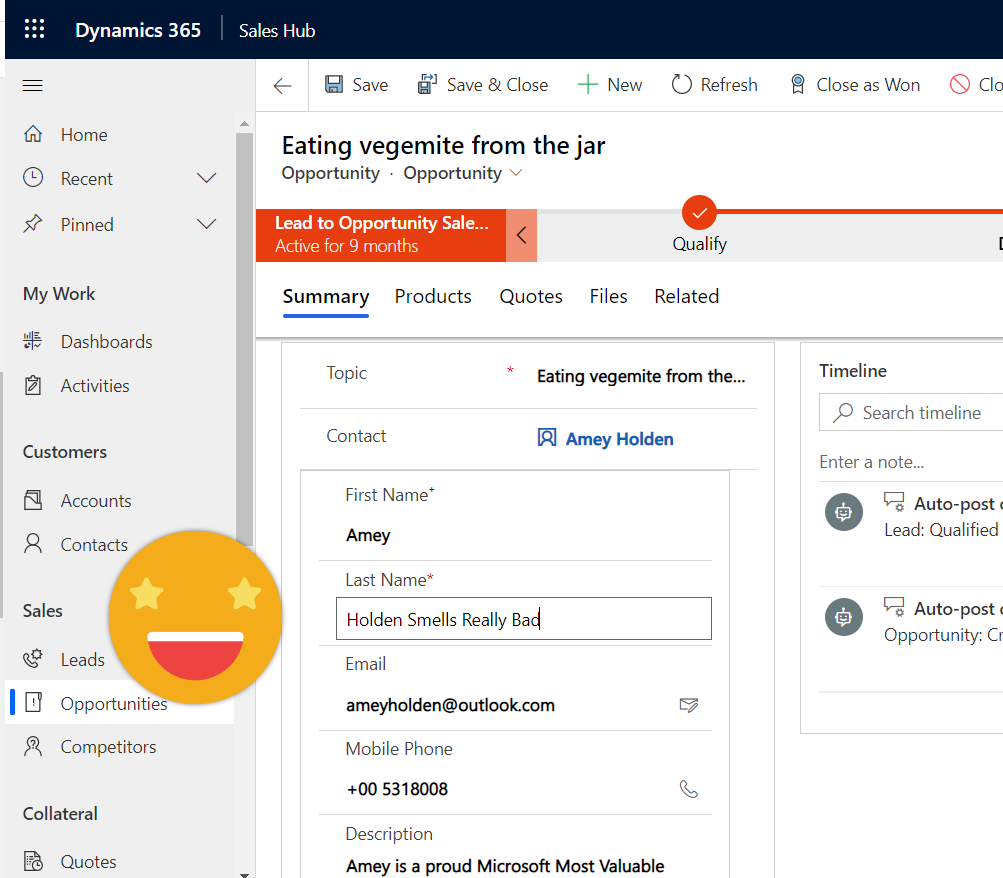
Quick View forms with edit permissions - introducing the Form Component Control
Quick View forms have been disappointingly average since CRM 2013. I’m excited to be introducing the better sibling of the Quick View form that lets you see and edit data from other tables from a single form - it’s called ‘Form Component Control’. *catchy name pending*
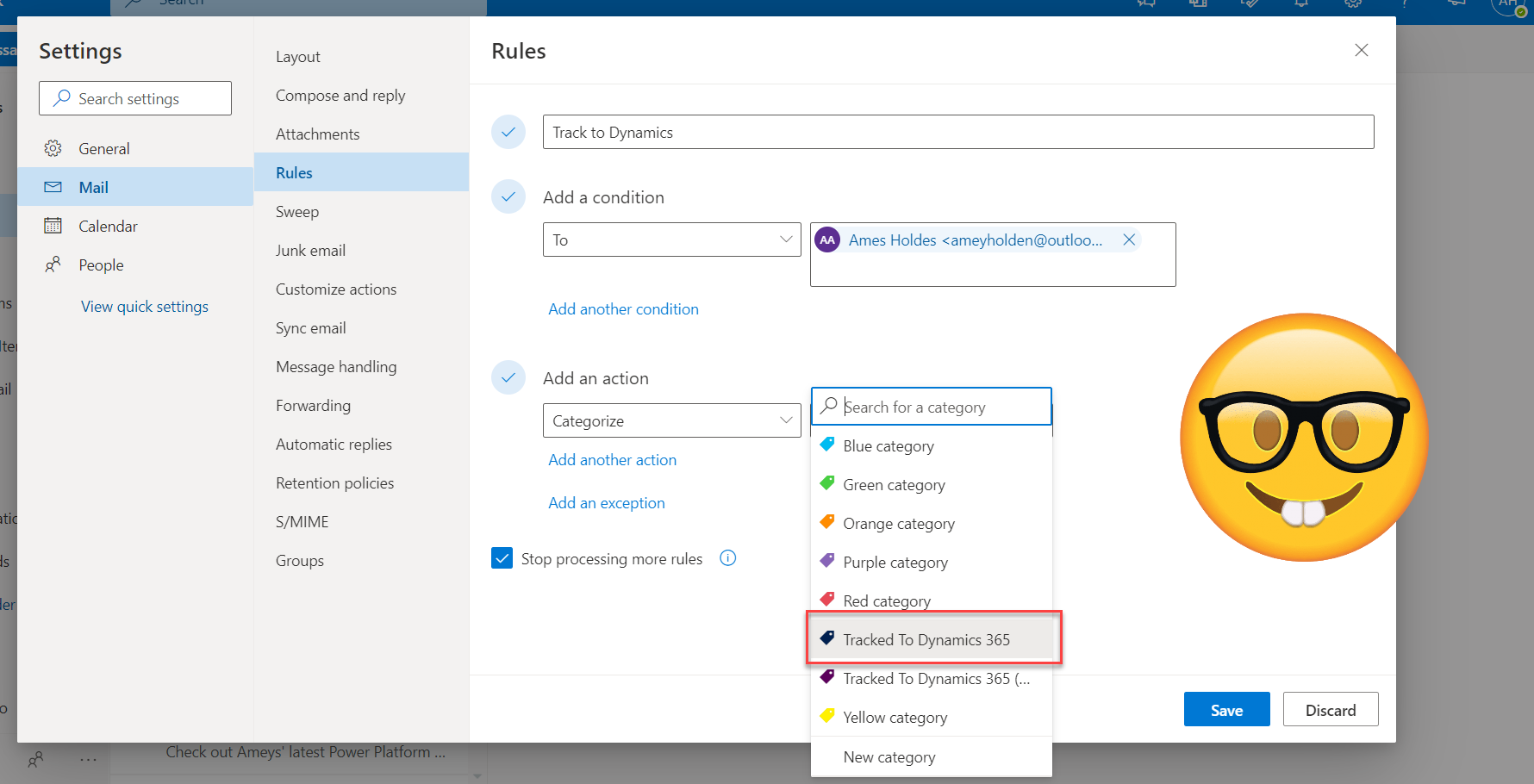
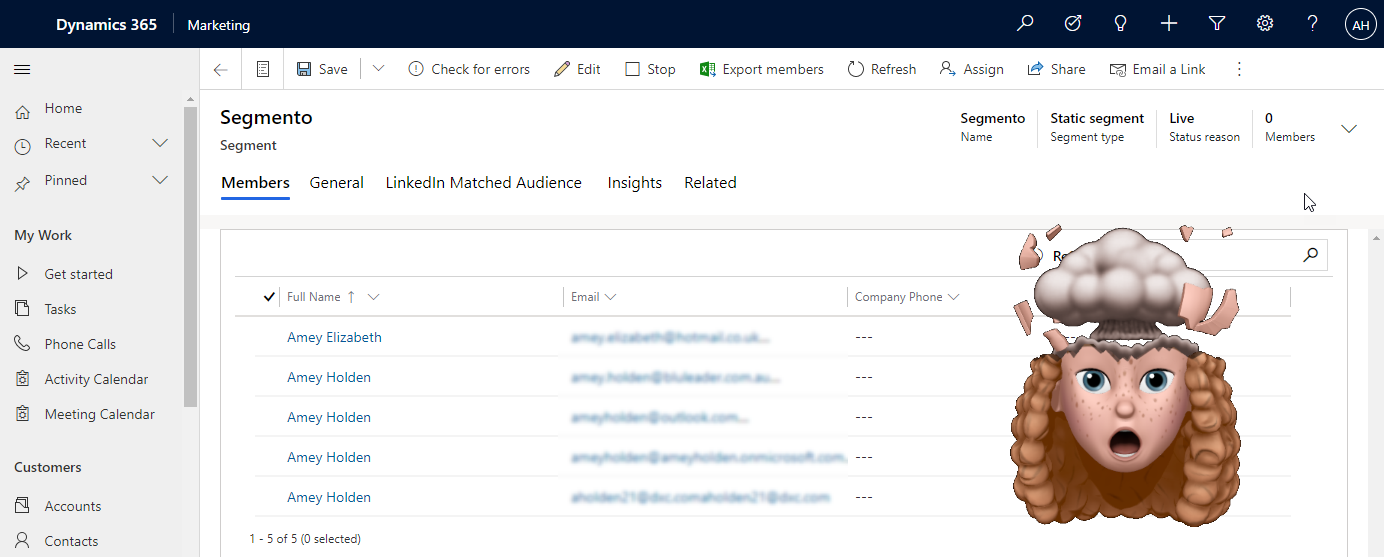
Add Contacts to Segments - with Power Automate!
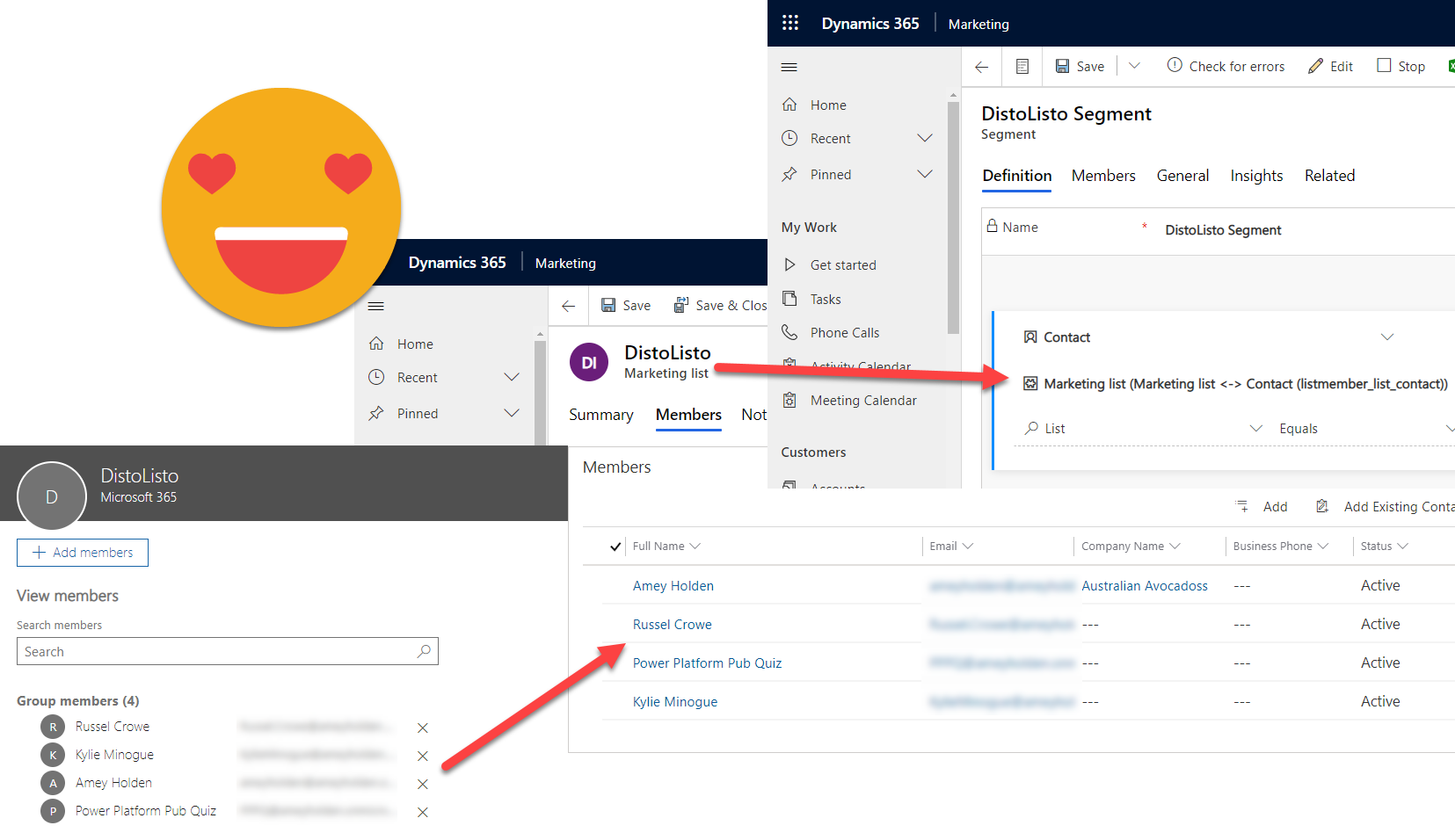
Dynamics Marketing is all about the Segments . This post explores how you can use power automate with unbound actions (yikes!), to add one or many contacts to a segment without the interim Marketing List!
Synchronise Outlook mailing lists with Dynamics Marketing
Create a flow to synchronise mailing lists with Dynamic Marketing Segments. So we can use Dynamics Marketing for seamless, automated and effective employee communications.
Flip the switch: two option (yes/no) fields in model-driven Power Apps
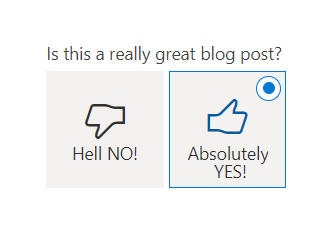
Lets look at how the humble two option field can be better visualised and used in more creative ways in your model-driven Power Apps. We do this by using Custom Controls out of the box and PCF components. Plus a bonus feature (although technically not a two option field behind the scenes) shows a really smart example of how you can you a flip switch to set a timestamp, two visual benefits in one field!
Face the fear of $expand and get the lookup values you deserve in Power Automate
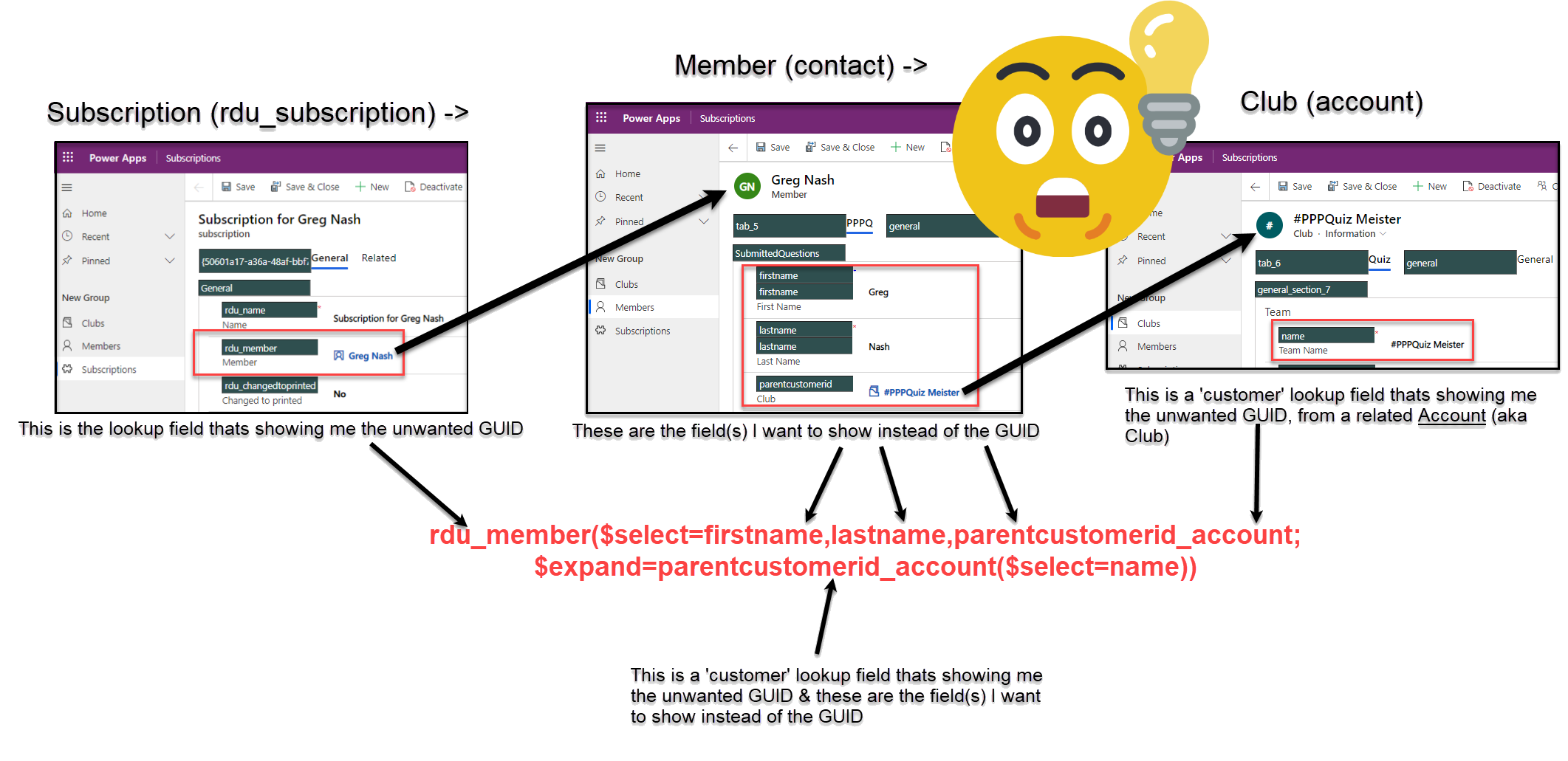
Power Automate and lookup fields are problematic - especially when you are trying to send notifications which include information about records which includes lookup fields.
For example - sending an email about a contact who works at a company called ‘ Vegemite’ comes back as ‘eca9ea6f-c96b-ea11-a811-000d3a58d840‘. I’m not sure about you, but me and most my customers don’t speak '“GUID”.
You can use the ‘Get Records’ action but its not so friendly of the API calls nor so efficient. Come with me on a journey to understand the power of the ‘Expand Query’ to solve all your lookup GUID issues!
Format Dates in Power Automate: the lazy (ABC) way!
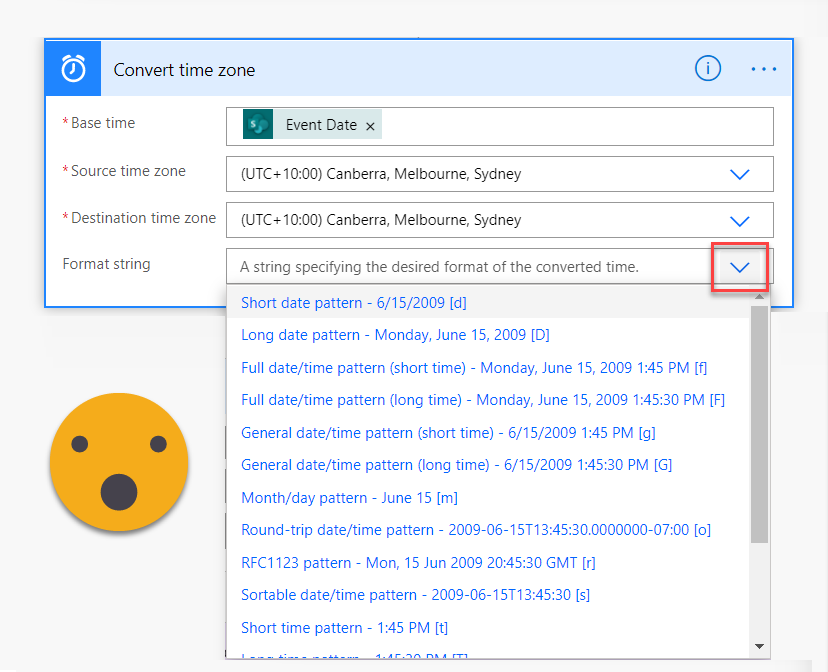
Every time I format dates and times in Power Automate I’m left thinking ‘this should be easier’. It is. I want to show you a lazy, ABC (anything but code) way to do date time formatting and calculating in your flows
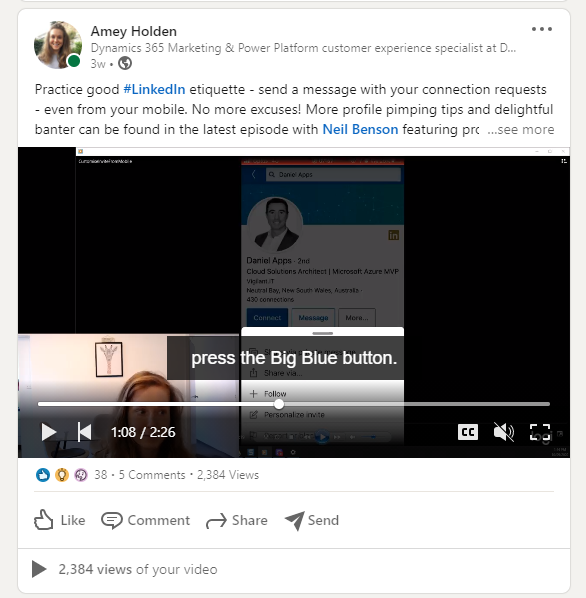
Automatic captions for LinkedIn (and other) videos
This post will explain step by step how you can make Microsoft Stream do the leg work to automatically generate video subtitles. This will amplify your message on LinkedIn and make your video accessible to all.
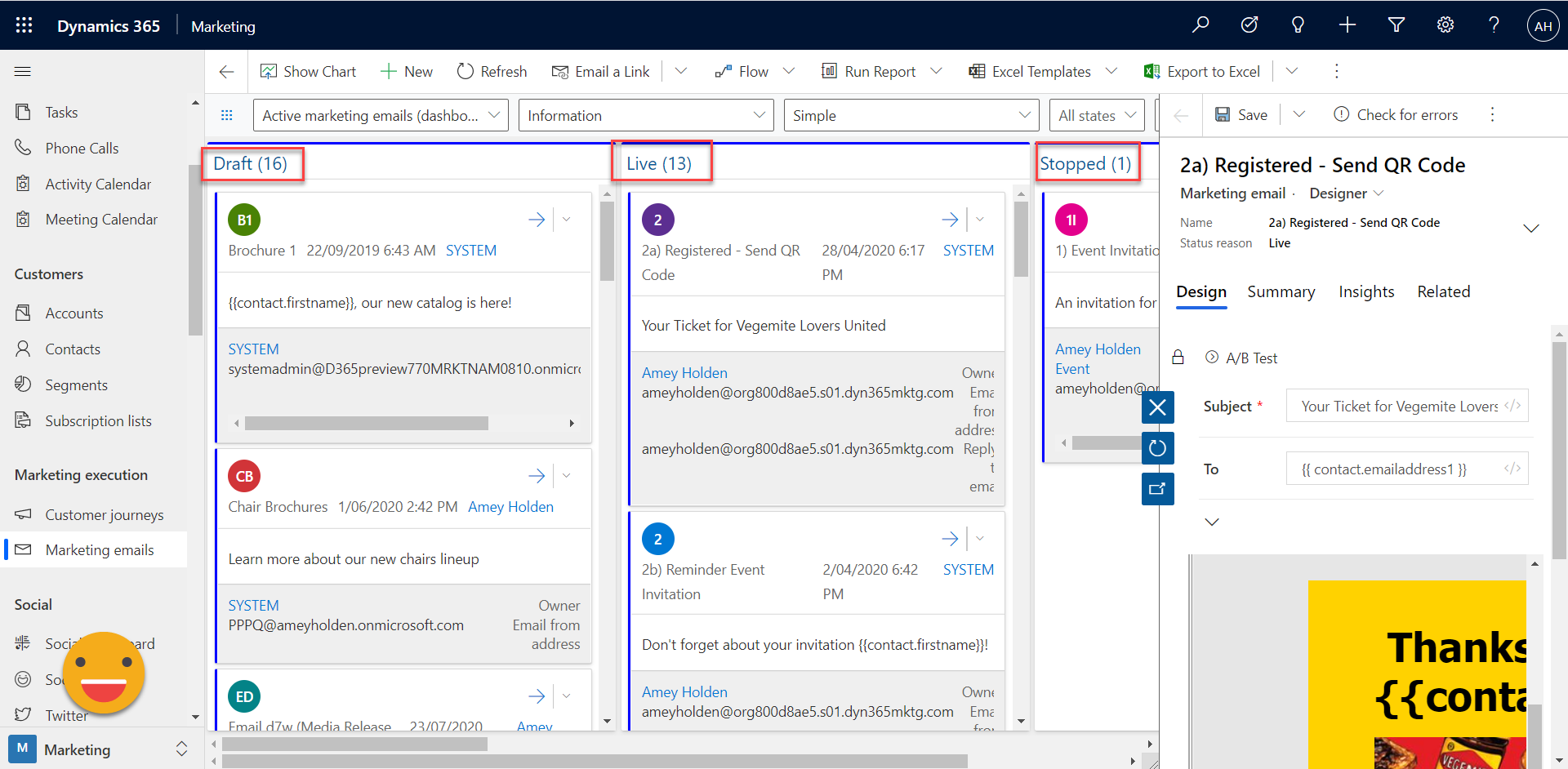
Sticky notes are dead: digital Kanban boards for Dynamics and Power Apps
Unfortunately the 21st century world of co-located, socially distanced teams the traditional Kanban board in all its post-it note glory is a thing of the past. Lets look at how we can use custom controls and Power Apps Component Framework (PCF) for model-driven Power Apps to help our users and teams to better manage their workloads.
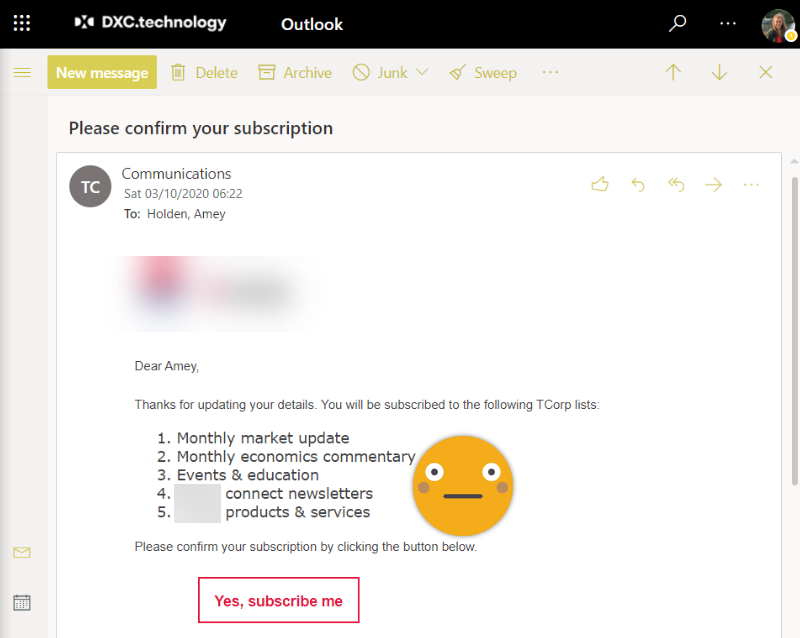
Double opt-in email formatting in Dynamics Marketing
The form level double opt-in feature in Dynamics Marketing is really great, except for some really irritating formatting issues that occur when your use {{FormDoiSubmission.SubscriptionListNames}}. With a tiny edit of the HTML file I show you how to get your marketing emails back to looking 100% slick and professional.
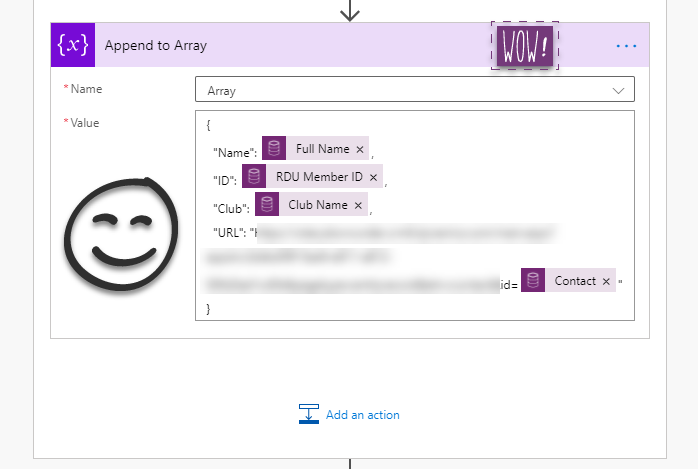
HTML tables with lookup names not GUIDs in Power Automate
HTML tables in Power Automate are very powerfil yet relatively simple. Until you introduce lookup fields to the mix and you table is full of ugly GUIDs. This article shows you how to populate a HTML table in power automate with the ‘name’ values from lookups rather than the GUIDs in a clean ad simple way.

Weekdays only please: Schedule your Power Automate flows with respect
If you are responsible for building scheduled workflows which send notifications or updates using Power Automate, you have the power to make a difference. Unless its urgent, please respect your users and only email them on weekdays.
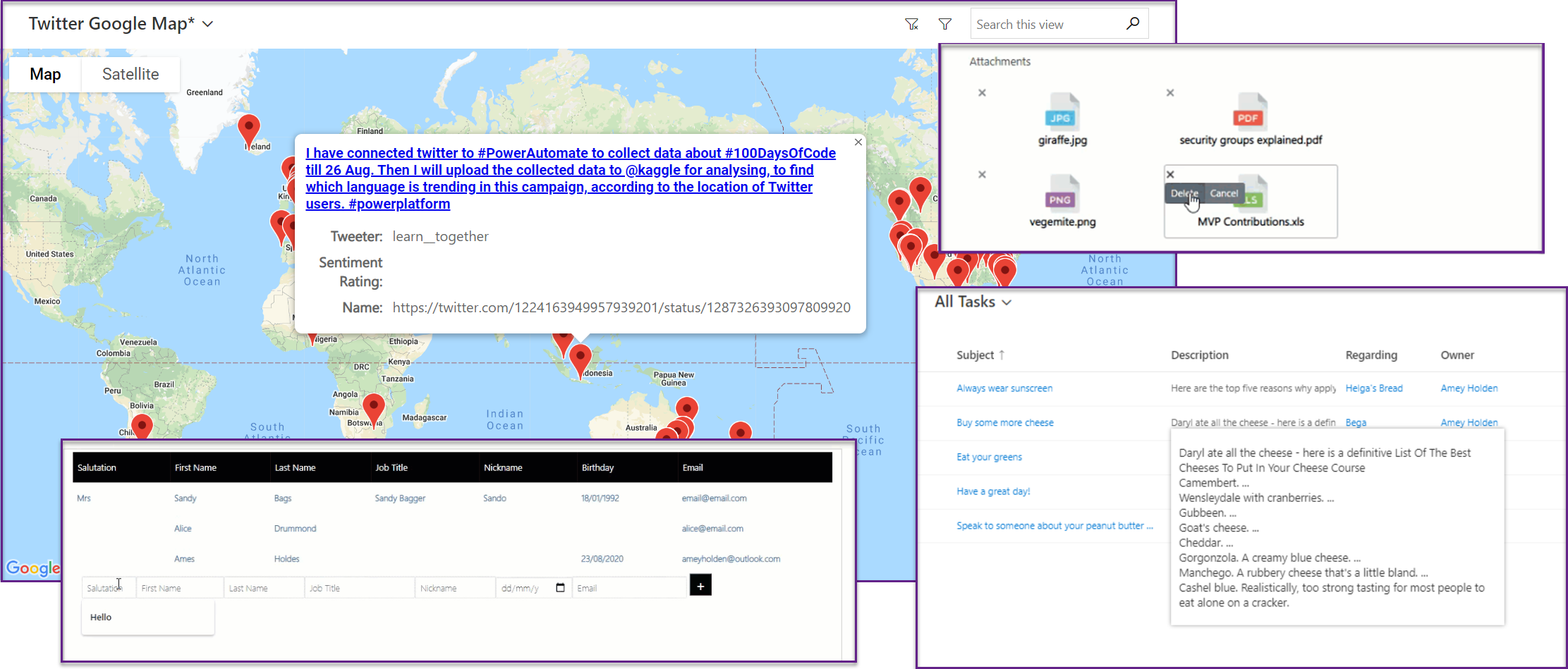
Going off-the-grid: PCF views & sub-grids in model driven apps
Exploring some Power Apps Component Framework (PCF) themed grids & sub-grids. Featuring just a few of my favourite picks from PCF Gallery, plus some tips and tricks to get them working. This post features smart grids, attachment grids, maps and hover cards.
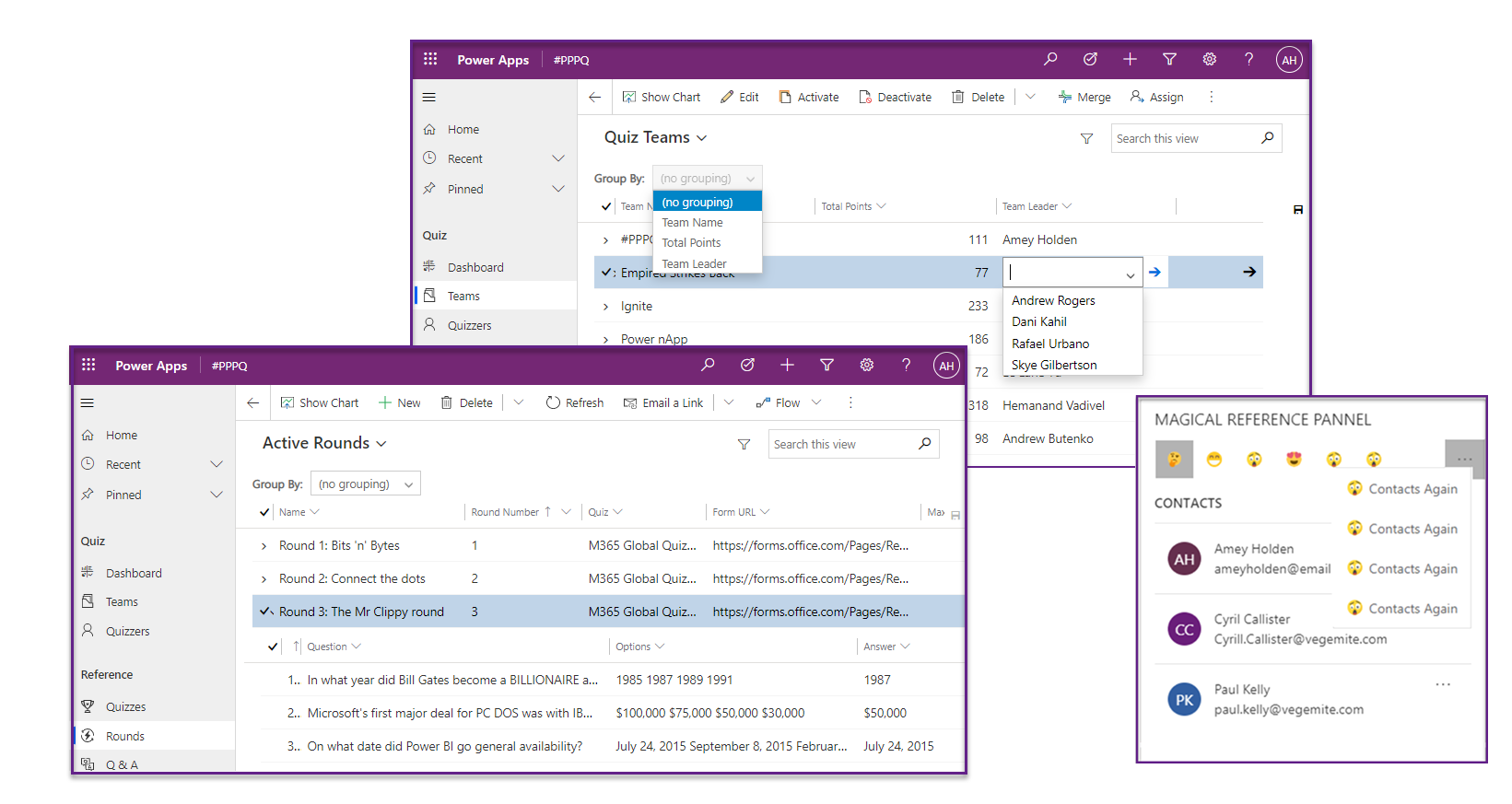
Gridlock: custom control views & sub-grids in model driven apps
Exploring more unified interface custom controls in model-driven apps. Focusing on sub-grid and view custom controls which are available natively. There is already a wealth of functionality available' out of the box', you just need to know where to find it. This post will cover Editable grids, Nested grids and Reference panels.
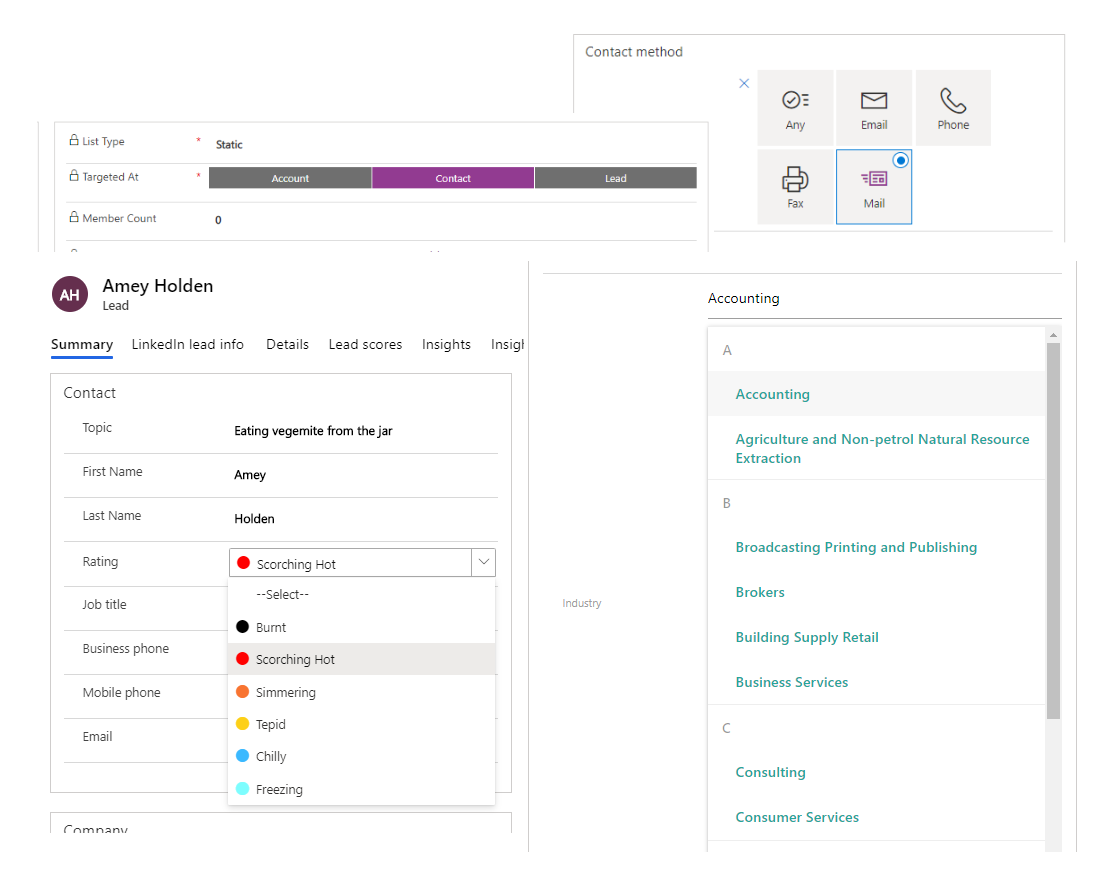
Take your pick: option sets in model driven apps
Exploring the range of options for option sets with the new unified interface and Power Apps Component Framework (PCF) for model-driven apps. A simple way to boost user experience and interface to a whole new level.
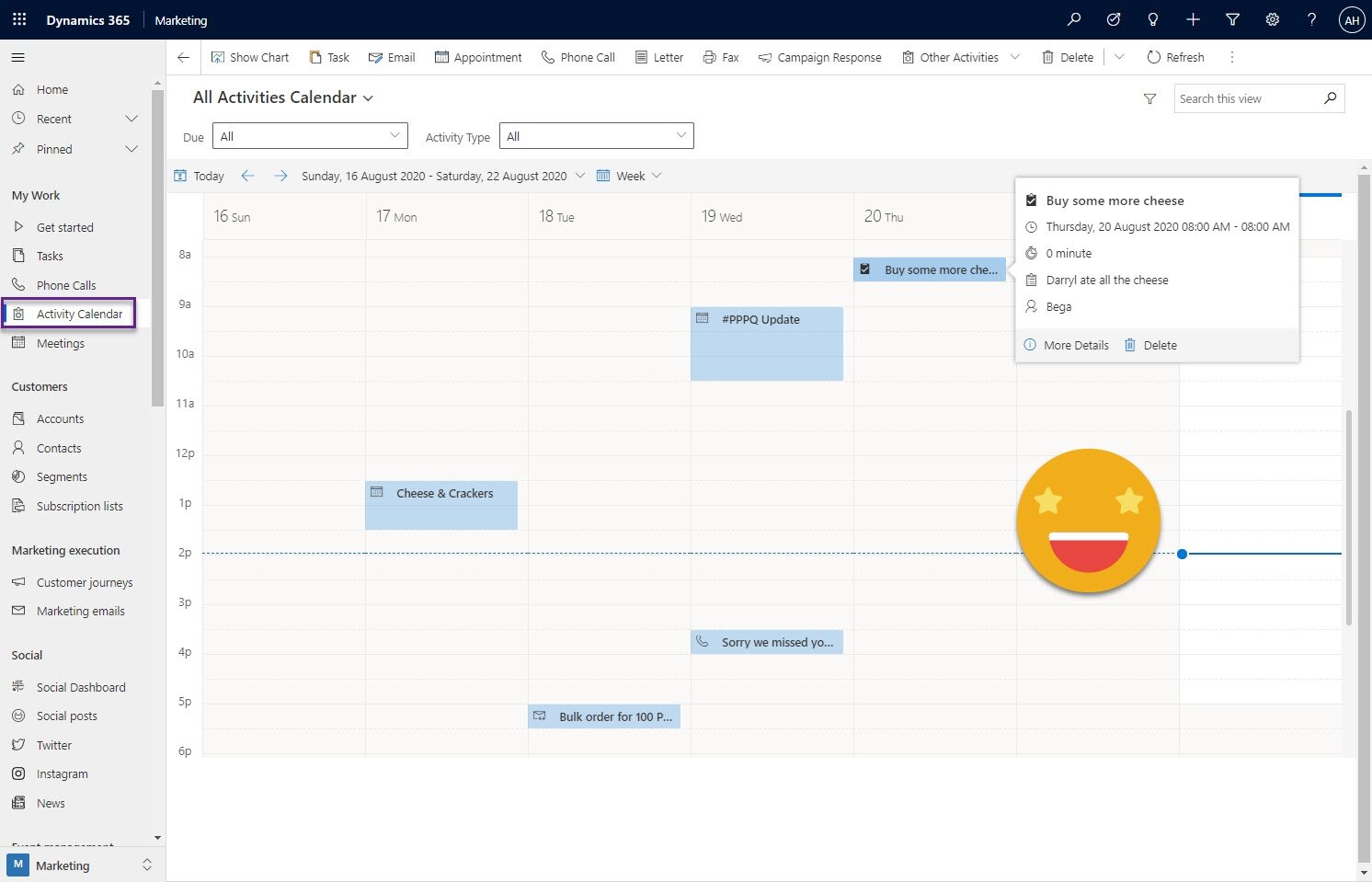
Attractive Activity Calendars in Model-Driven Apps
Lets look at how we can use out of the box custom controls and nifty site map navigation to create a one stop calendar for you and your team to see at a glance all the activity going on with your customers and prospects. So you can keep tabs on conversations easier in a virtual world where it’s easy to have no idea who is meeting who from their respective solo home offices.

Power Apps & PCF for social media analytics
The final part of our deep dive into the social media monitoring model-driven app we will focus on how we display the data to our users in meaningful and enjoyable ways. Plus how we can extend the visual experience with Power Apps Component Framework
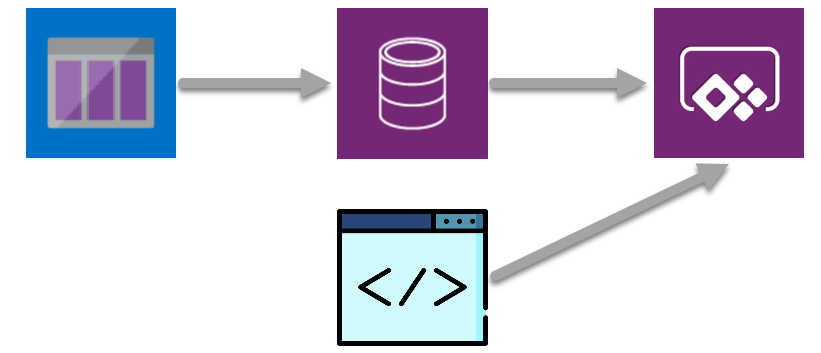
From Azure Queues to model-driven Power Apps for social media analytics
The second step in creating an immersive, AI enriched social media monitoring and analysis model driven app. Retrieving messages from an Azure queue which is full of AI enriched data and displaying it to our users in meaningful and enjoyable ways
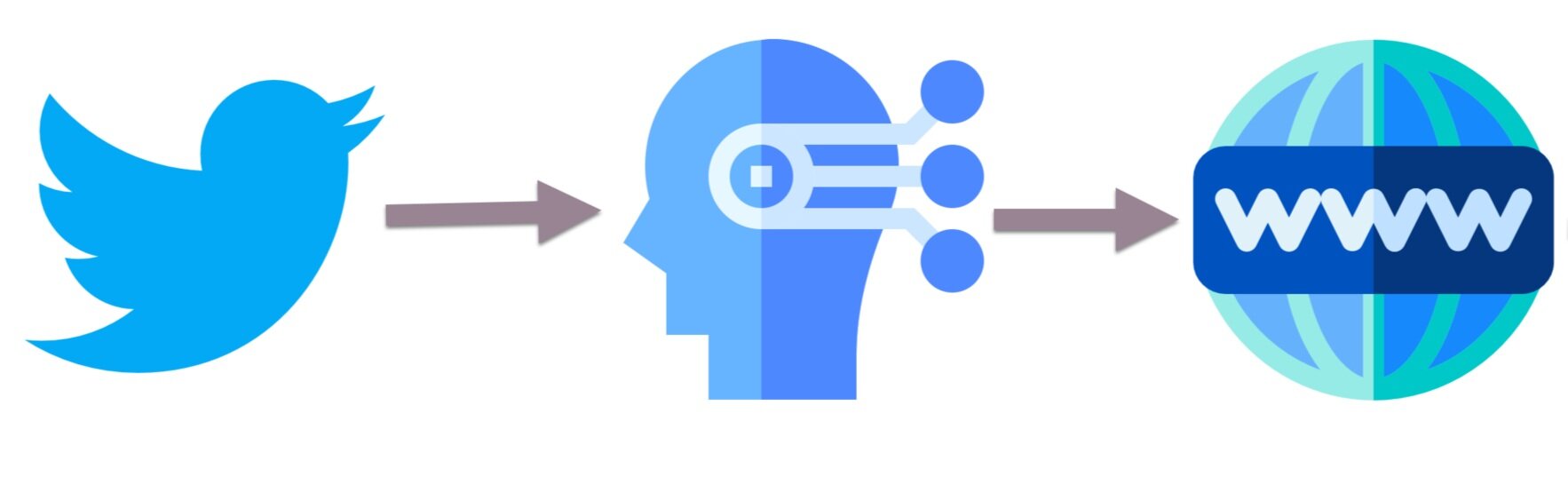
Using Power Automate with Azure Queues & Cognitive Services for AI fuelled social media analytics
A technical deep dive into how we leveraged Power Automate to integrate Twitter with a range of Azure services. The first step in creating an immersive, AI enriched social media monitoring and analysis model driven app.