Looking for something in particular?
Categories
- AI Builder 3
- Azure 10
- Canvas Power Apps 6
- Custom Pages 6
- Customer Insights - Journeys 20
- Customer Voice 6
- Dataverse 30
- Dynamics 365 43
- Dynamics 365 Marketing 88
- Dynamics 365 Portals 11
- Dynamics 365 for Outlook 3
- JavaScript 10
- Marketing (Non Dynamics 365) 7
- Micro Enterprise Financials 2
- Microsoft Excel 2
- Microsoft Forms 2
- Microsoft PowerPoint 2
- Microsoft Teams 3
- Model-driven Power Apps 38
- Office 365 3
- OneDrive 1
- Outlook 2
- PCF & Custom Controls 14
- Power Automate 84
- Power BI 3
- Power Platform 5
- PowerFX 1
- SharePoint 4
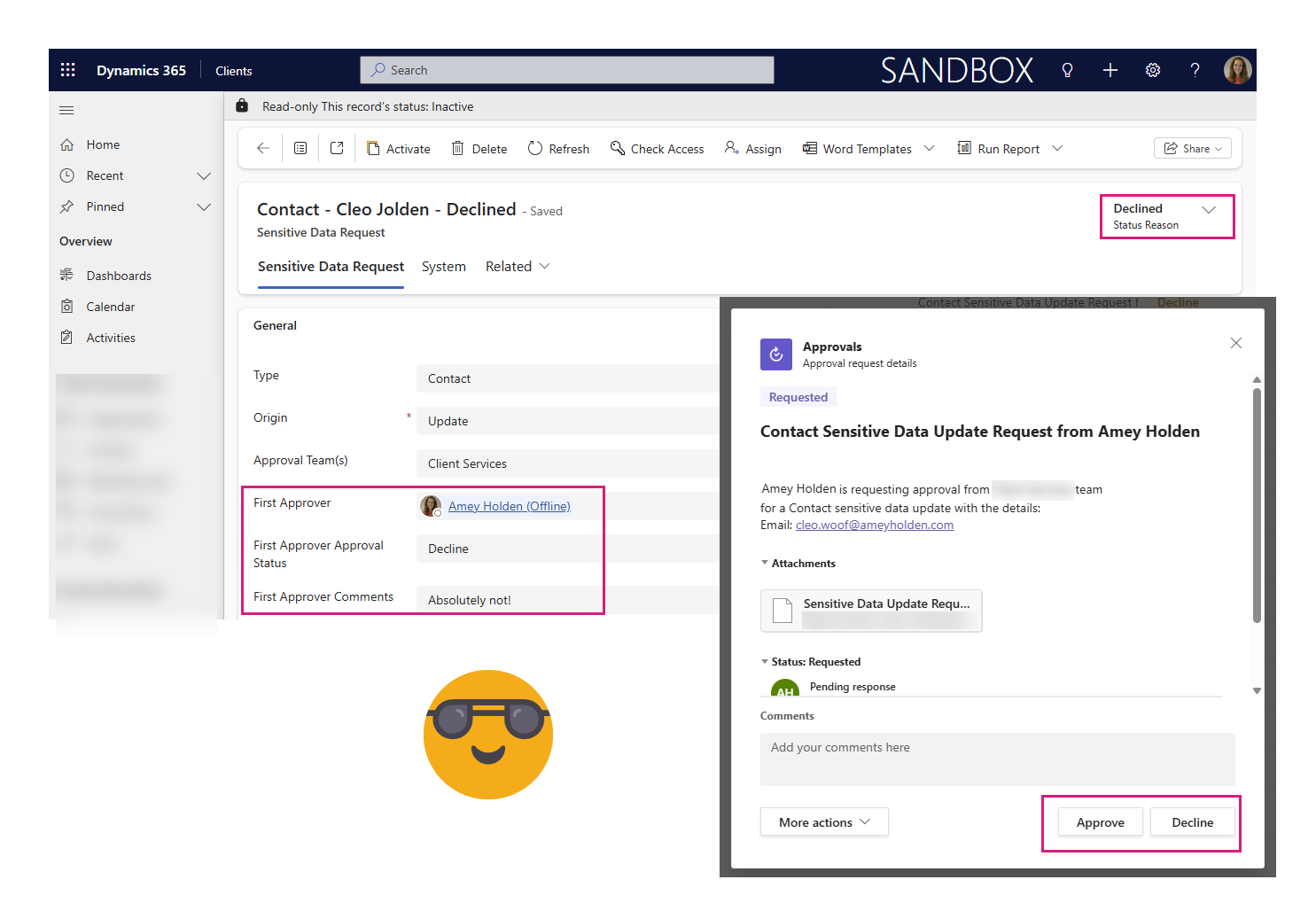
Trigger a flow when a Power Automate Approval is complete (Accepted or Rejected)
Stop waiting on approvals—trigger a flow the moment a decision is made
The post shows how to trigger a Power Automate flow when an Power Automate Approval is completed (instead of using “Wait for approval”). A more reliable, scalable way to integrate approvals into apps and business processes. It uses Dataverse triggers on the Approval table to detect completion, then retrieves the response, comments, and approver, links it back to the original row via the Approval ID, and updates that row with the outcome.
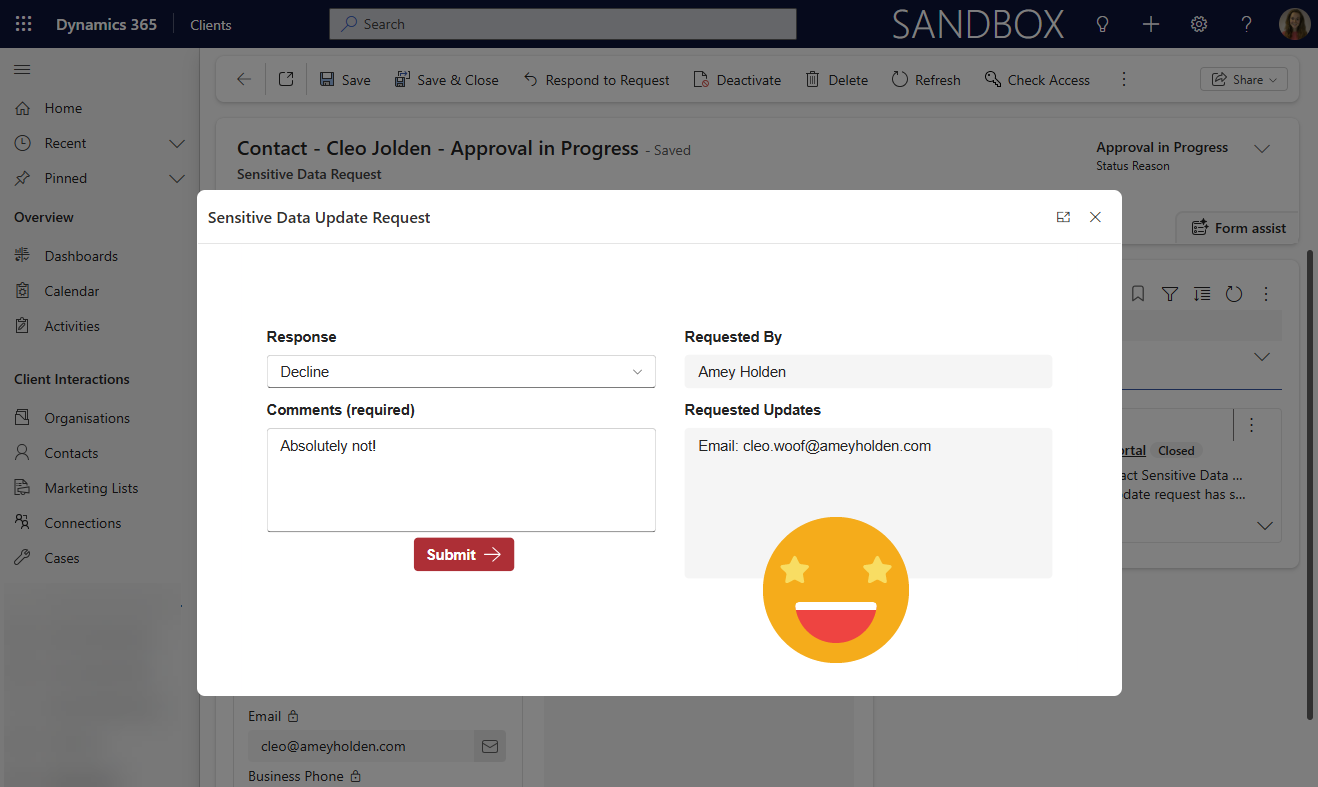
Respond to a Power Automate Flow Approval in a Power Apps Custom Page or Canvas App
How to respond to Power Automate approval requests directly within a Power Apps custom page or canvas app, rather than email buttons or in Microsoft Teams. By capturing the Approval ID when creating an approval and storing it in Dataverse, you can retrieve, display, and act on approval requests inside your app experience.
This app-driven method gives you much greater control over the user experience, enabling custom UI, validation (like mandatory comments), and tighter integration with Dynamics 365. It also opens the door to richer scenarios such as surfacing approval history, triggering downstream automations, and embedding approvals seamlessly into model-driven or canvas app workflows.
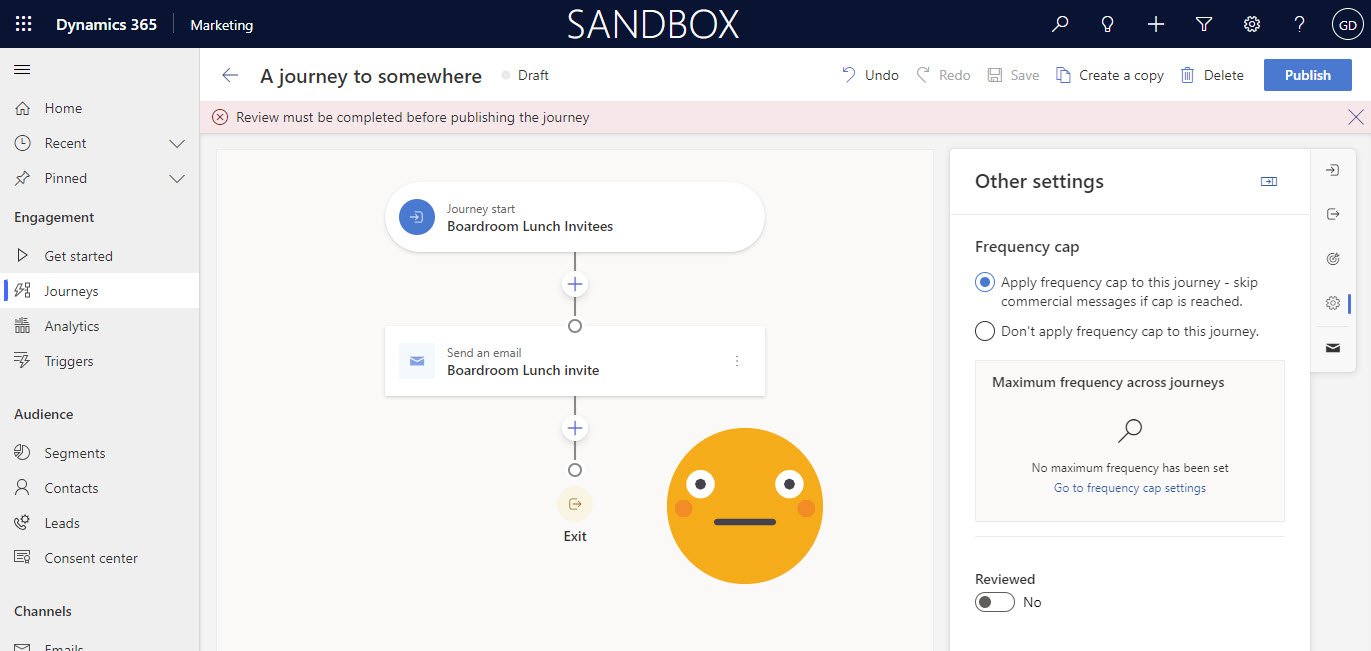
Restrict Access to Publish Journeys in Dynamics 365 Marketing
Publishing a journey sends emails out and starts all sorts of magical automations in Dynamics 365 Marketing. technical checks are built into the system but business checks are not. This post will show you how to restrict who can or cannot publish a journey without review and approval from authorised user.
Why? To give users confidence usinf Dynamics 365 Marketing and other vested parties (technical support teams, marketing & business relationship managers, leadership personnel etc.) reassurance that things are less likely to go wrong.
Hopefully this can help more customers success with Dynamics 365 Marketing!

Social Post Approvals in Dynamics Marketing Option 2: Flow from a Business Process Flow
Power Automate has some really awesome approval functionality and the ability to trigger Instant flows from business process flows in Dynamics is in public preview. Whopeee! Lets go build a delightfully low code approvals process in Dynamics Marketing.

Social Post Approvals in Dynamics Marketing Option 1: Custom Button
Exploring the use of a custm button to call a Power Automate flow as part of a process to approve social posts in Dynamics Marketing. Including a step by step ABC guide on how to do it.
VIDEO: Power Up Dynamics Marketing
Explore some cool ways to enhance, extend and improve Dynamics Marketing by leveraging power platform tools in a way which is real world and practical. We will focus on improving both user and customer experience to help attain maximum ROI on Dynamics Marketing implementations by doing some cool and exciting magic with AI, Power Automate, Power Apps & Custom Controls.