Looking for something in particular?
Categories
- AI Builder 3
- Azure 10
- Canvas Power Apps 4
- Custom Pages 5
- Customer Insights - Journeys 15
- Customer Voice 6
- Dataverse 27
- Dynamics 365 41
- Dynamics 365 Marketing 88
- Dynamics 365 Portals 11
- Dynamics 365 for Outlook 3
- JavaScript 10
- Marketing (Non Dynamics 365) 7
- Micro Enterprise Financials 2
- Microsoft Excel 2
- Microsoft Forms 2
- Microsoft PowerPoint 2
- Microsoft Teams 2
- Model-driven Power Apps 38
- Office 365 3
- OneDrive 1
- Outlook 2
- PCF & Custom Controls 14
- Power Automate 81
- Power BI 3
- Power Platform 5
- SharePoint 4
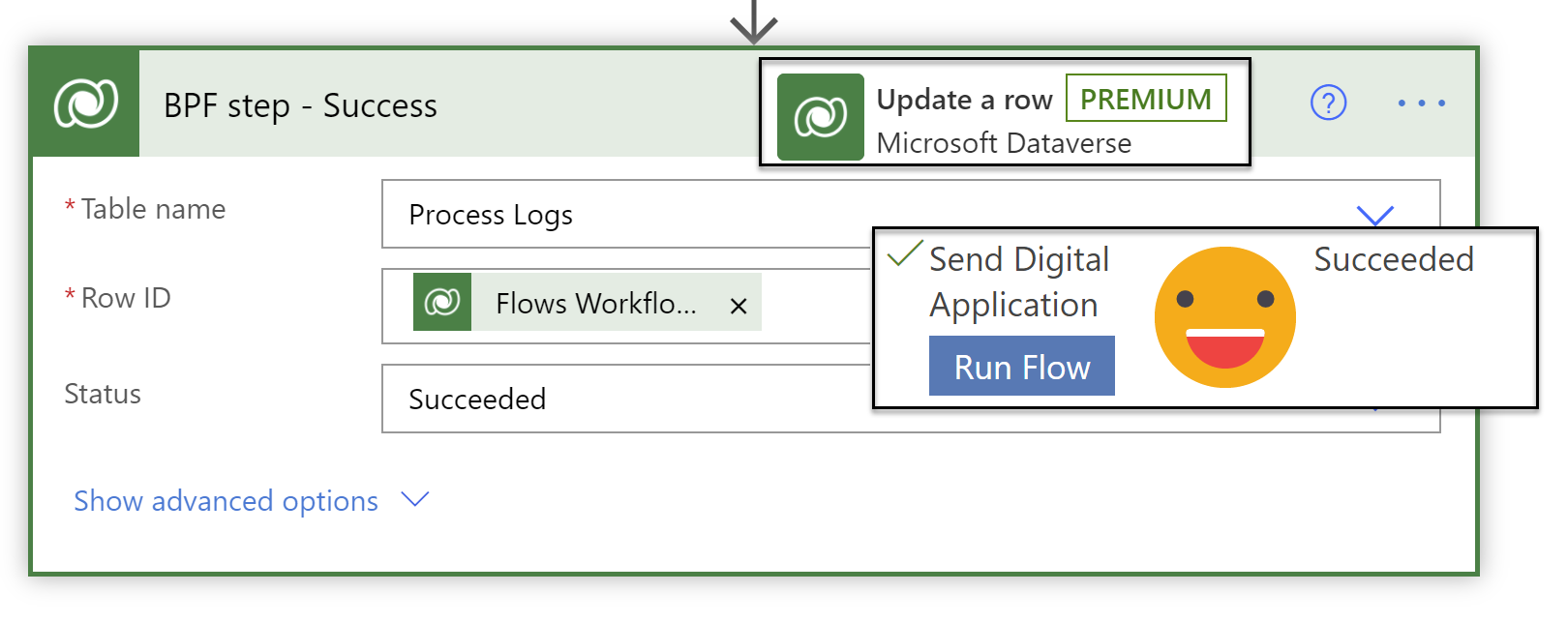
Sending Digital Applications with Customer Voice & Power Automate
This post will focus on sending a personalised, uniquely identifiable application form to a potential customer with dynamically generated email content from the simple click of a button of a business process flow. Customer Voice and Power Automate are a serious work force when combined!
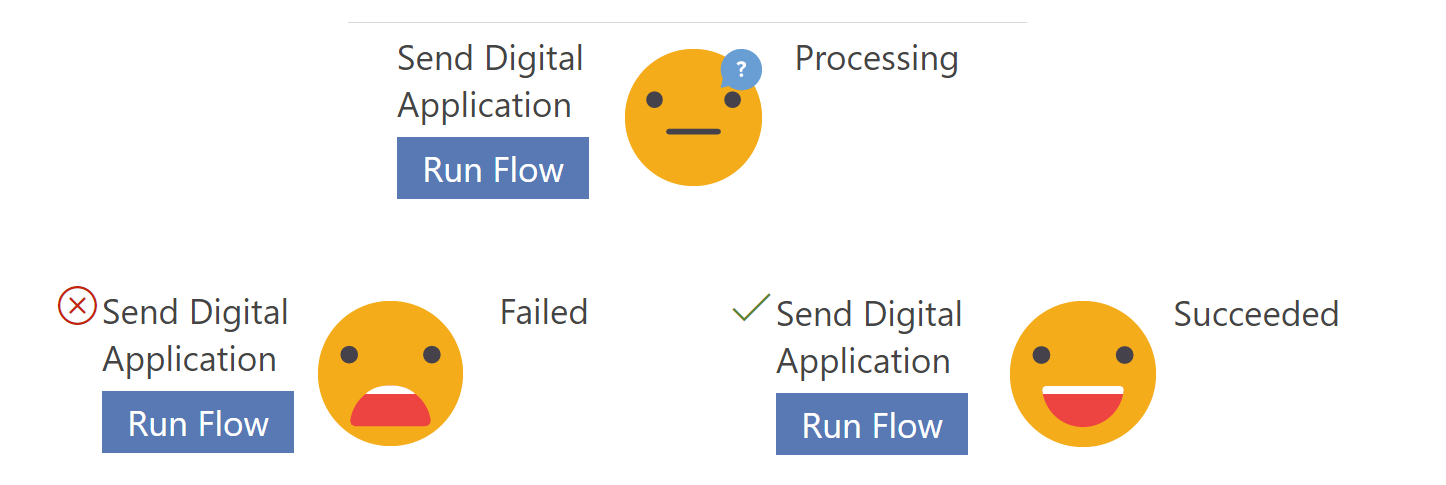
Handling ‘Run Flow’ failures from a business process flow
Current limitations mean you cannot use business rules on the ‘Run Flow’ button on the business process flow, so its entirely possible for a user to run the flow when the scenario is going to cause silent failure in the background. Lets look at how to mark a business process flow step as failed, so you can handle flow run failures - gracefully and informatively, in a user friendly manner!
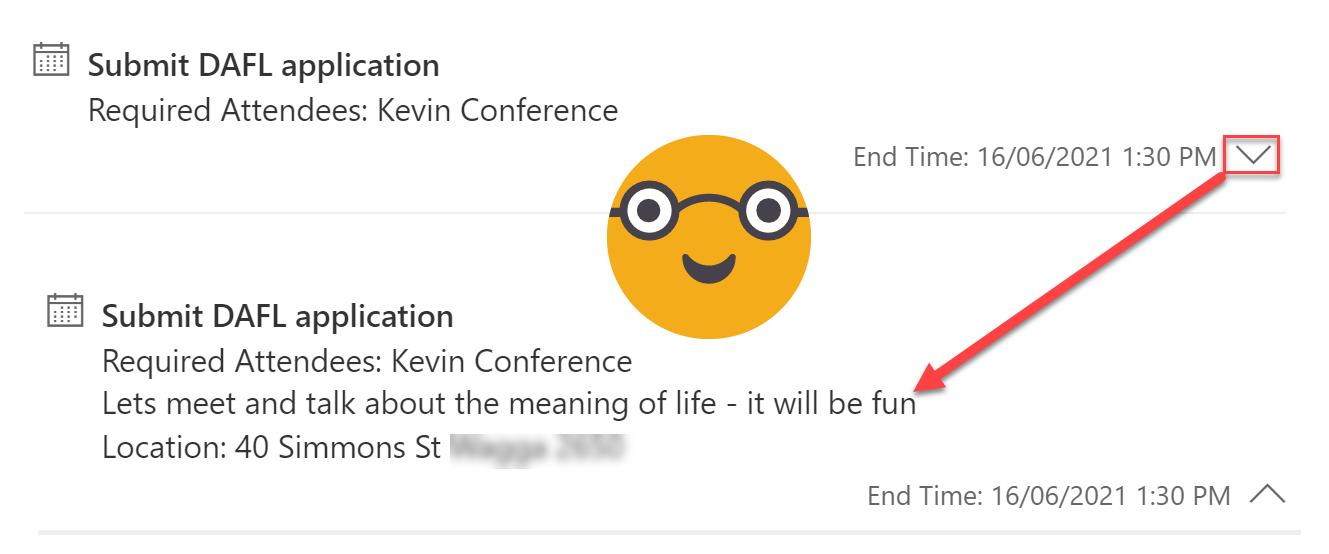
Make the Activity Timeline Control Useful in Model-Driven Power Apps
The Activity Timeline you see in Model-driven Power Apps & Dynamics 365 is actually a huge awesome PCF control called ‘Timeline Control’. It has a massive range of configurable options available now from the new solution explorer. These are my top four highlights - Customising activity cards, Hiding the blobby things (aka ‘Persona with Initials’), cleaning up the timeline to speed up the load time and allowing/preventing creation from the timeline.

Custom Data Restrictions in Customer Voice
Did you know it is possible to add restrictions to what type of text you respond with in a Customer Voice survey? You can restrict their answers to be a number, an email address, or a special string in a predefined format (based on a specific ‘regular expression’ AKA RegEx) such as a passport number. Along with a customised error message to explain what the correct format is.
Fun Fact: RegEx has been around since 1951!
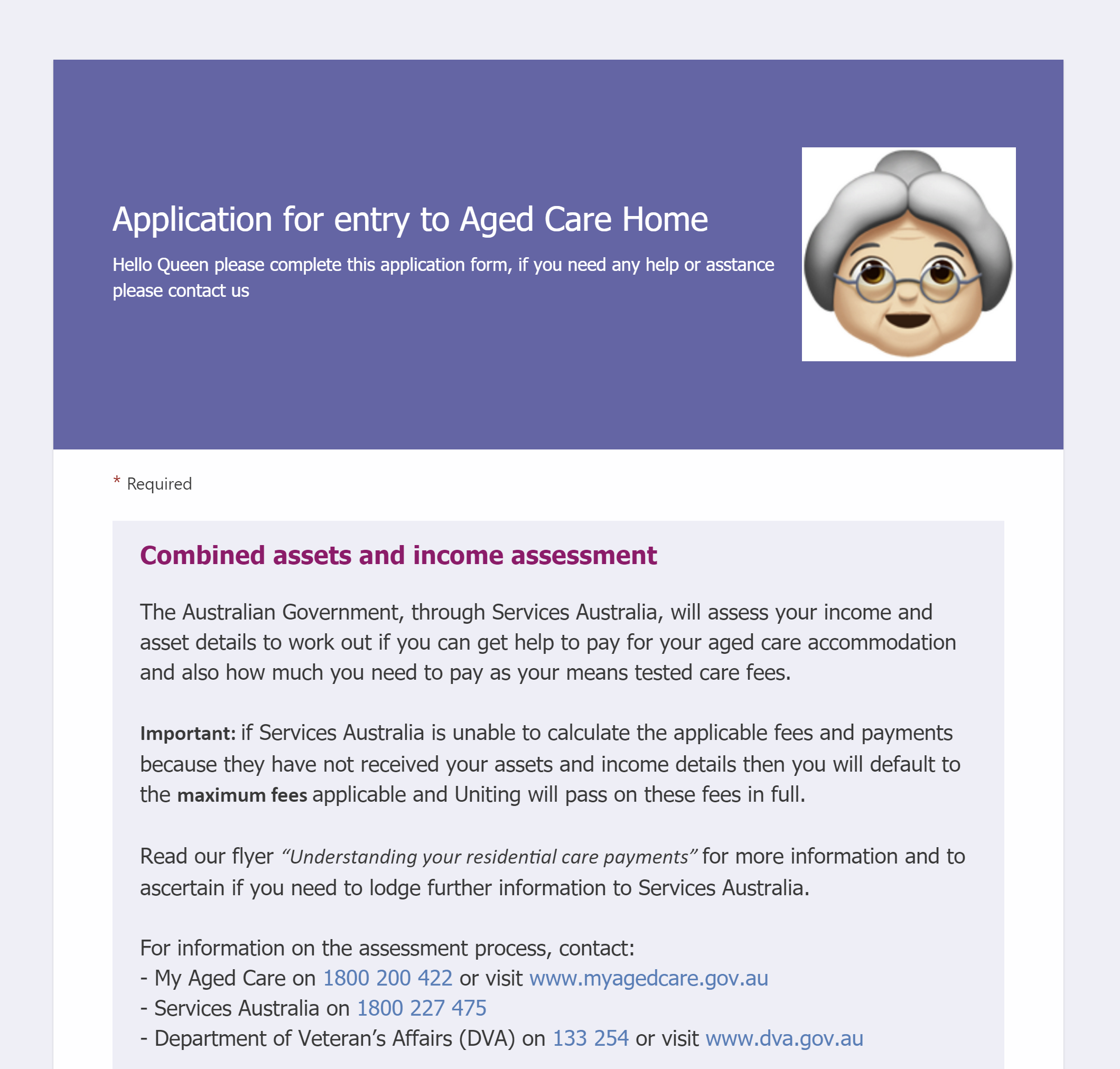
Digitising paper-based application forms with Customer Voice - it’s not just a survey tool!
You read that right - I used customer voice for an application process. Well ok not just customer voice, my good friend Power Automate got pretty involved too. There are so many new features in Customer voice which make it so much more than just a survey tool!
Citizen Can: Mastering Power Automate and Dataverse with George Doubinski
One ‘Citizen’ Developer and one ‘Real’ Developer combine forces to educate and empower the less technical among us with the simplified knowledge to unleash awesomely powerful functions in Power Automate without needing to be a ‘Real’ Developer.
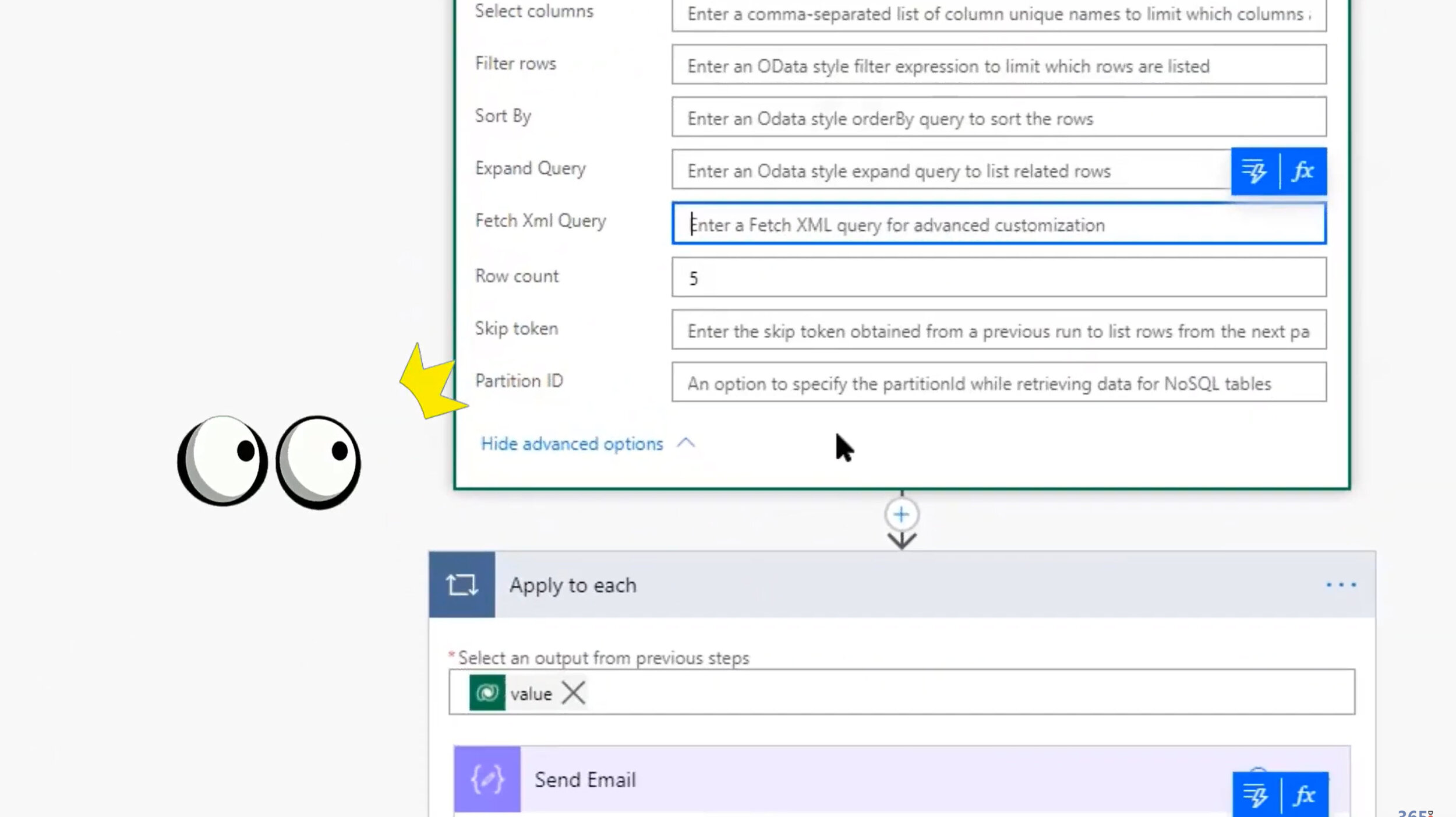
Expand to save on thousands API calls; Relationships are complicated; Expand expanded no matter how deep; Call classic workflows from Power Automate; Pass parameters between classic and flow; Select like a boss; Row count and page.
VIDEO: The Ultimate Marketing Showdown
Dynamics 365 Marketing VS ClickDimensions go head to head in the ultimate battle. Watch as they endure the Clash of the Campaigns, as they Wrestle with Web Forms, they Sock It to Social Media, and they put on an Email Extravaganza. Let’s settle this once and for all!
VIDEO: Yes you Kanban - because Dynamics Marketing Events don't plan themselves
In this session we will show you how we transformed Dynamics Marketing, to help users not just 'manage' event registration but also plan and execute big events run by multiple co-located team members.
Description formatting - Transform your Dynamics Marketing Event Portal
This post will show you how to make the event description show as nicely formatted text rather than a lump of letters (word vomit) on the Dynamics Marketing Event Portal. First with simple line breaks but also proper text formatting and images in there too. Beautiful!
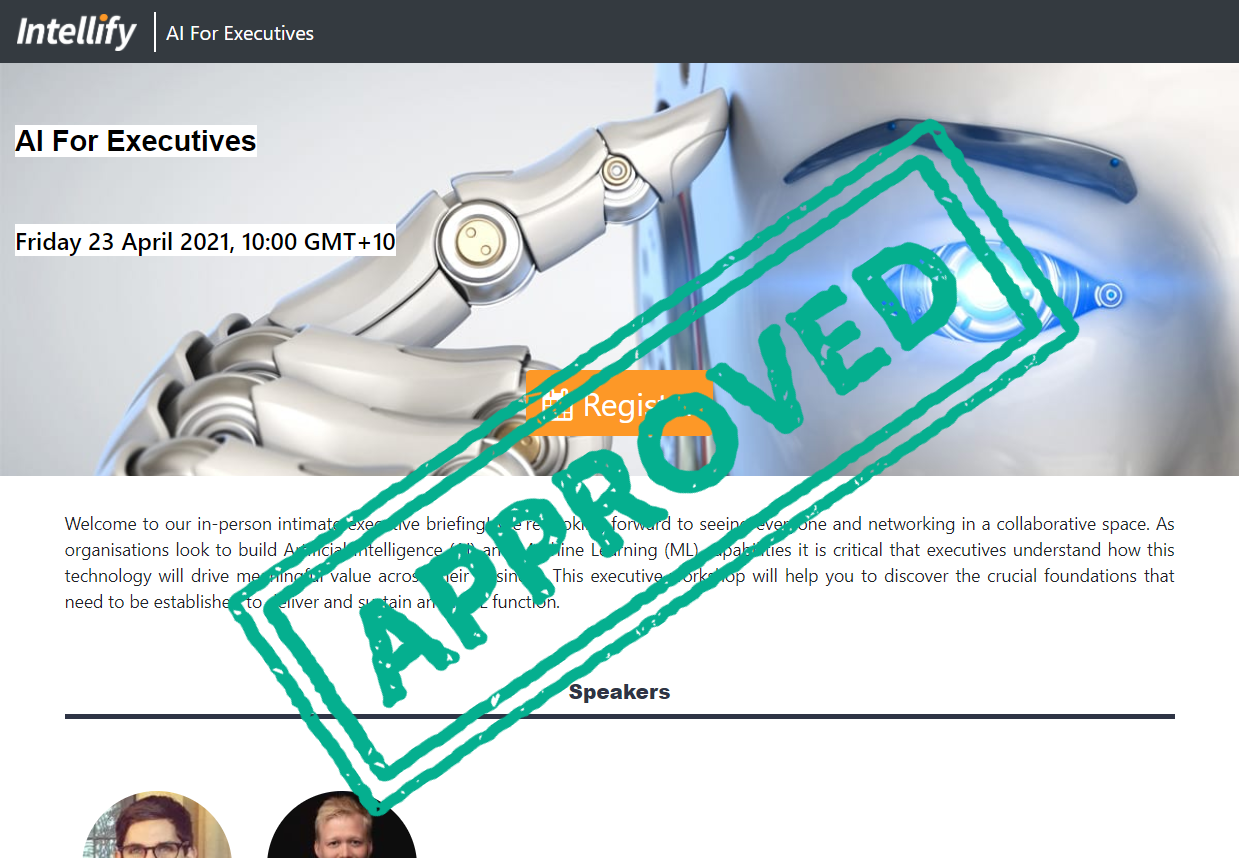
Colour, position and style the event title & date/time - Transform your Dynamics Marketing Event Portal
This post will show you how to change the change the colour, position and style of the event title & date/time on your Event Portal. By changing the text colour, adding highlight and positioning the text on the left it makes it easier use stylish background images.
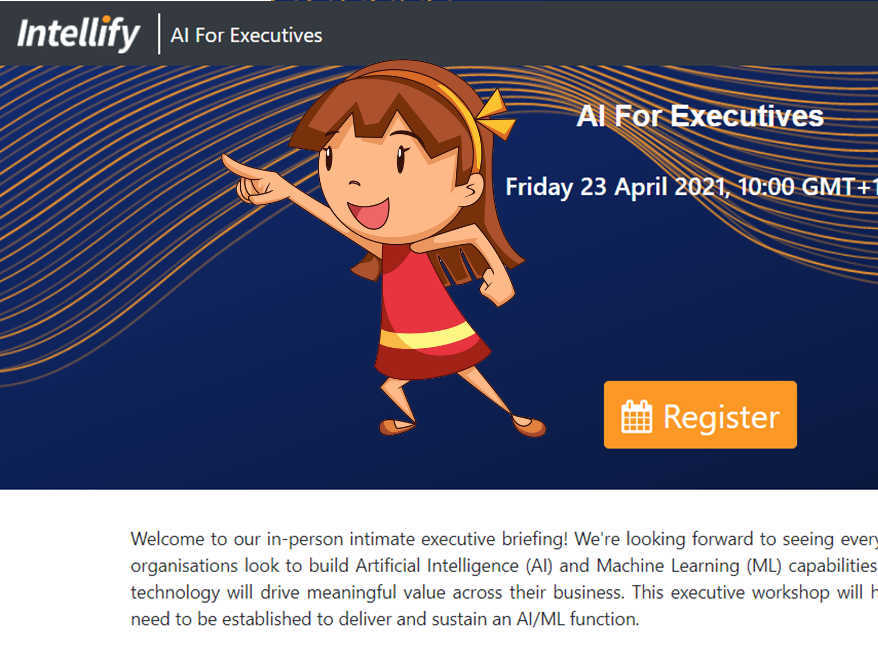
Logos - Transform your Dynamics Marketing Event Portal
This post will show you how to add a logo to your Dynamics Marketing Event Portal
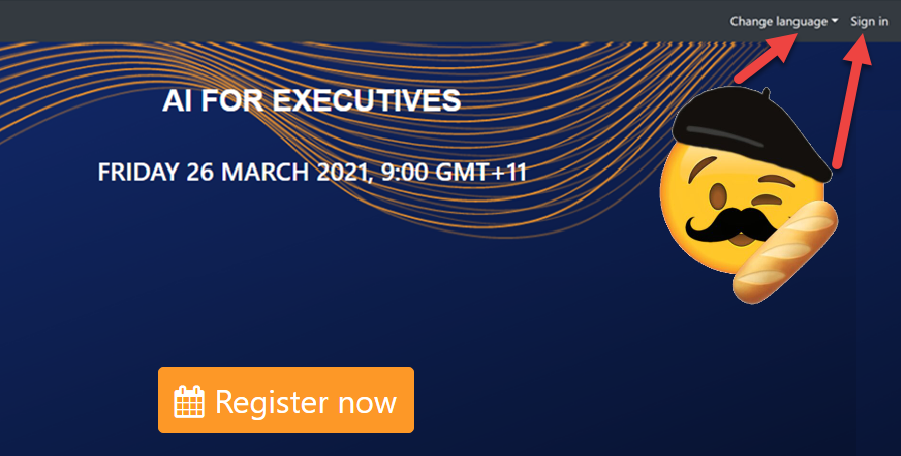
Navigation bar language & sign in - Transform your Dynamics Marketing Event Portal
This post will show you how to hide the ‘Change language’ and ‘Sign in’ buttons on your Event Portal navigation bar. Alternatively it will also tell you a bit more about the features and how to take advantage of them instead of hiding them!
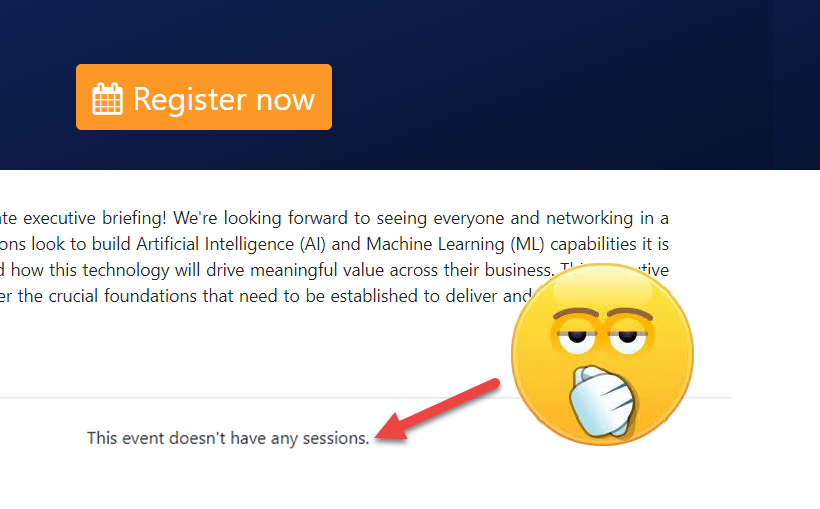
Events and speakers without sessions - Transform your Dynamics Marketing Event Portal
This post will show you how to make the “There are no sessions assigned” and “This event doesn’t have any sessions” messages go away on your Dynamics Marketing Event Portal- without adding sessions.

Favicon - Transform your Dynamics Marketing Event Portal
This post will show you how to change the Favicon on your Dynamics Marketing Event Portal - its a little thing but once you notice that awkward red shield, you will want to change it immediately!
Filtering the ‘Regarding’ column in Power Automate
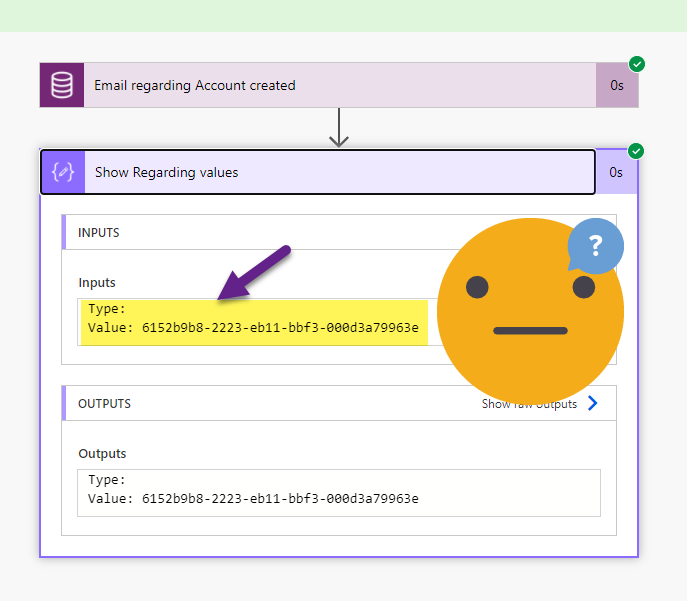
Triggering a Cloud Flow in Power Automate when an email is tracked ‘Regarding’ an Account record in Dynamics (or Dataverse) should be simple - but when your filter is throwing an error and Regarding (Type) is blank. You need to ask not once, but twice for the values you need!
Register now button - Transform your Dynamics Marketing Event Portal
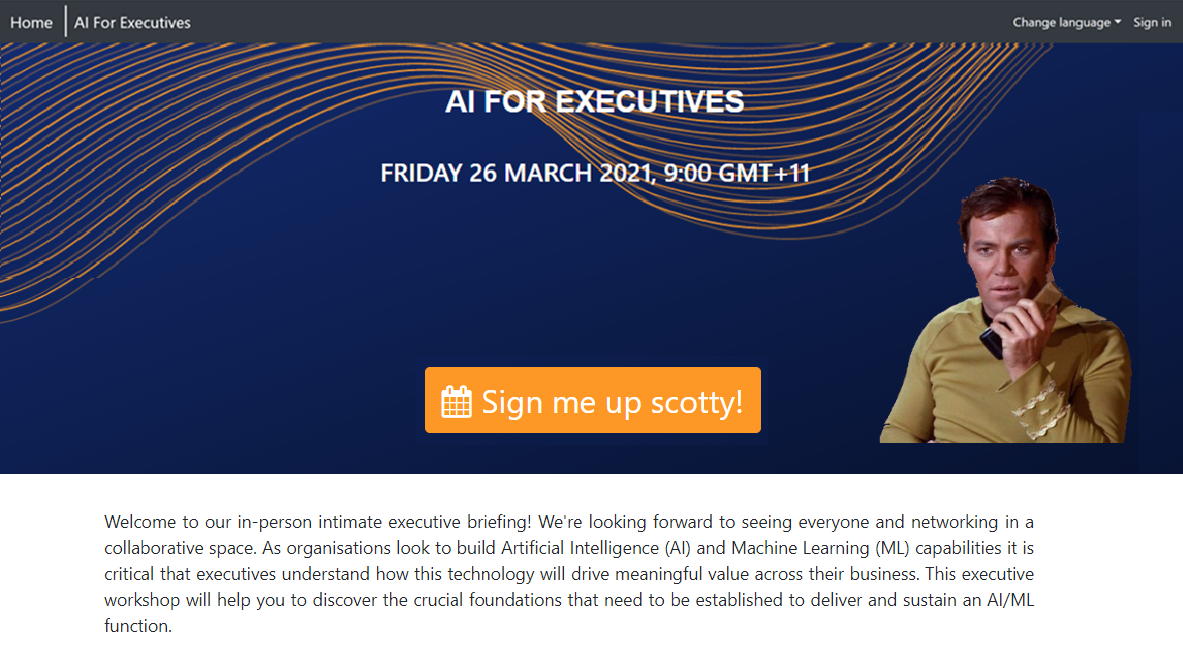
This post will show you how to change the colour, styling and text on the ‘register now’ button on your Event Portal.

DeployToDynamics365Instance.ps1 Deploying changes to a Dynamics Event Portal
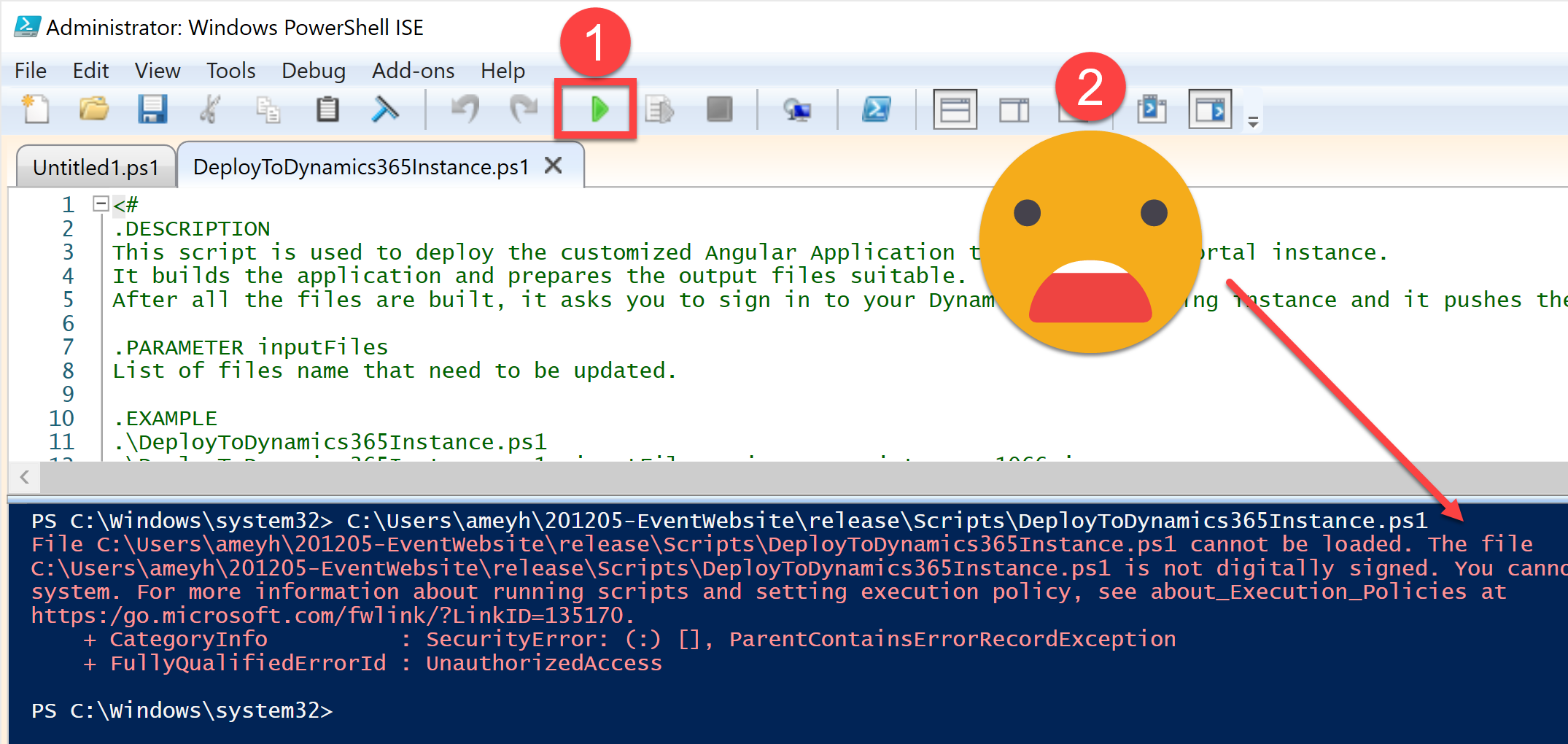
This post will show you how to publish changes to the Dynamics Marketing Event Portal source code using the DeployToDynamics365Instance.ps1. It’s a handy little reference post for my Customising the Dynamics Marketing Event Portal series.
Date Format - Transform your Dynamics Marketing Event Portal
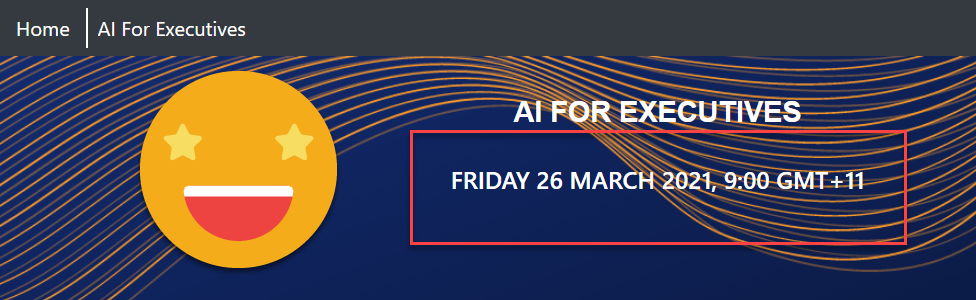
This post will show you how to change the date format on your Dynamics Marketing Event Portal for anyone outside of the United States - this is a good one!
Customising a Dynamics Marketing Event Portal - Set Up
This article will set you up with all the tools you need to start making changes to the appearance, branding and styling of a Dynamics Event Management Portal. WARNING: high code content
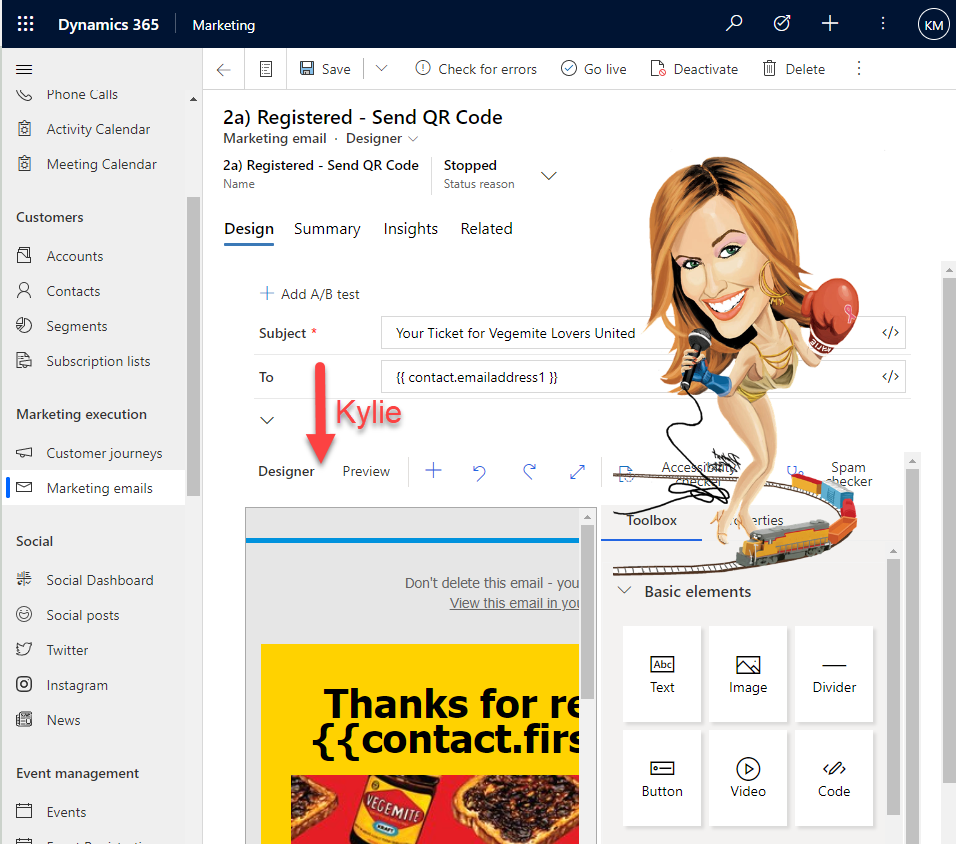
Beyond Security Roles with ‘Designer Feature Protection’
Protect specific users or teams from certain aspects of the content design features in Dynamics Marketing including the Designer HTML tab and Litmus Inbox previews using ’Designer Feature Protection’